
Product term
What are AI chatbots for seniors and caregivers?
Last verified 2026-07-31
AI chatbots for seniors and caregivers are software or voice-based tools that can hold a conversation, answer general questions, give reminders, and, in some cases, connect to caregiver or Medicare-related tasks. They can be useful for plan-ahead tasks: appointment prompts, medication reminders, low-stakes conversation, organizing caregiver questions, or finding information that a person can later review with a clinician or benefits office.
They are not crisis tools. Do not use an AI chatbot for post-fall triage, chest pain, sudden confusion, suspected stroke symptoms, medication overdose, or any situation where someone may need emergency help. A talking device can sound reassuring while still being the wrong tool for the moment.

The useful question is not “Does it have AI?” It is “Will this person use it safely?”
A 2025 mixed-method study by Wolfe and colleagues looked at 28 older adults, with an average age of 71, and found that the most desired chatbot features were appointment reminders, named by 89.3% of participants; emergency assistance, named by 78.6%; and health monitoring, named by 75%.[1]
That does not prove chatbots make people safer. It shows what older adults wanted from the idea of a caregiving chatbot. The same study also grouped participants into three orientations: technology adapters, technologically wary users, and technology resisters.[1] That split matters at home. A reminder that one person welcomes may be ignored by another. A chatbot that calms one caregiver may irritate an older adult who does not want a device talking from the counter.
For caregivers, this is the first practical filter. A tool that depends on daily engagement will not help much if the older adult dislikes it, mistrusts it, cannot hear it, cannot remember how to respond, or believes it is doing more than it actually does.
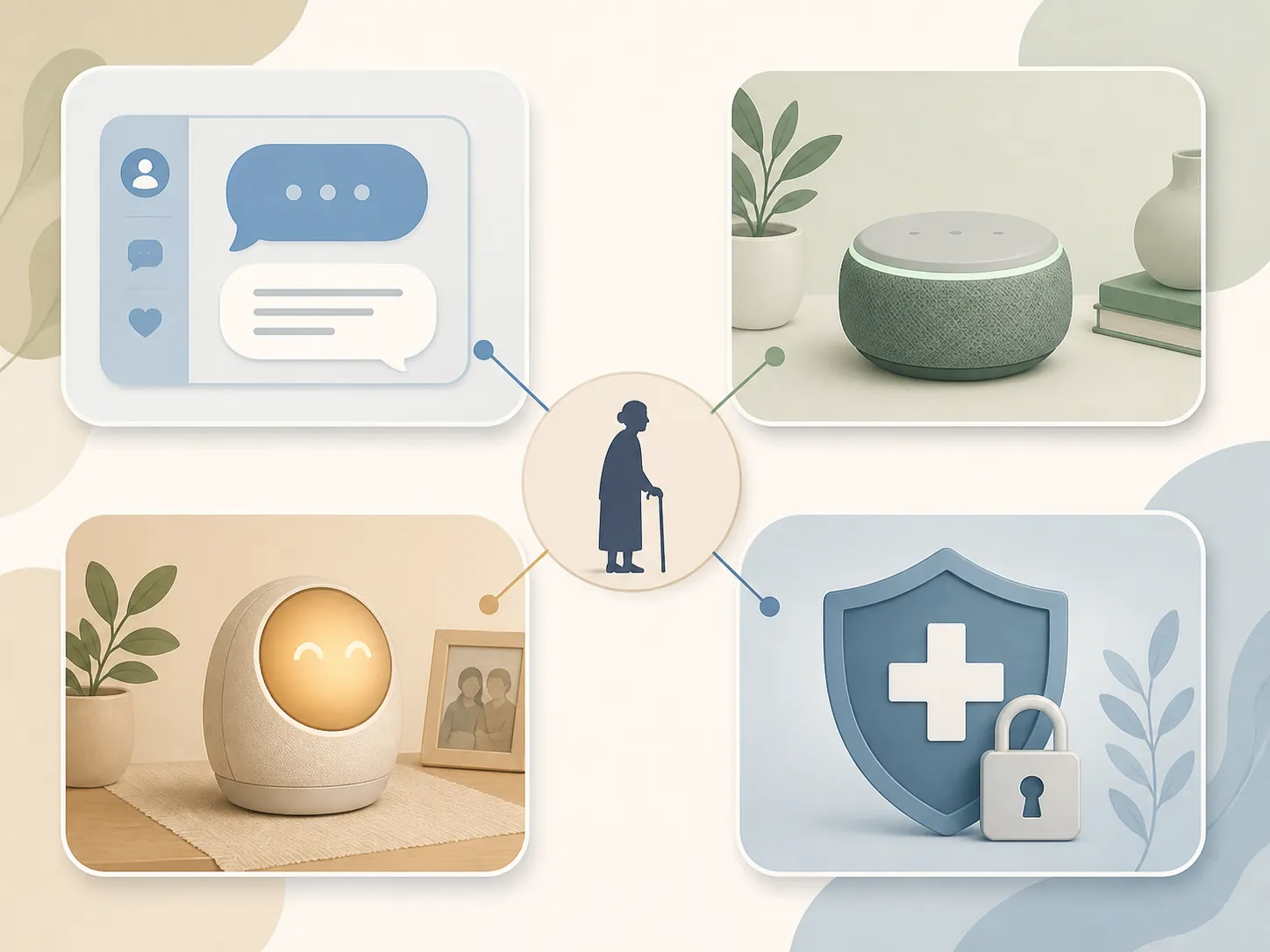
Four common types of AI chatbots and assistants
| Type | What it is | Common low-stakes uses | What not to trust it to do | Who may engage with it | Guardrails that matter |
|---|---|---|---|---|---|
| General-purpose LLM chatbots, such as ChatGPT, Gemini, or Copilot | Text- or voice-based chat tools that generate conversational answers from typed or spoken questions | Drafting caregiver questions, summarizing non-urgent notes, making a checklist for an appointment, explaining general terms in plain language | Diagnose, choose medication doses, replace legal or financial advice, decide whether symptoms are urgent | Caregivers and older adults who are comfortable typing or speaking detailed questions | Review every answer, verify important information elsewhere, and avoid treating confident wording as proof |
| Voice assistants, such as Alexa, Siri, or Google Assistant | Speech-based assistants built into phones, speakers, tablets, or smart displays | Timers, calendar reminders, simple questions, routine prompts, hands-free calls or messages when configured | Confirm that a pill was swallowed, prove a person is safe after a fall, or act as the only emergency plan | People who prefer talking to typing, including some who find phone screens difficult | Test reminders in the actual room, keep human follow-up for missed or important tasks, and do not assume the device heard correctly |
| Dedicated companion devices, such as ElliQ or Care.Coach | Devices or services designed specifically for older-adult engagement, check-ins, companionship, or caregiver visibility | Low-stakes conversation, routine prompts, social engagement, caregiver updates when the service supports them | Replace family visits, clinical monitoring, fall prevention, or urgent medical response | Older adults who like a regular conversational presence and are not unsettled by a device initiating interaction | Label loneliness and engagement claims carefully, review privacy settings, and keep human contact in the plan |
| Medicare conversational-AI apps | Apps that use conversational interfaces and may connect to Medicare-related records or tasks with permission | Helping a beneficiary or authorized caregiver access Medicare information, understand records, or navigate app-based services | Act as a doctor, decide coverage disputes alone, or give medical advice just because it can access records | Beneficiaries and caregivers who are already managing Medicare information online | Use identity verification, explicit permission, revocable access, and careful review of anything health-related |
How these tools usually work
A general-purpose chatbot works through conversation. The person types or speaks a question or instruction, and the system generates a response. That response may be useful as a draft or starting point. It still needs review, especially when the topic involves symptoms, benefits, money, legal decisions, medications, or family safety.
A voice assistant adds speech recognition and audio output. This can make a reminder easier for someone who does not want to open an app. It also introduces everyday failure points: background noise, hearing difficulty, misunderstood words, Wi-Fi trouble, or a reminder that plays when the person is in another room.
A dedicated companion device is usually built around ongoing interaction rather than one-off questions. Some are designed to initiate check-ins, offer conversation, or surface caregiver updates. That can be pleasant and useful for some households. It can also become noise if the older adult finds it intrusive or childish.
A Medicare conversational-AI app is different because it may connect to protected Medicare information. Medicare.gov says these apps verify identity through ID.me or CLEAR and require explicit, revocable permission before connecting to Medicare records.[2] Last verified: July 31, 2026. App details and federal workflows can change, so caregivers should recheck the current Medicare.gov page before relying on a specific app.
What AI chatbots can do reasonably well
- Give appointment reminders: A chatbot or voice assistant can prompt someone to get ready for a visit, bring insurance cards, or write down questions. The useful part is the nudge before the appointment, not any promise that the visit will happen.
- Support medication routines: A reminder can say it is time for a dose. It cannot, by itself, prove the dose was taken correctly, swallowed, or safe with a new symptom.
- Help caregivers organize thoughts: A caregiver can ask a general chatbot to turn messy notes into questions for a doctor, a home-care agency, or a benefits office. The draft should be checked by a human before it is used.
- Offer low-stakes conversation: Some older adults enjoy a device that can chat, play word games, suggest music, or provide a small social prompt. That is different from clinical treatment for loneliness, depression, or cognitive decline.
- Make information easier to approach: A chatbot can translate jargon into plain language or create a list of topics to ask about. It should not be the final authority on care decisions.
Where the safety boundary belongs
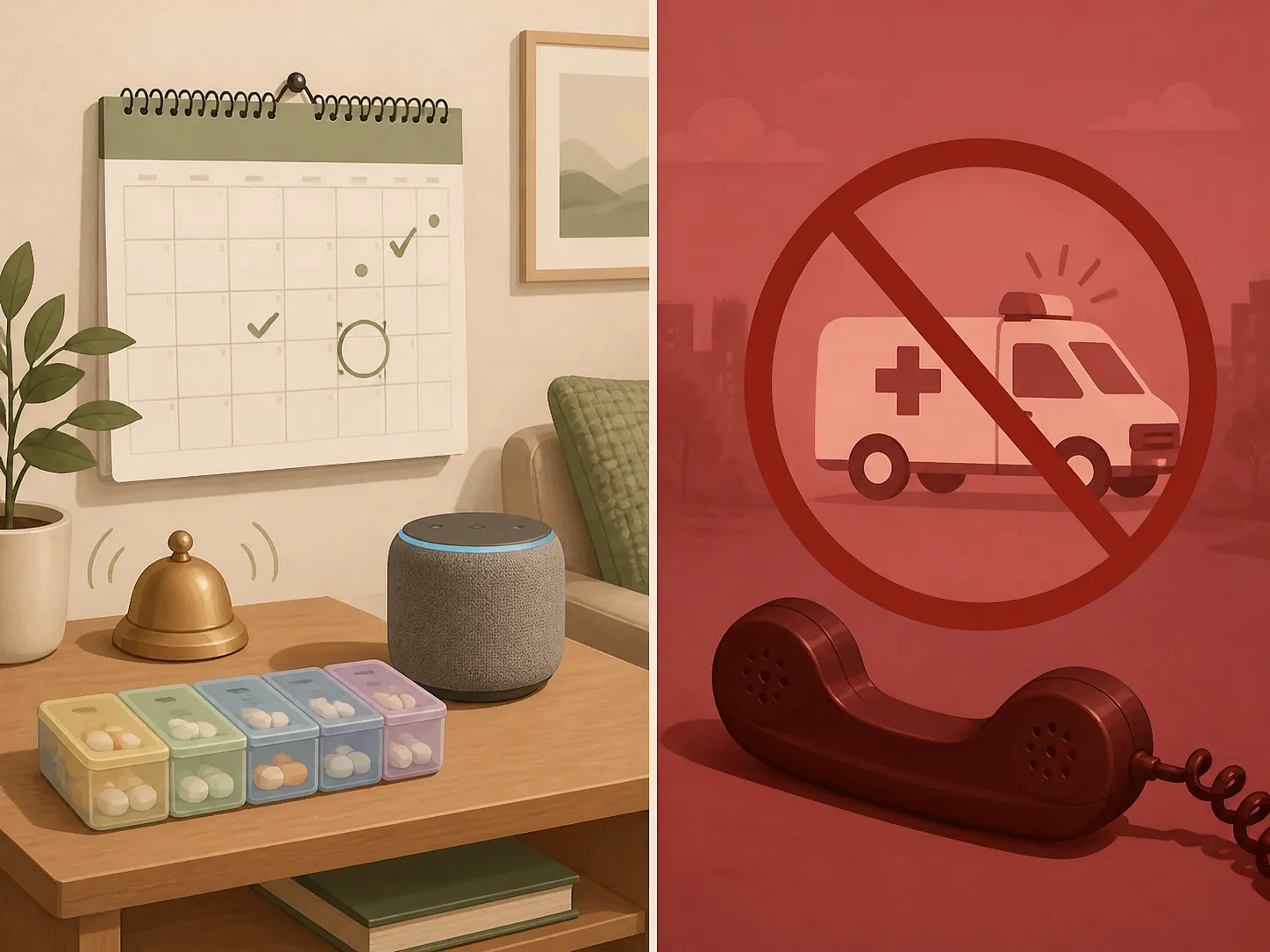
A reminder is not confirmation. If a smart speaker says, “Take your evening pill,” the household still needs a plan for what happens if the pill remains in the organizer, the person takes the wrong pill, or no one hears the reminder. The consequence of that gap usually lands on a spouse, adult child, neighbor, aide, pharmacist, or clinician—not on the device.
Companionship is not supervision. A pleasant exchange with a companion device may reduce boredom for part of the day, but it does not mean someone has eaten, bathed, avoided a fall, taken medication correctly, or remained medically stable. It also does not replace the need to notice mood changes, withdrawal, confusion, or new safety risks.
Caregiver question-answering is not professional advice. AARP’s caregiving guidance puts the boundary plainly: “AI cannot substitute for professional medical, legal or financial advice,” “AI makes mistakes,” and AI output “always requires human review.” AARP also says users should know whether they are talking with a system or a human.[3]
Access to records is not clinical judgment. A Medicare-connected app may help a person get to information after identity verification and permission, but that does not make the app a doctor, nurse, pharmacist, attorney, or Medicare appeals expert.
Be careful with loneliness claims
Some companion-device companies publish strong-sounding engagement or loneliness claims. For example, ElliQ has described results such as “over 90% of users report reduced loneliness.” That kind of statement should be labeled as vendor-reported unless it has been independently verified.[4]
The distinction is not nitpicking. A vendor-reported user claim may be useful as a signal that some customers like a product. It is not the same as independent evidence that the device treats loneliness, prevents depression, or keeps someone safely aging at home.
Practical guardrails before using one
- Keep emergency instructions separate and visible. A chatbot should not be the route for urgent help.
- Match the tool to the older adult’s real behavior. If the person ignores voice prompts, a voice assistant is not a reminder system; it is background noise.
- Use AI for drafts, not final decisions. Care plans, medical questions, legal forms, insurance choices, and financial decisions need human review.
- Test reminders under normal conditions. Try them with the television on, from the next room, and at the time of day they will actually be used.
- Decide who follows up. If a reminder is missed or a check-in looks concerning, someone needs to know what they are expected to do.
- Review privacy and permission settings. This matters even more when caregiver dashboards, recordings, health information, or Medicare records are involved.
- Make sure the older adult understands the tool’s role. A person should not think the device is watching for every emergency unless a separate monitored emergency service is actually in place.
A narrow way to decide
Before adding an AI chatbot to a senior-care routine, ask three questions.
- Is the older adult willing to use it? If the answer is no, the caregiver may be adopting another task, not solving one.
- Is the task low-stakes and plan-ahead? Reminders, conversation, and question drafting are better fits than symptoms, falls, medication errors, or emergencies.
- Is there a human backup? Anything medical, urgent, financial, legal, or safety-critical needs a person or professional responsible for the next step.
If those answers are solid, an AI chatbot may make daily caregiving less lonely and less administratively exhausting. If the answers are shaky, the device may create a false sense of coverage.
FAQ
Can AI chatbots call 911?
Do not treat an AI chatbot as a 911 substitute. Some devices or services may offer calling, emergency contact, or monitoring features, but those features must be checked separately and tested. For a fall, sudden severe symptoms, or possible medical emergency, use the household’s emergency plan.
Can a chatbot remind someone to take medication?
Yes, a chatbot or voice assistant can remind someone that it is time for medication. That is only a prompt. It does not prove the right person took the right medication at the right dose, and it should not handle questions about side effects, missed doses, or dangerous symptoms without a clinician or pharmacist.
Can AI chatbots reduce loneliness?
They may help some people feel more engaged by offering conversation, games, prompts, or daily interaction. Claims such as ElliQ’s “over 90% of users report reduced loneliness” should be described as vendor-reported unless independent evidence verifies them.[4] A chatbot should not replace visits, calls, community connection, or clinical support when loneliness is severe.
Can caregivers use ChatGPT, Gemini, or Copilot for care questions?
They can be useful for organizing thoughts: drafting questions for a doctor, turning notes into a checklist, or explaining general vocabulary. They should not be used as the final source for diagnosis, treatment, legal advice, financial decisions, or benefits decisions. AARP’s caution that AI makes mistakes and requires human review applies here.[3]
Can an AI app access Medicare records?
Some Medicare conversational-AI apps may connect to Medicare information only after identity verification through ID.me or CLEAR and explicit, revocable permission from the user.[2] That access can help with record navigation, but it does not turn the app into a medical adviser.
Can AI replace a caregiver?
No. AI chatbots may support a broader aging-at-home plan, but they do not replace fall prevention, emergency response, medical care, medication oversight, legal or financial judgment, transportation, hands-on help, or human attention.
References
- Caregiving Artificial Intelligence Chatbot for Older Adults... — JMIR, 2025
- Medicare.gov conversational-AI app page — Medicare.gov
- AARP caregiving-AI guidance — AARP
- ElliQ reduced loneliness vendor-reported claim — ElliQ
Browse more in the Glossary.