
Product term
Easy-to-Use Flip Phones for Seniors With Safety Features
Last verified 2026-07-25
The easiest flip phones for seniors are not automatically the safest ones. That is the first sorting problem. A large keypad helps if someone has low vision or arthritis. A loud speaker helps if hearing is the issue. An SOS button helps only if the person can find it, understand what is happening, and press it. Automatic fall detection is a different promise altogether.
That distinction matters because falls are not a fringe concern for older adults aging in place. About 1 in 4 older adults falls each year, and older-adult falls lead to about 3 million emergency department visits annually in the United States.[1] A flip phone can be a useful part of a safety plan, but it is not a magic object. The right choice depends on the failure you are most worried about: missed calls, confusing menus, poor hearing-aid performance, a dead battery, or a fall where no one presses a button.
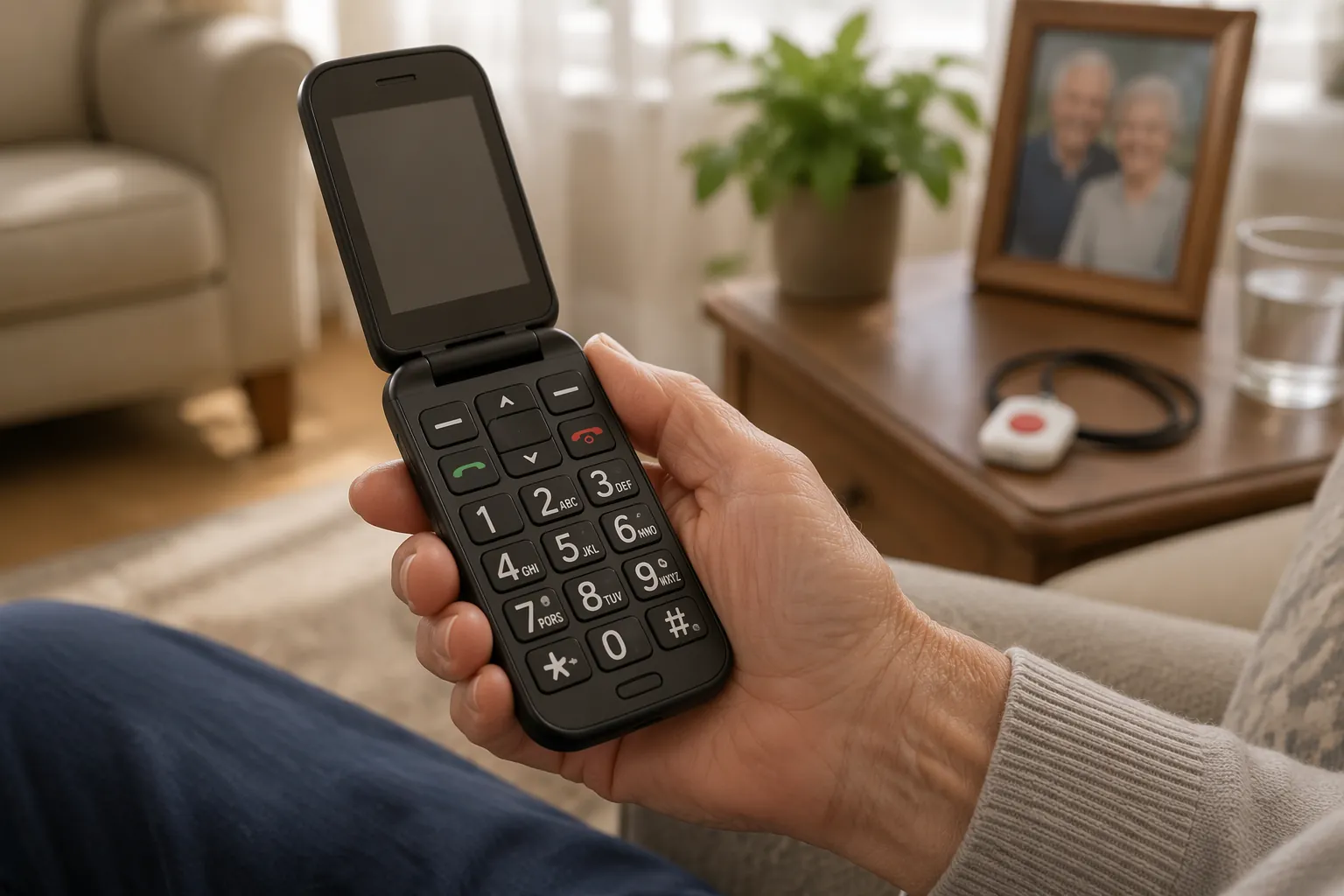
The Shortlist: Easy Use and Safety Are Separate Scores
Prices and plans below reflect early-to-mid 2026 information from the cited reviews. Phone prices, discounts, carrier availability, and monthly fees change often, so the dollar amounts should be treated as a buying snapshot rather than a permanent ranking.
| Model | Device price | Monthly cost noted in sources | Hearing aid compatibility | Ease-of-use strengths | Safety features | Automatic fall detection | Talk time |
|---|---|---|---|---|---|---|---|
| Consumer Cellular IRIS Easy Flip | $59 | Talk/text plans commonly cited around the lower-cost flip-phone range | M4/T4 | Large backlit keypad; simple flip-phone layout | No emergency response features cited | No | 7 hours |
| Jitterbug Flip2 | $79.99 | $14.99–$44.99/month; Premium plan includes optional Nurse On-Call and Care Advocate | M4/T4 in roundup coverage | No internet access; dedicated Urgent Response button | 24/7 agents; tested response under 12 seconds | No | Not the main differentiator in cited review |
| Snapfon ezFlip 4G | $79.95 | sosPlus monitoring costs $40/month additional | M4/T4 in roundup coverage | Flip-phone design; rear SOS button with siren | SOS button plus monitoring option | Yes, built in | 5.5 hours |
| TCL FLIP Go | $96 | Talk/text plan cost depends on carrier | M4/T4 | Noise cancellation; strongest talk-time figure here | No medical alert or fall detection features cited | No | 14 hours |
The table makes the uncomfortable part visible: the phone with the clearest live-response system does not detect falls automatically, and the phone with built-in fall detection has the shortest talk-time figure in this group. The least expensive phone is not pretending to be a medical-alert device, which is almost refreshing. The longest-lasting phone is also not pretending.
Manual SOS Is Not the Same as Fall Detection
A big red button is useful when the user is awake, oriented, and physically able to press it. That covers many real emergencies: chest pain, shortness of breath, a suspicious visitor, dizziness before a fall, or feeling unsafe while away from home. It does not cover every fall.
The Jitterbug Flip2 is the model that most clearly leans into live help. Its dedicated Urgent Response button connects to 24/7 agents, and SeniorLiving.org reported a tested response time under 12 seconds. Its Premium plan adds optional Nurse On-Call and Care Advocate services, and the phone avoids internet access, which can be a relief for someone who does not want app clutter or browser confusion.[2]
The catch is not hidden in small print, but it is easy to mentally skip: the Jitterbug Flip2 does not have automatic fall detection. If the worry is, “Dad may fall, stay conscious, and need a simple way to call for help,” the Urgent Response button fits that scenario. If the worry is, “Dad may fall and not be able to press anything,” this phone does not solve that problem by itself.[2]
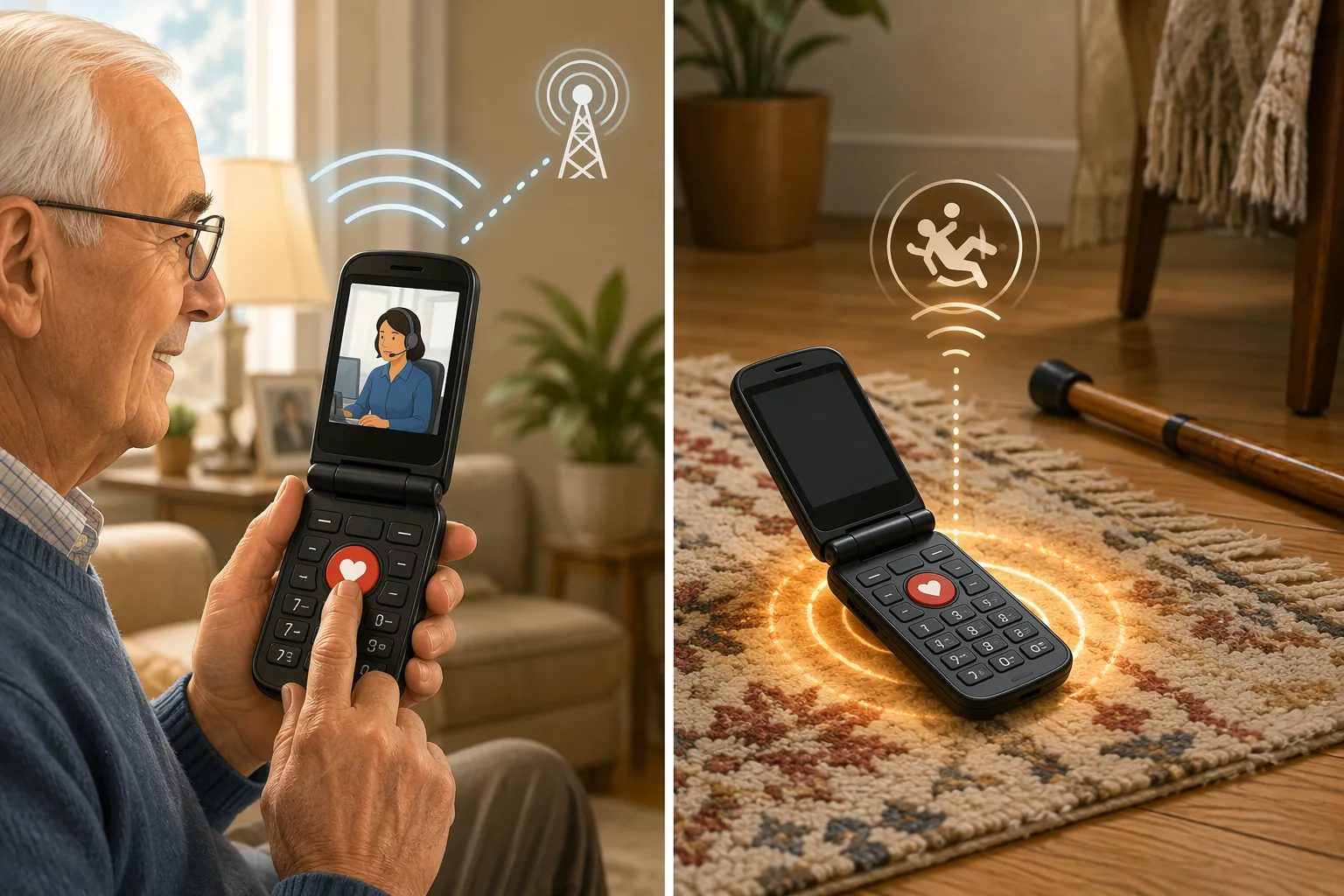
The Snapfon ezFlip 4G is the only model in this set described with built-in automatic fall detection. It also has a rear SOS button with a siren, and its sosPlus monitoring option costs $40 per month in the cited review material.[4] That is the feature many families are actually looking for when they say “safe flip phone.” They do not mean a phone that can call 911 if everything goes well. They mean a phone that may notice when things have already gone badly.
That said, Snapfon has trade-offs that should not be waved away. Its 5.5-hour talk-time figure is the shortest in this comparison, and the sources describe the fall detection as built in without fully specifying the detection mechanism. The monitoring-center response also depends on the paid sosPlus service, not just the device purchase.[4] For someone who often forgets to charge a phone, that battery figure deserves as much attention as the fall-detection label.
When the Main Need Is Simplicity, Not Monitoring
The Consumer Cellular IRIS Easy Flip is the plainest budget case. At $59, it has a large backlit keypad, an M4/T4 hearing aid compatibility rating, and 7 hours of talk time.[1][3] Those are not glamorous features, but they are exactly the details that decide whether a phone gets used or sits in a drawer.
Its limitation is equally plain: the cited reviews do not identify emergency response features for the IRIS Easy Flip.[1][3] That does not make it a bad senior phone. It makes it a low-cost, easier-to-use calling phone. For an older adult who lives with others, mainly needs reliable calls, and struggles with tiny menus or unlit buttons, that may be the more honest fit than paying for safety services the person will not use.
Hearing aid compatibility also belongs in the first round of sorting, not as a footnote after the brand names. The Senior List cites NIH data indicating that 27 percent of U.S. adults 65 and older have some hearing difficulty.[3] The M4/T4 ratings in this group are reassuring, but a standard is not a guarantee. Real-world performance can vary by hearing aid model, fit, volume settings, and how the person holds the phone.
When Battery Life and Call Quality Matter More
The TCL FLIP Go is the phone in this group that makes the strongest battery argument: $96, 14 hours of talk time, noise cancellation, and an M4/T4 hearing aid compatibility rating.[1] It does not have medical alert or fall detection features in the cited review. That means it should not be sold inside the family as a safety device.
It can still be the right phone for a specific person. If the senior mainly needs a dependable calling device, forgets to charge less often when battery life is forgiving, and already has another safety plan in place, the TCL FLIP Go has a cleaner argument than a feature-heavy phone that dies by dinner.
Match the Phone to the Likely Failure
The easiest way to choose is to stop asking which model is “best” and ask what is most likely to go wrong. A phone that solves the wrong problem can still look excellent in a product photo.
- For low-cost simplicity: choose the Consumer Cellular IRIS Easy Flip if the priority is a $59 device, a large backlit keypad, M4/T4 hearing aid compatibility, and basic calling rather than emergency monitoring.[1][3]
- For live response when the user can press a button: choose the Jitterbug Flip2 if the dedicated Urgent Response button, 24/7 agents, and optional care services matter more than automatic fall detection.[2]
- For automatic fall detection in a flip phone: choose the Snapfon ezFlip 4G if built-in fall detection is the priority and the family accepts the $40/month sosPlus monitoring cost and shorter 5.5-hour talk time.[4]
- For battery life and call quality: choose the TCL FLIP Go if 14 hours of talk time, noise cancellation, and M4/T4 compatibility matter more than medical alert features.[1]
For arthritis or low dexterity, the most important test may happen before checkout: can the person open the phone, find the contact list, answer a call, adjust volume, and charge it without coaching? For low vision, a backlit keypad and simple menu structure may matter more than a long feature sheet. For hearing-aid users, start with M4/T4 when available, then test the actual pairing of phone, hearing aid, room noise, and volume level.
For a senior living alone with meaningful fall risk, be careful about asking a flip phone to do the job of a dedicated medical alert system. The Jitterbug Flip2 and Snapfon ezFlip 4G add important safety layers, but the cited material does not support treating either one as a full replacement for a dedicated medical alert device for someone at high risk who may be unable to use a phone after a fall.
Why a Flip Phone Still Makes Sense
The flip-phone decision is not automatically a compromise. For many older adults, it is the practical choice. Senior-focused flip phones in the cited comparison range from $59 to $96, while basic talk/text plans are commonly described around $15 to $20 per month; smartphone plans can run $85 or more per month.[1][5] If the user will not use apps, maps, video calls, or web browsing, the extra monthly cost may only buy new ways to get confused.
Battery behavior is another reason flip phones keep earning their place. The cited senior-phone sources describe flip phones as lasting 5 to 14 days on standby, while smartphones often need daily charging.[1][3][6] Standby time is not the same as talk time, and real use varies, but the general pattern matters for someone who may not remember to plug in a device every night.
The clean answer is conditional. Choose the IRIS Easy Flip for low-cost simplicity. Choose the Jitterbug Flip2 for integrated live response when the user can press the button. Choose the Snapfon ezFlip 4G when automatic fall detection is the priority and the monthly monitoring cost is acceptable. Choose the TCL FLIP Go when battery life and call quality matter more than safety services.
References
- Best Flip Phones for Seniors in 2026, SeniorLiving.org
- Jitterbug Flip2 Phone Review & Pricing in 2026, SeniorLiving.org
- Best Flip Phones for Seniors in 2026, The Senior List
- Snapfon Cell Phones for Seniors: Plans, Prices & Reviews, The Senior List
- Flip Phone vs Smartphone for Seniors – Which Is Best?, Silvercell Wireless
- Flip Phones vs. Smartphones: Pros, Cons, and Everyday Use, CompanionLink, January 2026
Browse more in the Glossary.