
Glossary entry
How Seniors Can Spot Fake Courier Texts and Report Them
Last verified 2026-08-25
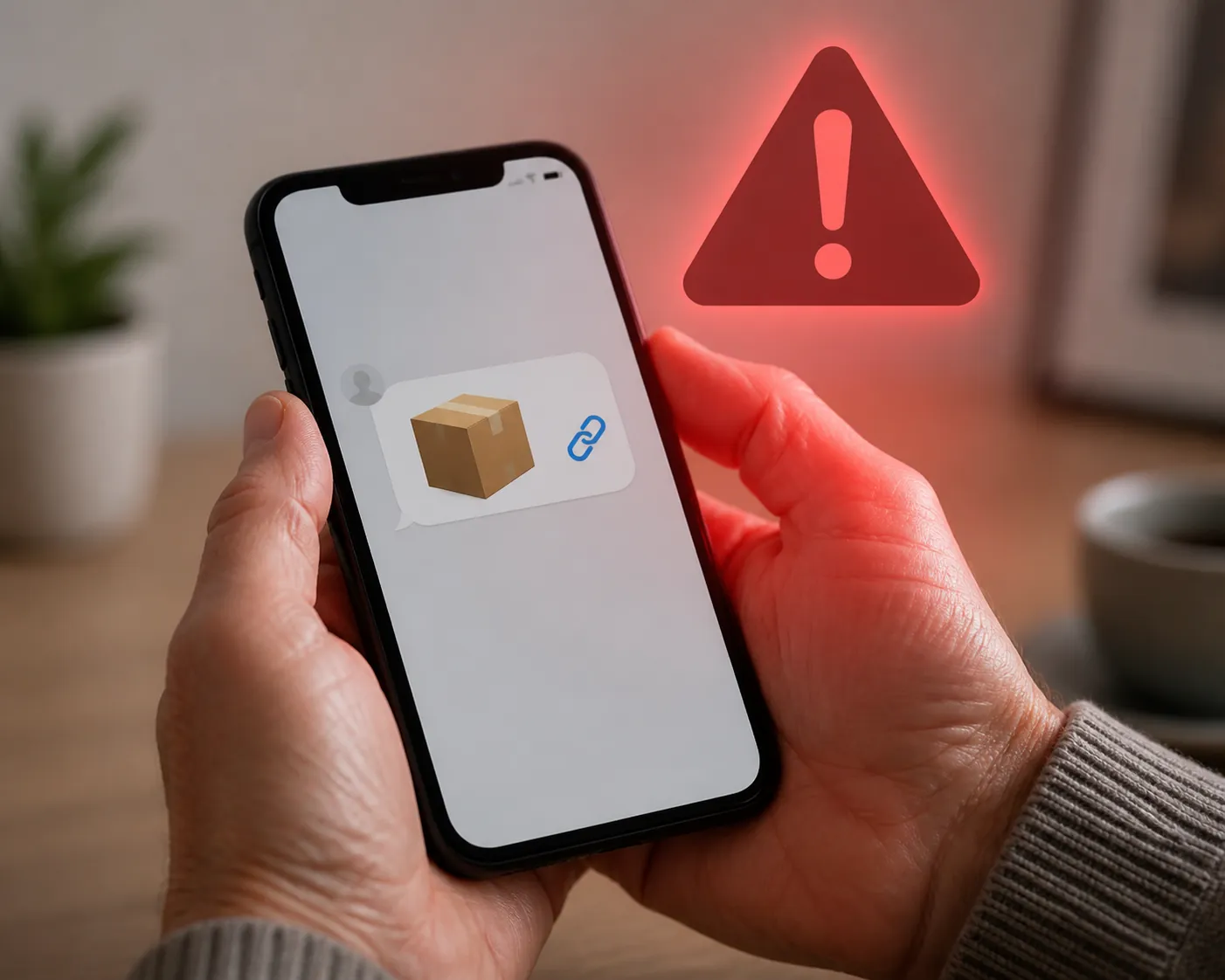
If a package text just arrived and you were not expecting it, use this rule before you touch anything: do not tap the link, do not reply, and do not pay through the message. Real delivery companies do not need an unsolicited text link to “release” your package, and they do not ask for personal or payment information that way. USPS, FedEx, and UPS all warn customers about fake delivery messages that use links, fees, or personal-information requests to pull people in.[1][2][3]
The 10-second red-flag checklist
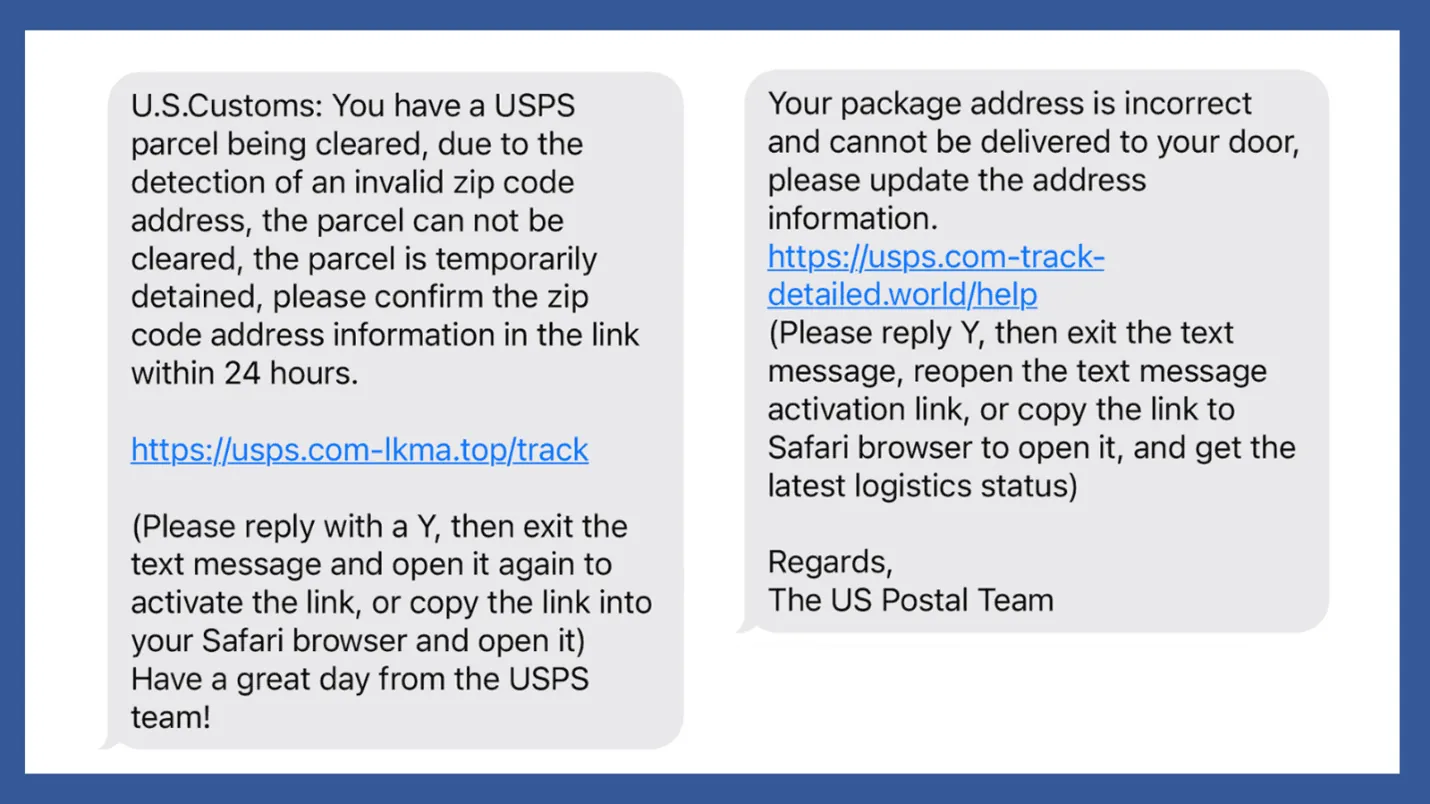
A fake courier text message scam usually follows the same little script. You do not have to study the logo, inspect the web address, or decide whether the sender “sounds official.” Look for the pressure.
- It says there is an unexpected delivery problem.
- It creates a deadline or says you must act now.
- It gives you a link to fix the problem.
- It asks for a redelivery fee, postage fee, customs fee, or small payment.
- It asks for personal information, account login details, or payment-card information.
- It makes waiting feel risky: your package will be returned, held, canceled, or lost.
If the text has even one of those red flags, treat it as fake. That is not being rude, paranoid, or “bad with technology.” It is simply refusing to let a stranger rush you on your phone.
What the scam is trying to make you do
Most people who tap these messages are not being careless. They are trying to be responsible. Maybe a grandchild’s birthday gift is on the way. Maybe medication, supplies, or a household order is expected. The text lands at exactly the right moment: “Your package could not be delivered,” “Confirm your address,” or “Pay a small fee for redelivery.”
The fee is often the hook. A small charge can feel easier than losing a package. The problem is that the link may lead to a fake payment page or a fake sign-in page. Once you enter a card number, address, password, or other personal details, the scam has moved past a nuisance text.
There is one safer way to check a delivery: leave the text alone and go directly to the carrier’s official app or website, using a tracking number you already have from your order receipt. Do not use the link in the text to get there.
This is common, not embarrassing
Package-delivery texts are the most-reported text scam in the United States. The FTC reported that losses to text scams reached $470 million in 2024, five times the amount reported in 2020.[4]
That number matters because it takes the shame out of the moment. These messages are sent widely because they catch people during ordinary life: running errands, cooking dinner, waiting for a real package, or trying to clear notifications before bed.
Report it in this order
Once you decide the text is suspicious, do not argue with it and do not answer it. Reporting is simpler if you use the same routine every time.
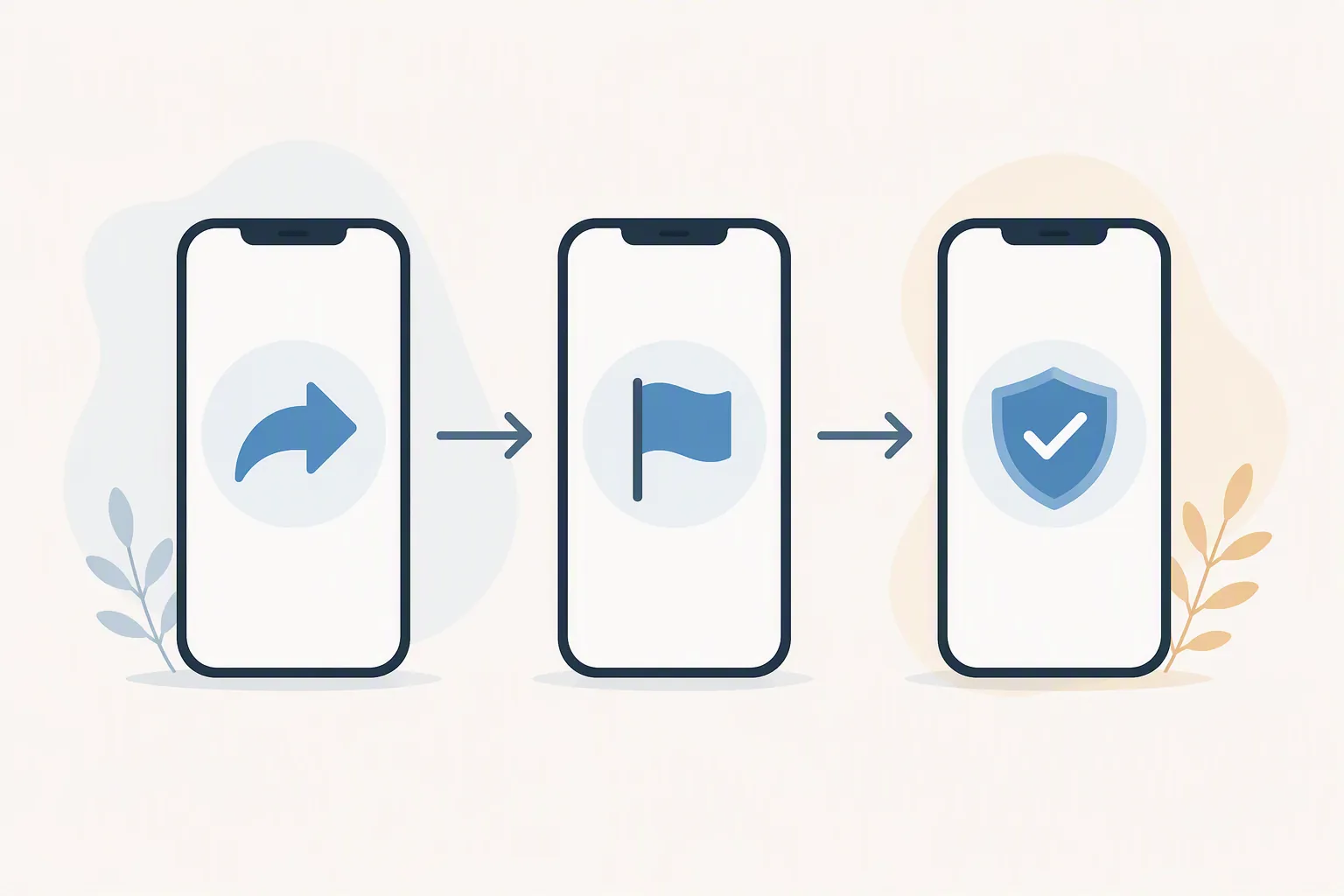
| Step | What to do | Why it helps |
|---|---|---|
| 1 | Forward the text message to 7726. | This sends the suspicious message to your wireless carrier’s spam-reporting system. |
| 2 | Use your phone’s “Report Junk,” “Report Spam,” or similar option in the messaging app. | This helps your phone and messaging service block or filter similar messages. |
| 3 | File a report at ReportFraud.ftc.gov. | This gives the FTC a record of the scam, even if you did not lose money. |
The FTC tells consumers to forward unwanted texts to 7726 and to use the spam-reporting tools in their messaging app.[5] The FTC also takes fraud reports at ReportFraud.ftc.gov.[6]
How to forward the text to 7726
Open the message without tapping its link. Press and hold the message bubble, choose the forward option, type 7726 in the recipient line, and send it. If your phone asks for the sender’s number afterward, copy and send the number that sent the scam text.
If those exact buttons do not appear on your phone, do not wrestle with it. Use the in-app spam report and then file with the FTC. The important part is that you do not reply to the scammer or tap the delivery link.
How to report it inside the messaging app
On many phones, a suspicious message can be reported from the message screen or from the conversation list. Look for wording such as “Report Junk,” “Report Spam,” “Block and report spam,” or a three-dot menu with reporting options. The words vary by phone, but the action is the same: report it, then block the sender if your phone offers that choice.
How to file with the FTC
Go to ReportFraud.ftc.gov in your browser. Choose the option that best matches the text scam and enter what happened. You can report even if you only received the message and did not tap, pay, or share information.[6]
If the scam went further than one text
The three-step routine above is enough for many suspicious texts. Use the extra reporting channels below when the message impersonated a specific delivery service, when money was lost, or when you need help sorting out what happened.
| What happened | Where to report or get help |
|---|---|
| The message pretended to be USPS or involved mail/package delivery. | Report to the U.S. Postal Inspection Service, especially for USPS impersonation or mail-related fraud.[7] |
| The message used a FedEx or UPS name, logo, or fake tracking notice. | Use that carrier’s fraud-reporting page as well as the FTC report.[2][3] |
| You lost money or shared sensitive personal information. | File with the FBI’s Internet Crime Complaint Center at IC3.gov.[8] |
| You want to report the unwanted text as a communications complaint. | The FCC accepts complaints and publishes consumer guidance on smishing texts.[9] |
| You want a state consumer-protection office involved. | Use your state attorney general’s consumer complaint process; the National Association of Attorneys General provides a state-by-state lookup.[10] |
| You are an older adult or caregiver and want to talk through next steps. | The AARP Fraud Watch Network Helpline is a support option for scam questions and fraud concerns.[11] |
If you did enter a payment card number, bank login, Social Security number, or other sensitive information, do not spend the day blaming yourself. Move from the text message to damage control: report what happened, save screenshots, and contact the financial institution or account provider connected to the information you shared.
A simple habit for the next delivery text
- Do not tap delivery links in unexpected texts.
- Check tracking only through the carrier’s official app or website, or through the store where you placed the order.
- Ask a trusted person before paying any surprise redelivery, postage, or customs fee.
- Save this reporting order somewhere visible: 7726, phone report button, ReportFraud.ftc.gov.
The message may look official for a second. The test is still the same: unexpected package problem, urgent pressure, link, fee, or personal-information request means stop and report.
References
- Smishing: Package Tracking Text Scams — United States Postal Inspection Service.
- How to recognize and report FedEx scams — FedEx.
- Fraudulent Communications — UPS.
- Text scams are on the rise — Federal Trade Commission.
- How to recognize and report spam text messages — Federal Trade Commission.
- ReportFraud.ftc.gov — Federal Trade Commission.
- Report Fraud — United States Postal Inspection Service.
- Internet Crime Complaint Center — Federal Bureau of Investigation.
- Avoid the Temptation of Smishing Scams — Federal Communications Commission.
- Find My Attorney General — National Association of Attorneys General.
- AARP Fraud Watch Network Helpline — AARP.
Browse more in the Glossary.