
Glossary entry
Protecting Seniors from Email Scams, Step by Step
Last verified 2026-08-03
This is not financial or legal advice. Medicare/Medicaid and benefits rules vary by state and change over time — verify current rules with your state Medicaid office or Area Agency on Aging.

Last verified: August 3, 2026.
An email arrives while breakfast dishes are still on the table. It says an account will be closed today unless a blue button is clicked now. The logo looks familiar. The message sounds official. The finger hovers over the touchpad.
Protecting seniors from email scams is hardest at that exact moment, because the decision feels small and urgent. The safest routine is also small: pause, verify through a channel you already know is real, then report and delete.
That routine matters because scams targeting older adults are not rare annoyances. The FTC’s 2025 data spotlight described fraud schemes that steal older adults’ life savings, and its 2025 annual report to Congress focused specifically on protecting older consumers from fraud and related harms.[1][2] The point is not to make every email frightening. It is to make one safe habit automatic before money, passwords, or personal information leave your hands.
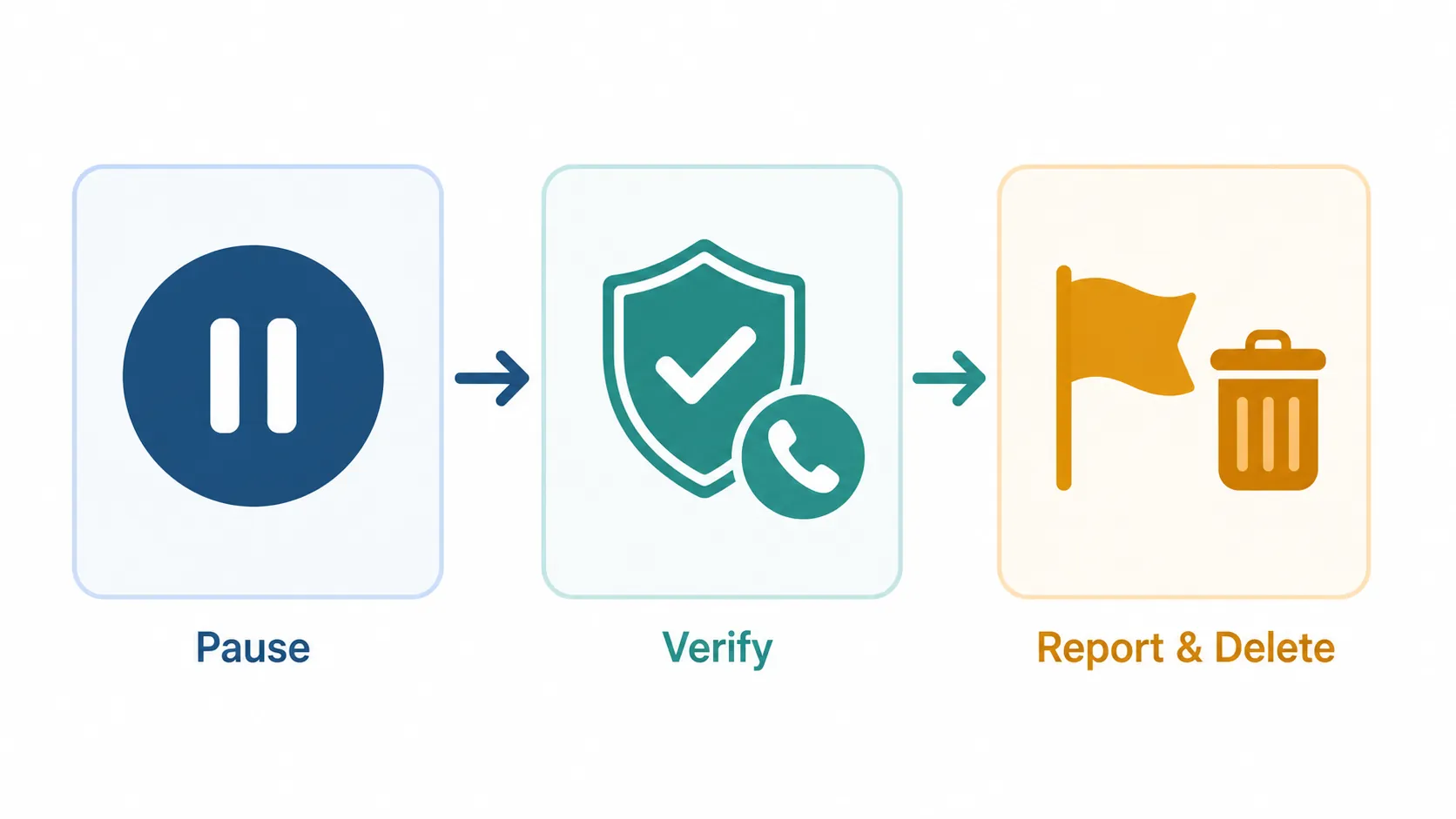
| When a suspicious email arrives | What to do |
|---|---|
| Pause | Do not click, open attachments, reply, or use the unsubscribe link. |
| Verify | Use a known website, saved phone number, printed statement, app you already installed, or a contact you already trust. |
| Report and delete | Report the message, then delete it so it is not waiting for a tired moment later. |
First, scan for the decision traps
You do not need to become a computer expert to spot many scam emails. The first scan is about what the message is asking you to do, not whether you can decode every technical detail.
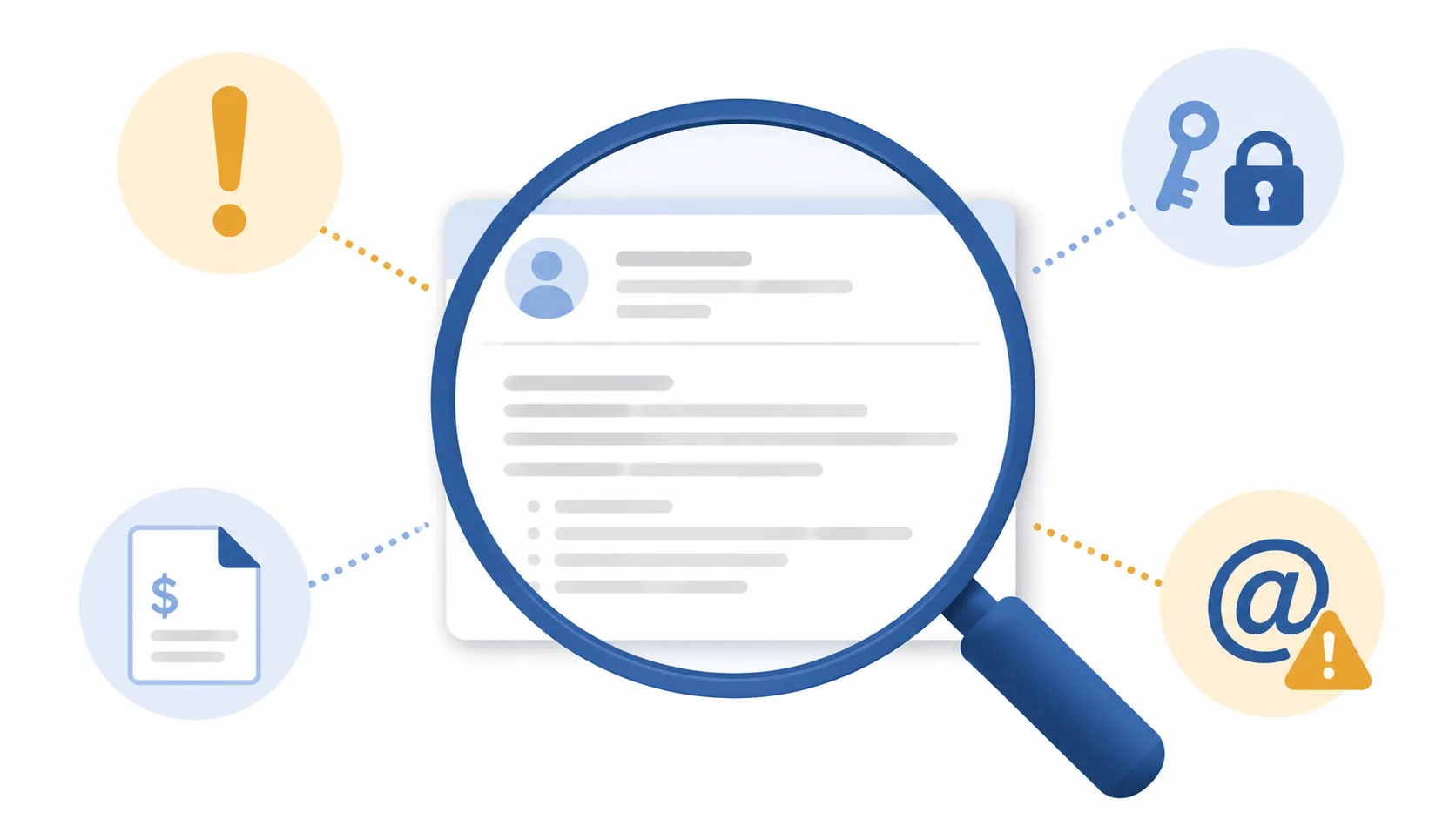
The FTC and CISA both warn about phishing messages that use urgent or threatening language, ask for personal or financial information, include unexpected invoices or attachments, use generic greetings, or come from sender addresses that are misspelled or designed to look like a real organization.[3][4]
- Urgency or threats: “Act now,” “your account will be locked,” “final notice,” or “payment required today.”
- Requests for private information: passwords, Social Security numbers, Medicare numbers, bank details, credit card numbers, one-time codes, or account PINs.
- Unexpected money claims: invoices, refunds, delivery fees, subscription renewals, tax notices, or prize messages you were not expecting.
- Generic greetings: “Dear customer” or “Hello user,” especially when the company normally uses your name.
- Sender addresses that are almost right: a missing letter, an extra word, a strange ending, or a name that looks official while the actual address does not.
Bad spelling and awkward grammar can still be warning signs. They are just no longer enough. NCOA cautions that AI tools can help scammers produce cleaner, more convincing messages, so a polished email is not proof that it is safe.[5]
A good scan sounds like this: “Is this email rushing me? Is it asking for money, passwords, codes, or personal information? Was I expecting this invoice or attachment? Does the sender address look almost, but not quite, right?” If one answer feels off, move to the routine.
The one-minute routine: pause, verify, report, delete
CISA’s public phishing guidance is built around recognizing the message, resisting the request, and deleting it after reporting.[4] For everyday use, the most important part is resisting the email’s own instructions. A scam email wants you to stay inside the message: click this link, open this file, reply here, unsubscribe here, call this number. Step out of the message instead.
Pause
Do nothing inside the email. Do not click the button. Do not open the attachment. Do not reply. Do not call a phone number shown only in the email. Do not use the unsubscribe link in a message you suspect is fake; the FTC warns that links in phishing messages can be used to steal information or install harmful software.[3]
If you are helping a parent or spouse, this is the part to practice out loud. The goal is not to shame the person for being uncertain. The goal is to make the first move a pause instead of a click.
Verify somewhere safer
Verification should happen through a channel you already know is real. That might be the company’s website typed into the browser, a phone number saved in your contacts, the number on the back of a card, a printed billing statement, a bookmarked login page, or the organization’s official app that was installed before this email arrived.
For example, if an email says your bank account is frozen, close the email and use the phone number on the back of your bank card or go to the bank’s website by typing the address yourself. If an email says a delivery fee is due, open the delivery company’s app or type the company’s website into the browser. If an email says a subscription renewed, go to the account the way you normally do, not through the email’s button.
Verification is not the same as replying, “Is this real?” A scammer can answer that. Verification means leaving the email and using a route the email did not provide.
Report it
Reporting helps the systems that block scams for other people. It also gives you a clean finish to the decision: once it is reported, it can leave the inbox.
- Report fraud to ReportFraud.ftc.gov when a scammer tried to get money, personal information, or account access.[6]
- Forward phishing emails to [email protected].[3]
- Forward phishing texts to 7726, which spells SPAM on a phone keypad.[3]
- Use the “report phishing” or “report spam” button in your email program if it has one.
Delete it
After reporting, delete the email. If it is still sitting in the inbox, it can look convincing again later, especially when you are tired or distracted. Deleting is not pretending the message never happened; it is removing the next opportunity for a mistake.
If you already clicked, replied, or shared information
This happens. A fast response is more useful than embarrassment. Stop interacting with the message first. Do not send more information, do not answer follow-up emails or calls, and do not click another link that promises to “fix” the problem.
| What happened | What to do next |
|---|---|
| You clicked a link but did not enter anything | Close the page. Run your security software if you have it. Watch the account through a known login route. |
| You entered a password | Go to the real website or app from a clean route and change that password. If you reused the same password elsewhere, change it there too. |
| You shared a bank, credit card, or payment account number | Contact the bank, card issuer, or payment provider using the number on your card, statement, or official website. |
| You shared personal information such as a Social Security number | Use IdentityTheft.gov for recovery steps matched to the information that was exposed. |
| You sent money | Contact the payment company or financial institution right away and report the fraud. |
The FTC’s recovery guidance points people to different next steps depending on what was lost, including contacting financial companies, changing exposed passwords, reporting fraud, and using IdentityTheft.gov when personal information may have been used for identity theft.[6]
If a caregiver is helping, ask one calm question at a time: “Did you click?” “Did you type anything?” “Was it a password, a card number, or something else?” The answer decides the next step. A lecture does not recover an account faster.
A one-time setup that makes the inbox safer
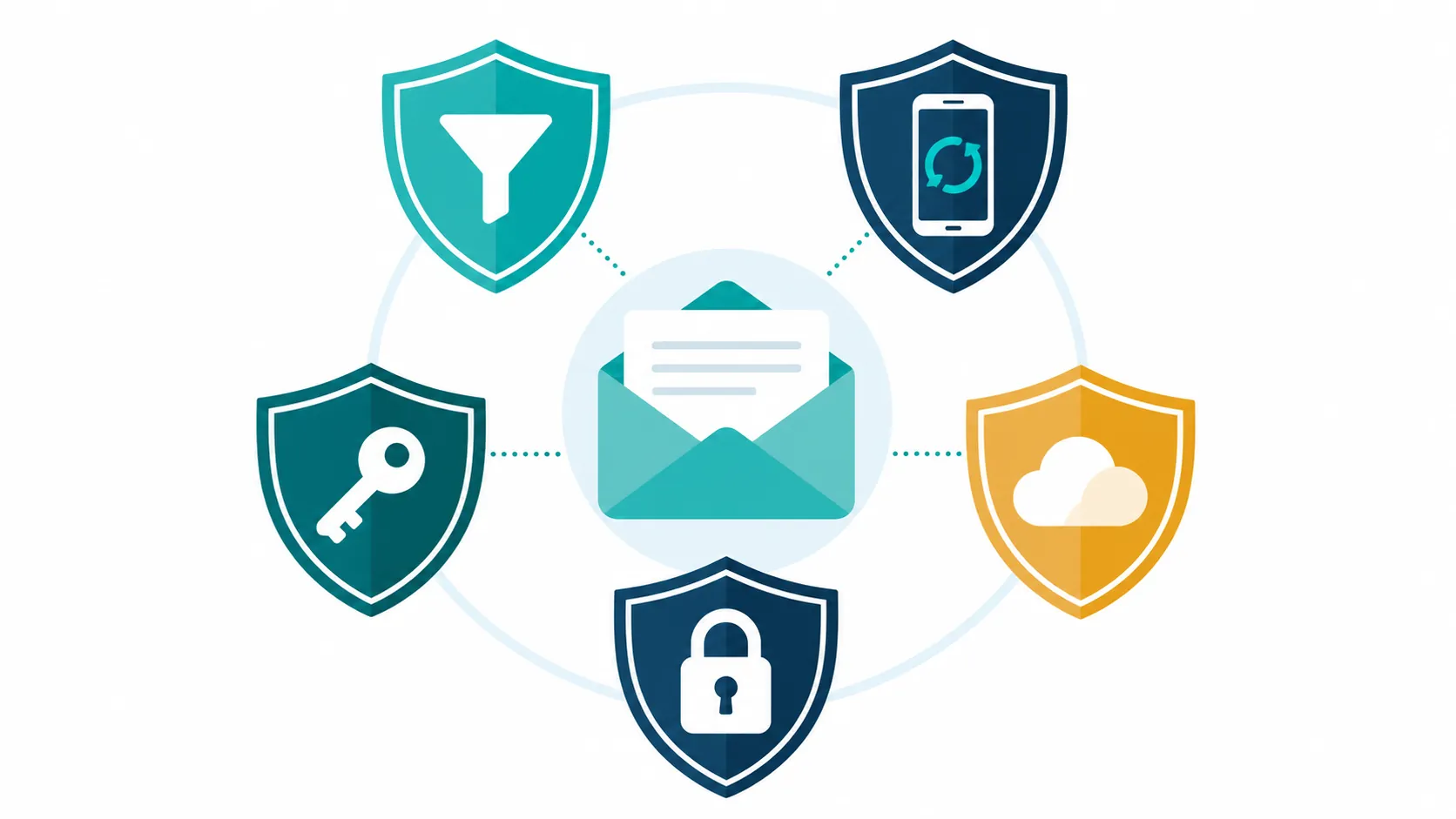
The routine handles the email in front of you. A few settings reduce how many dangerous messages reach you and limit the damage if one gets through.
- Turn on spam filtering in your email account and mark unwanted messages as spam instead of only deleting them. The FTC recommends using spam filters and being careful about where you share your email address to reduce unwanted email.[7]
- Keep security software, computers, tablets, and phones updated. The FTC includes automatic updates, phone updates, multi-factor authentication, and backups among key protections against phishing-related harm.[3]
- Turn on multi-factor authentication for email, banking, retirement, credit card, and medical portal accounts. CISA recommends MFA because it adds a second check beyond the password.[9]
- Use strong, unique passwords and store them in a password manager. CISA recommends passwords that are long, random, and unique, and specifically points to password managers as a practical way to manage them.[8]
- Back up important files so a damaged or locked device does not become a crisis. Backups are part of the FTC’s protective guidance for reducing harm from scams and malware.[3]
If only two accounts get extra attention today, choose email and banking. Email often controls password resets for other accounts. Financial accounts carry immediate consequences if someone gets in.
How caregivers can help without taking over
A useful caregiver plan is short enough to be remembered without you standing there. Write the routine on a card near the computer or save it as a note on the phone:
- Pause — do not click, open, reply, call, or unsubscribe from the message.
- Verify — use a saved number, printed statement, bookmarked site, official app, or typed web address.
- Report and delete — send it to the right reporting place, then remove it.
It can also help to make a short “known good contacts” list: bank, credit card company, pharmacy, Medicare plan, utility company, internet provider, and one trusted family contact. The list should use phone numbers or websites gathered from cards, statements, official websites, or existing contacts—not from a new email.
Practice with ordinary messages, not only scary ones. “Here is a shipping email. How would we verify it?” “Here is a bank notice. Which number would we use?” Repetition protects independence better than surprise tests.
When you want a real person to talk to
If you are unsure what happened or feel pressured, use a trusted help line rather than the phone number in the email.
- AARP Fraud Watch Network Helpline: AARP offers fraud support through its helpline for people who have questions about scams or need help deciding what to do next.[10]
- National Elder Fraud Hotline: 833-372-8311. The hotline is connected with the U.S. Department of Justice Office for Victims of Crime elder fraud support program.[11]
The habit to keep
A safe inbox does not require suspicion of every message or mastery of technical details. It requires refusing to act inside a message that is rushing you, verifying somewhere safer, and making that pause ordinary.
Disclaimer: This article is for general education and is not legal, financial, cybersecurity, or identity-theft recovery advice for any specific person. If money, account access, legal rights, or identity theft may be involved, contact the relevant financial institution, government resource, or qualified professional.
References
- False alarm, real scam: how scammers are stealing older adults’ life savings — Federal Trade Commission, August 7, 2025
- Protecting Older Consumers 2024-2025: A Report of the Federal Trade Commission — Federal Trade Commission, December 1, 2025
- How To Recognize and Avoid Phishing Scams — Federal Trade Commission
- Recognize and Report Phishing — Cybersecurity and Infrastructure Security Agency
- Phishing Scams Explained — National Council on Aging
- What To Do if You Were Scammed — Federal Trade Commission
- How To Get Less Spam in Your Email — Federal Trade Commission
- Use Strong Passwords — Cybersecurity and Infrastructure Security Agency
- Turn On MFA — Cybersecurity and Infrastructure Security Agency
- Fraud Watch Network Helpline — AARP
- Providing Help. Restoring Hope. — Office for Victims of Crime, U.S. Department of Justice
Browse more in the Glossary.