
Caregiver decision guide
Help Your Aging Parent File Their Fidelity Data Breach Claim Now
This guide walks adult children through the steps to help an aging parent file a Fidelity data breach settlement claim before the July 27, 2026 deadline, covering the online portal, document requirements, and payout options.
Before you open the claim portal, find the mailed settlement notice. For many families, that envelope is the whole difference between filing and giving up: the official online claim form asks for the unique Notice ID and PIN from that notice, and the claim deadline is July 27, 2026. The official settlement website is fidelitydatasettlement.com, and the settlement administrator’s phone number is 833-386-6470 if the notice is missing or anything looks wrong.[1]
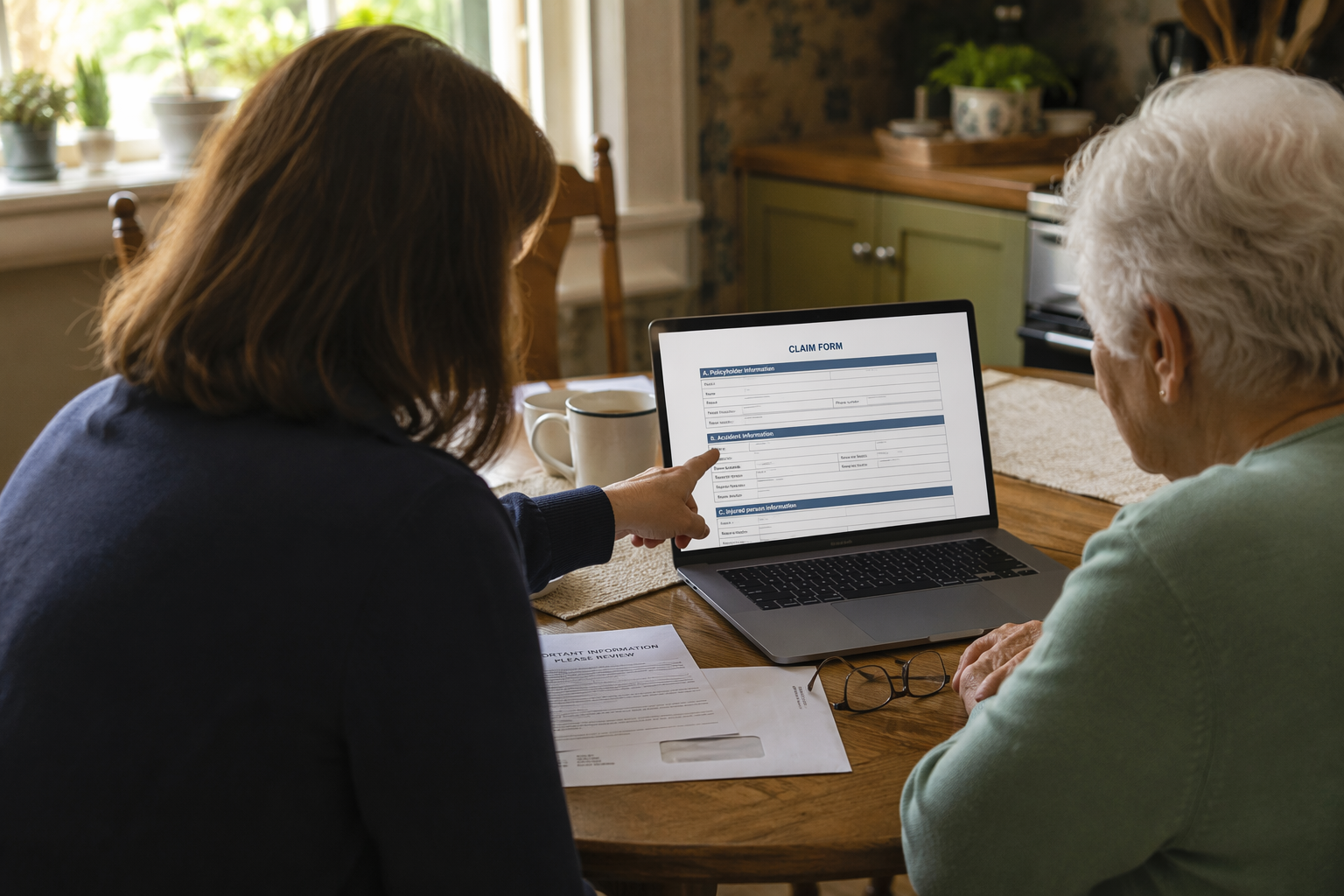
That is the immediate rescue information for a Fidelity data breach settlement claim for seniors: deadline, official site, Notice ID/PIN, and phone number. The legal background matters, but not more than a parent’s unread mail pile with only days left.
The settlement website says the class includes about 163,000 people whose personal information may have been affected in the August 2024 Fidelity Investments Life Insurance Company data incident.[1] ClassAction.org reported that 77,099 people were directly notified and that about 86,000 additional people may have had account and routing numbers exposed, which helps explain why some families are unsure whether a parent is included even if the parent says, “I don’t use that account anymore” or “I never got an email.”[2]
The final approval hearing was scheduled for July 9, 2026, according to USA Today, but available sources did not definitively confirm the court’s final ruling status. Before relying on any post-hearing update, check the official settlement site for current notices. The claim deadline remains the date families should organize around unless the official site says otherwise.[3][1]
What To Do First, Before Your Parent Gets Tired Of The Process
Set up the claim session as a short administrative task, not an open-ended research project. Older adults often quit these processes at the first unfamiliar login screen, especially when the form asks for an ID they do not recognize. Your job is to remove the small obstacles before they become the reason the claim is never filed.
- Find the mailed settlement notice and keep the Notice ID and PIN visible.
- Use only the official settlement site: fidelitydatasettlement.com.[1]
- Have your parent nearby or reachable so they can confirm identity details and payment preferences.
- Decide whether you are filing a simple cash claim or a documented reimbursement claim before opening the form.
- Keep a folder, physical or digital, for screenshots, receipts, confirmation emails, and the final claim confirmation.
If the notice is not in the obvious place, check where Medicare mail, insurance renewal letters, brokerage statements, and pharmacy benefit notices collect. The notice may not look urgent to someone who receives a lot of official-looking mail. Do not assume “I didn’t get anything” means no notice was sent.
Confirm Eligibility Without Overreading The Headlines
A parent may be eligible if they are part of the settlement class described on the official settlement site. The safest practical route is to use the Notice ID and PIN from the mailed notice or contact the settlement administrator at 833-386-6470 if the notice cannot be found.[1]
Do not let the family conversation get stuck on whether your parent personally noticed fraud. The settlement has a no-document cash payment path as well as a documented-loss reimbursement path, and the official claim process is where those choices are made.[1] A parent who says “nothing happened to me” may still need help checking whether a basic claim is available.
| If your parent says... | What to check next |
|---|---|
| I do not remember getting a notice. | Search recent mail and call 833-386-6470 if the Notice ID/PIN cannot be located.[1] |
| I do not use Zelle or Venmo. | That affects payout choice, not necessarily eligibility. Review the available payment methods before submitting.[1] |
| I did not lose money. | They may still consider the no-document cash payment path if eligible.[1] |
| I spent time or money fixing problems after the breach. | Look for documents before choosing the reimbursement path. |
Choose The Claim Path Before You Click Through
The claim decision is not just “file or do not file.” It is closer to a fork: a simpler cash payment that does not require loss documentation, or a reimbursement claim for documented losses up to $5,000.[1] CNBC described the expected cash payment range as about $100 to $150, while Investopedia reported an estimate of about $100, but the official FAQ warns that actual payments may be larger or smaller depending on how many valid claims are filed.[4][5][1]
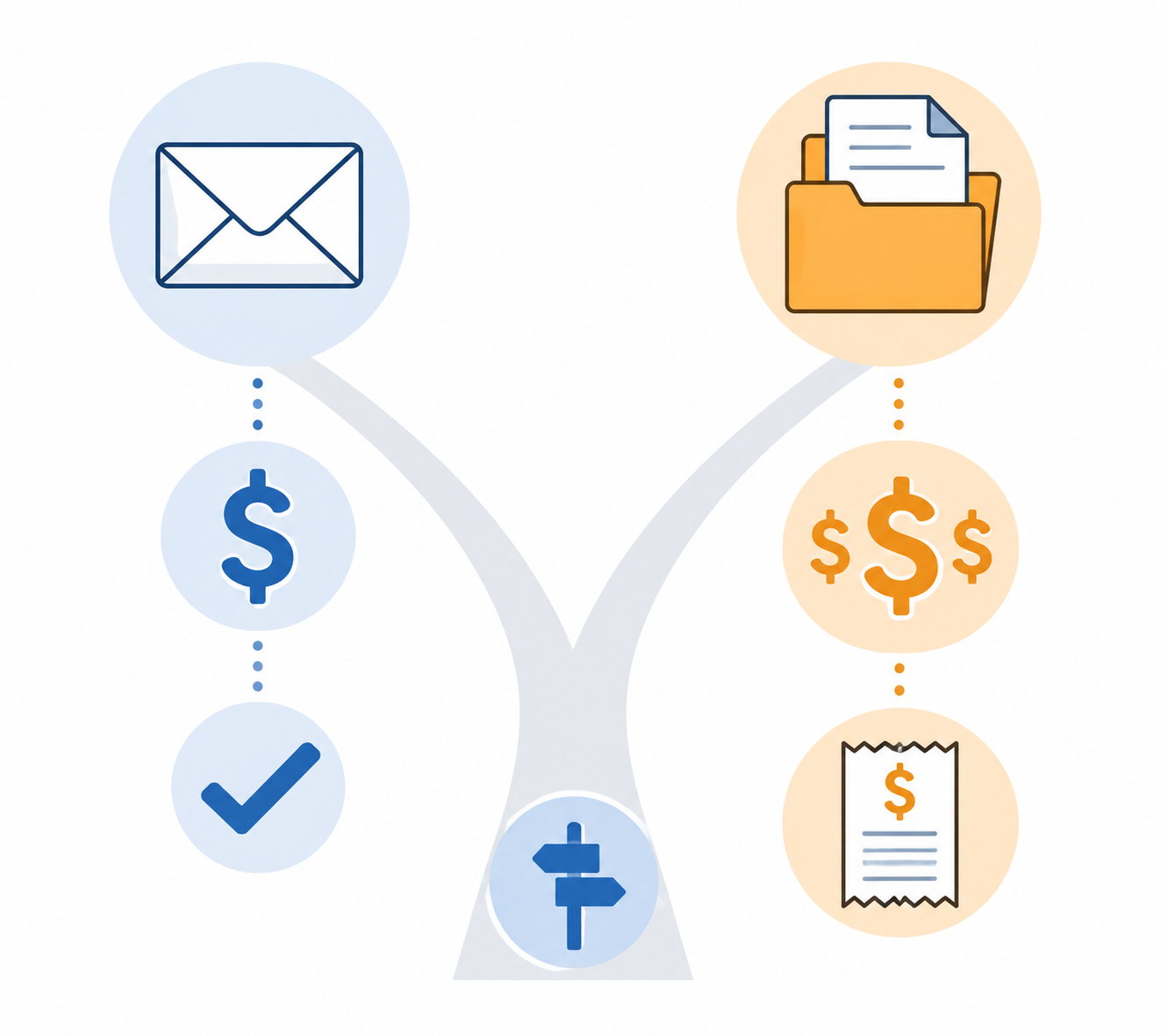
That pro rata warning matters. The advertised settlement fund is not a promise that every claimant receives the same headline amount. Settlement administration costs, attorneys’ fees, service awards, the number of valid claims, and the mix of claim types can all affect what an individual receives. For a caregiver, the useful question is not “What is guaranteed?” but “Which option can we honestly support before the deadline?”
| Claim option | Best fit | What your parent needs |
|---|---|---|
| No-document cash payment | An eligible parent who does not have documented out-of-pocket losses or cannot gather proof in time | Notice ID/PIN, identity information, and a usable payment method[1] |
| Documented reimbursement, up to $5,000 | An eligible parent with records showing expenses or losses tied to the data incident | Proof such as statements, receipts, fraud notices, or other supporting documents[1] |
When The Smaller Claim May Be The Safer Choice
If your parent has no records of fraud-related expenses, no bank notices, no receipts, and no clear memory of spending money because of the incident, the no-document cash payment may be the realistic path. It still requires care: enter the Notice ID/PIN correctly, use the official site, and choose a payment method your parent can actually access.
This is also the path to consider if the deadline pressure is severe. A half-filed reimbursement claim with missing proof is not better than a complete, accurate simple claim. The settlement administrator, not the family, decides claim validity and final amount.
When It Is Worth Looking For Documents
The documented-loss track is where an adult child can make a real difference. Many older adults cannot quickly reconstruct what happened after a data breach. They may remember a bank visit but not the fee, a replacement card but not the date, or a fraud alert but not where the email went. Give yourself one focused search window before deciding this path is too much.
- Bank or credit union statements showing fees, unauthorized transactions, or account changes.
- Letters or emails about suspicious activity, account closures, replacement cards, or routing-number misuse.
- Receipts for credit freezes, monitoring, postage, notary services, or other identity-repair costs if they relate to the incident.
- Police reports, FTC IdentityTheft.gov materials, or financial institution dispute records if your parent created them.
- A simple note for yourself explaining what each document is, so you do not upload the wrong file under deadline pressure.
The $5,000 figure is a ceiling for documented reimbursement, not a likely payment and not a flat award.[1] If the documents do not connect the expense to the incident, do not dress them up. A clean, supportable claim is better than a larger claim built from guesswork.
File The Online Claim Without Letting The Portal Make The Decisions
The official process is online through the settlement website, using the Notice ID and PIN from the mailed notice.[1] Sit with your parent if possible. If you are helping remotely, keep the call slow enough that they can read back information instead of forwarding screenshots of personal data through casual text messages.
- Go directly to fidelitydatasettlement.com, not to a search ad or link in an unsolicited message.[1]
- Enter the Notice ID and PIN exactly as printed on the mailed notice.[1]
- Confirm your parent’s identity and contact information carefully.
- Choose either the no-document cash payment or the documented reimbursement path.
- Upload supporting documents if choosing reimbursement, then check that each file attached successfully.
- Select a payment method your parent can receive and recognize later.
- Save the confirmation page or confirmation email before closing the browser.
Do not rush the payment screen. For many seniors, that is the least familiar part of the whole claim. The official FAQ lists digital options including Venmo, Zelle, a virtual prepaid card, and other payment choices.[1] A method that is convenient for a 45-year-old may be useless to an 82-year-old who has never opened the app or may not recognize the payment when it arrives.
| Payment method issue | Caregiver check |
|---|---|
| Venmo | Does your parent already have the account, know the login, and understand how to move or spend the funds? |
| Zelle | Is it connected to the correct bank account or phone number, and will your parent recognize the deposit? |
| Virtual prepaid card | Can your parent use an online card number, or will it sit unused in an email? |
| Any electronic payment | Will the email address or phone number still be active when payments are issued? |
This is not financial advice; it is basic delivery hygiene. The right payment method is the one your parent can receive, identify, and use without another round of confusion.
Avoid The Settlement Scam That Looks Like Help
Settlement season is also impersonation season. The FTC reported in 2025 that reports of impersonation scammers had increased more than fourfold, and its related data spotlight warned about scams that begin with a false alarm and then turn into a request for money or sensitive information.[6]
- Use the official settlement site instead of links from texts, social media messages, or unexpected emails.
- Do not pay anyone to file the claim for your parent.
- Do not give banking credentials, Medicare numbers, or full Social Security numbers to an unsolicited caller.
- If a message claims there is a problem with the claim, call 833-386-6470 using the number from the official settlement site, not the number in the message.[1]
The scam warning belongs inside the filing process because older adults often receive the real notice and the fake follow-up in the same season. Keep the official phone number with the settlement notice so your parent has one trusted place to check.
After You Submit, Do Not Throw The Paper Away
Once the claim is filed, make the aftermath boring and traceable. Save the confirmation, keep the mailed notice, and put any uploaded documents in the same folder. If your parent later receives a payment notice, tax document, correction request, or scam message, you will not have to rebuild the whole claim from memory.
- Save or print the claim confirmation.
- Write down the payment method selected and which email address or phone number was used.
- Check the official settlement site for updates rather than relying on forwarded messages.[1]
- Review whether your parent is offered the free CyEx monitoring benefit through the settlement.[1]
- Continue watching bank and insurance-related accounts for signs of account or routing-number misuse.
The claim process is not impossible, but it is not built around the way many seniors manage mail, passwords, documents, and digital payments. A caregiver’s value is practical: find the notice, choose the honest claim path, prevent a bad payment choice, save the proof, and get the claim submitted before July 27.
References
- Fidelity Data Settlement, Fidelity Data Settlement
- $2.5M Fidelity Investments Settlement Ends Litigation Over August 2024 Data Breach, ClassAction.org
- Fidelity data breach settlement: Who is eligible and how to file a claim, USA Today
- Fidelity data breach settlement: How much you could get and how to file, CNBC
- Fidelity Data Breach Settlement: How to Claim Up to $5,000, Investopedia
- FTC Data Show a More Than Four-Fold Increase in Reports of Impersonation Scammers; False alarm, real scam, Federal Trade Commission
Questions to bring to a clinician or OT
This is not medical, legal, or a family's final decision — only a framework. Bring these questions to a clinician, occupational therapist, or your local Area Agency on Aging.
Find Local HelpRelated reading
Noticed something outdated or inaccurate on this page? Flag a correction. We review every report against CDC, NIA, and AARP HomeFit guidance before updating a page.