
Caregiver decision guide
How to Choose a Fitness Tracker for an Aging Parent
This guide helps adult children evaluate fitness trackers for older parents by focusing on the features that matter most: display readability, fall detection, battery life, SOS response, and whether the senior will actually wear it. Learn the seven key dimensions to compare so you can choose a device that supports safety and activity without overwhelming the user.
Searches for the best fitness tracker for seniors usually land on pages built for runners. That misses the real decision. For an aging parent, the useful question is whether the device will stay on the wrist, stay readable, and still do something meaningful if a fall happens. The CDC says 1 in 4 older adults falls each year, falls cause about 3 million emergency department visits, and they are the leading cause of fatal injury among adults 65 and older [1].
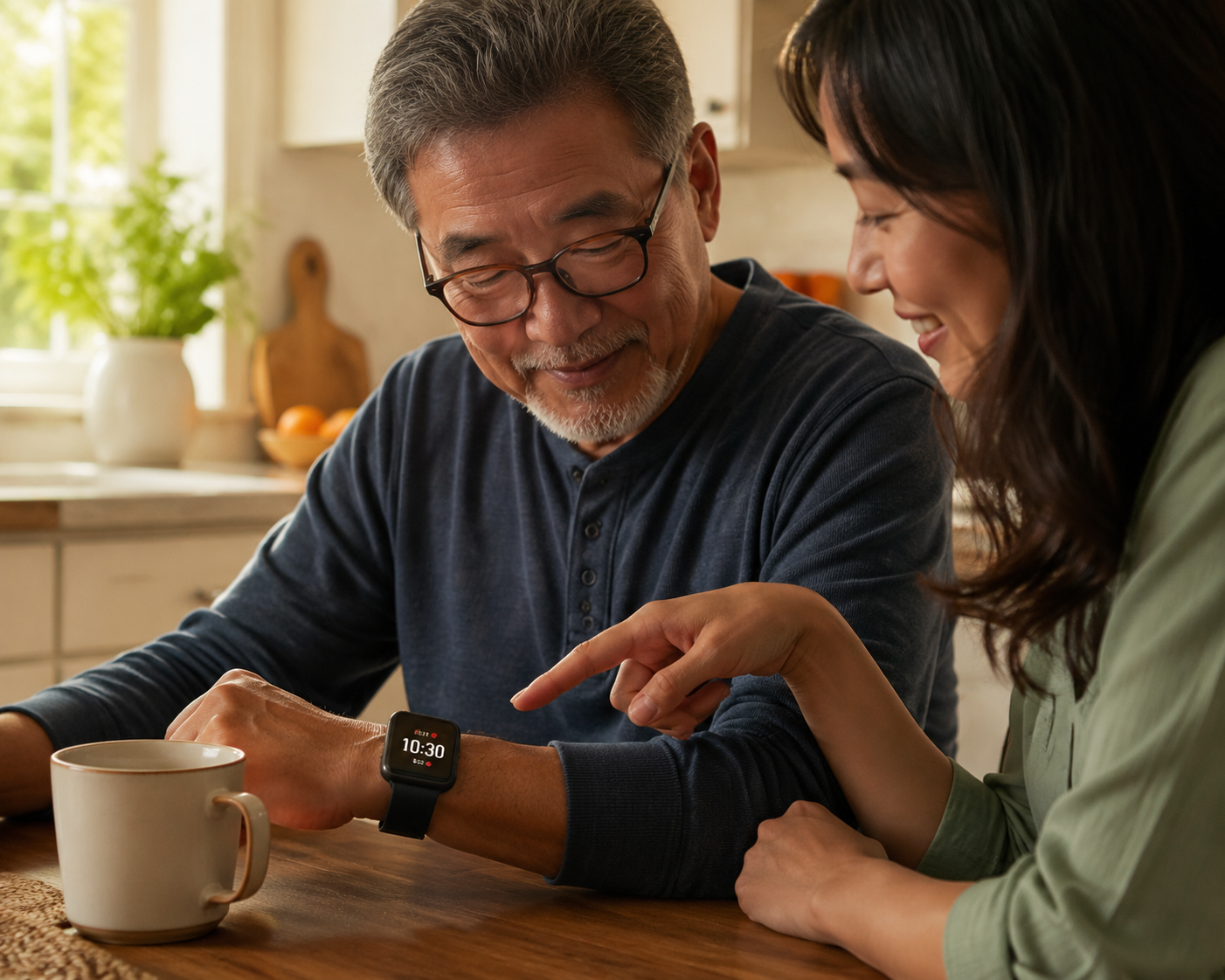
That is why feature count is the wrong north star. A watch that looks impressive on a product page can fail in the kitchen if the screen is too small, the charger is easy to forget, the SOS option is buried, or the device only works when a paired phone is nearby.
The seven things to compare
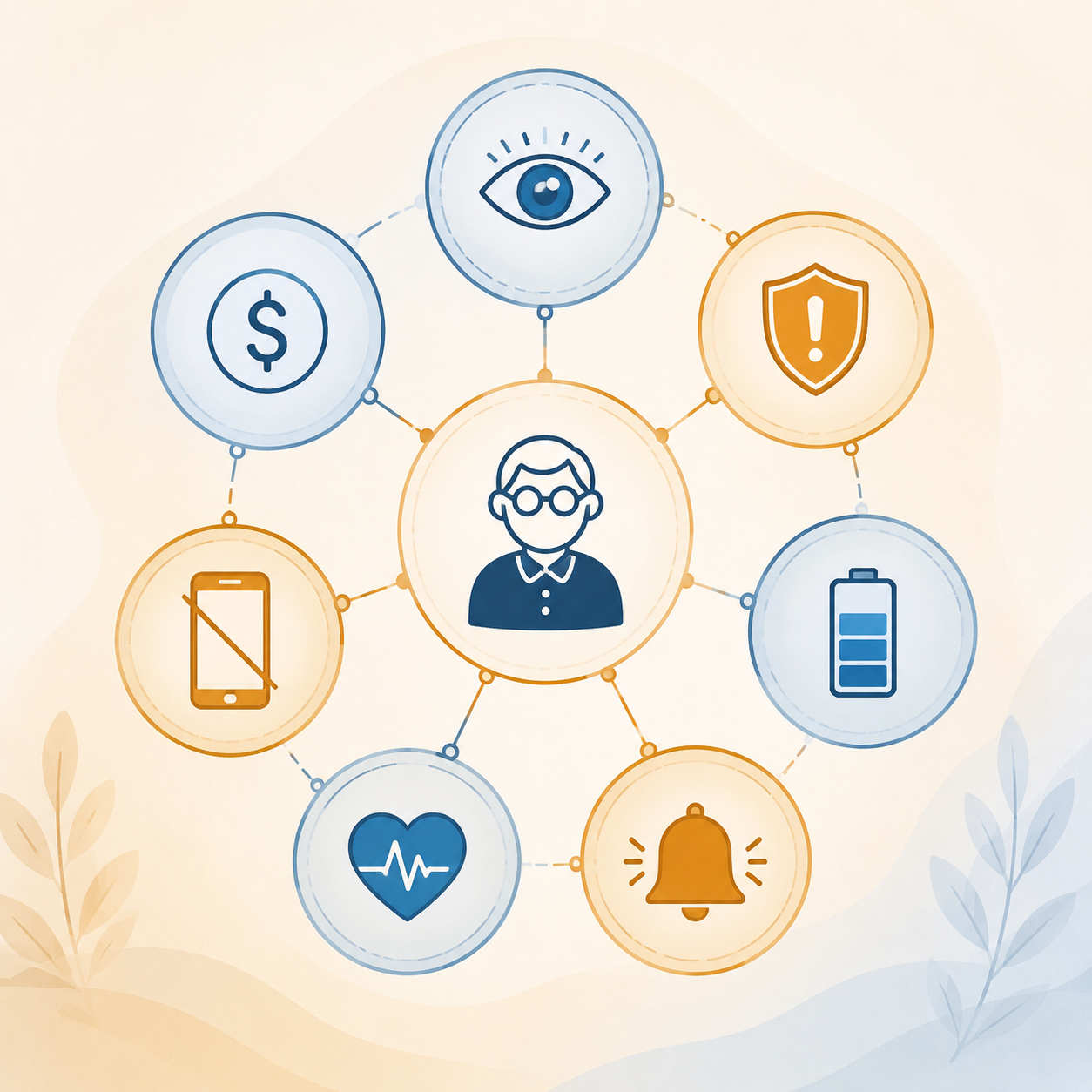
The cleanest way to sort the noise is to keep seven dimensions in view at once: display readability, fall detection, battery life, SOS response, health monitoring, smartphone dependency, and total first-year cost. Use them as a filter, not a scorecard.
| Dimension | What to look for | Why it matters |
|---|---|---|
| Display readability | Large text, strong contrast, simple screens | If he cannot read it in normal light, he will stop using it |
| Fall detection | Automatic detection plus a clear alert path | A feature that cannot recognize the right kind of fall will not help much |
| Battery life | Enough runtime to stay off the charger through the day | A dead watch cannot detect or report anything |
| SOS response | An obvious emergency action and a real person or service behind it | The alert has to reach someone who can act quickly |
| Health monitoring | Steps, heart rate, or ECG only if they fit the user | Useful data is not the same as emergency protection |
| Smartphone dependency | Can it still work if the phone is not nearby? | A phone left on the counter can break the whole safety chain |
| Total first-year cost | Device price plus any monthly fee | Sticker price is not the full bill |
Readability and wearability come first
Readability is not cosmetic. One guide reports that 75% of seniors self-report low experience using smartwatches, which makes simple menus, high-contrast text, and large touch targets a real adoption issue rather than a preference [2].
If the parent cannot read the time, confirm an alert, or understand how to dismiss a false alarm, the device becomes another source of friction. Comfort matters too: a watch that pinches, looks medical, or feels like surveillance may never survive an ordinary week. The best-looking tracker is not the one that gets praised in a review; it is the one that quietly stays on the wrist after the novelty wears off.
Safety response is where the decision gets real
Fall detection deserves careful treatment because it is not one thing. Some consumer watches are designed to spot hard falls, but slower events such as sliding off a chair or a gradual collapse are easier to miss [3]. Fitbit's consumer trackers, for example, do not include fall detection at all [2].
That gap is why the response path matters more than the badge on the box. If the watch can trigger a clear SOS, share location when needed, and reach someone who will actually answer, it has a practical role. If not, it is only collecting data. When the family needs that response path to stand on its own, a medical-alert-style watch deserves comparison alongside a fitness tracker [4].
Tester scores can still be useful, but they are controlled review results, not clinical validation [3][4]. That matters because a smooth lab score can hide the difference between a dramatic fall and the kind of slower, messier incident that happens in a real kitchen or bathroom.
Battery and phone dependence can create hidden gaps
Battery life is a safety feature, not a convenience spec. If the watch has to go on the charger before bedtime, it is off the wrist during the hours when a bathroom trip can turn into an emergency. That is the kind of gap families notice only after the first missed alert [5][4].
Smartphone dependency can matter just as much. Consumer fitness trackers usually assume a paired phone, while medical-alert-style watches are built to operate on their own [3]. If your parent leaves the phone on the counter, the watch may stop being useful when it is most needed. For older adults who do not carry a phone around the house, that one design choice can decide the whole purchase.
Health tracking helps, but it should stay in its lane
Activity data can still support better habits. A Harvard Health review found that using an activity monitor was associated with about 1,235 more steps per day and 49 more minutes of weekly activity [6]. That is useful, but it is a nudge, not a guarantee.
ECG is more specialized. In one study, smartwatch single-lead ECG showed 96% sensitivity and 91% specificity for atrial fibrillation detection, though accuracy dropped at higher heart rates during AF episodes [7]. For some families that matters; for many, it is a secondary benefit after safety and usability are solved.
What the first year really costs
Price is easy to misunderstand because the sticker price is only part of the bill. Consumer smartwatches often run about $219 to $549 upfront with no monthly fee, while medical alert watches may cost about $199 to $299 plus $39 to $85 a month [5][4].
That puts first-year total cost roughly in the $219 to $1,318 range [5][4]. The right question is not which box looks cheaper today, but which option gives your parent the response path they will actually use without creating a monthly fight. A device that is technically affordable but never worn is the most expensive one in the drawer.
References
- Facts About Falls — CDC
- Fitbits for Seniors — SeniorLiving.org
- Best Smartwatches for Seniors 2026 — Gabellioni
- Best Medical Alert Watches 2026 — SeniorLiving.org
- Best Medical Alert Watches 2026 — NCOA
- Do fitness trackers really help people move more? — Harvard Health
- Wearable health monitoring — PMC
Questions to bring to a clinician or OT
This is not medical, legal, or a family's final decision — only a framework. Bring these questions to a clinician, occupational therapist, or your local Area Agency on Aging.
Find Local HelpRelated reading
Noticed something outdated or inaccurate on this page? Flag a correction. We review every report against CDC, NIA, and AARP HomeFit guidance before updating a page.