
Caregiver decision guide
What to Look For in a Smart Band for Elderly Activity Monitoring
This guide helps caregivers evaluate smart bands for elderly activity monitoring by comparing key features like fall detection type, battery life, and emergency response models, so you can choose a device that truly fits your parent's needs and lifestyle.
The wrong smart band can make a family feel safer without making an older adult much safer at all. The biggest trap is assuming that “fall detection” means the same thing on every wrist device. Consumer smartwatches are commonly described as detecting hard falls, while dedicated medical alert watches are described as detecting both hard falls and softer falls, such as slumping or a slow descent, which can matter more for many older adults.[1] The second trap comes right after detection: some devices call 911 directly, while medical alert watches typically connect to a 24/7 professional monitoring center that assesses what is happening and sends appropriate help.[1]
That difference is not a technical footnote. It is the difference between a band that records activity, a watch that calls emergency services, and a monitored alert device where a trained person stays in the loop. If a parent falls in the bathroom, presses the wrong button, cannot explain what happened, or has a phone ringing in another room, the response pathway matters as much as the sensor.

Start With What The Band Must Actually Do
A smart band for elderly activity monitoring can mean several things at once: a step counter, a heart-rate tracker, a sleep monitor, a fall-detection device, a GPS locator, a caregiver dashboard, or a medical alert watch. Product pages often blend those together as if more features automatically mean more protection. In real life, the important question is narrower: which problem are you trying to solve for this parent?
Activity tracking has a legitimate place. CDC data, based on 2014 BRFSS data and still presented by CDC as of its April 2024 review, reported that 28% of U.S. adults age 50 and older were physically inactive; among adults 65 and older, the figure was 31%.[2] Step-count research also gives families a reason to care about daily movement: an American Heart Association news release reported that every additional 500 daily steps was associated with a 14% lower risk of heart disease, stroke, and heart failure in older adults, and a 2025 Lancet Public Health article associated 6,000 to 8,000 daily steps with substantial cardiovascular and mortality benefits.[3][4]
Those numbers explain why activity monitoring is useful. They do not prove that buying a band will make a particular parent walk more, wear the device consistently, or get help after a fall. Step data can support a care conversation; it should not be mistaken for a safety plan.
| Capability | What To Check | Why It Matters |
|---|---|---|
| Activity and step tracking | Whether the band captures ordinary walking patterns well enough to show trends | Useful for noticing reduced movement, but not the same as emergency support |
| Heart rate and sleep monitoring | Whether the data is easy to understand and share with a clinician when relevant | Can add context, but should not crowd out safety needs |
| Fall detection type | Whether it detects only hard falls or also softer falls and slumps | This is one of the most consequential category differences |
| Display and interface | Large text, high contrast, simple menus, and buttons the wearer can manage | A feature is not helpful if the wearer cannot read or operate it |
| Battery life | At least a full day of use, with charging that fits the person’s routine | Charging friction is one of the easiest ways for a band to end up on the nightstand |
| Water resistance | Whether it can be worn during handwashing, bathing, or shower routines | Falls often happen in places where people remove devices |
| Caregiver sharing | Remote dashboard, alerts, thresholds, GPS or geofencing when appropriate | The right sharing reduces guesswork without turning every data point into an alarm |
| Emergency pathway | Professional monitoring, direct 911 calling, or family notification | Detection only helps if the alert reaches someone who can respond |
| Cost structure | Upfront device cost, monthly monitoring, cellular plan, and replacement costs | A low device price can still be a poor fit if the ongoing model is wrong |
Fall Detection Is Not One Feature
The phrase “fall detection” sounds reassuring because it is simple. The actual question is what kind of fall the device is built to notice. A hard fall is the dramatic version: a sudden impact, a sharp change in motion, the kind of fall many people picture first. A soft fall may look more like sliding down a wall, lowering to the floor, or slumping from weakness. For an older adult who faints, tires quickly, loses balance gradually, or has a neurological condition, that second category can be the one family members worry about most.
NCOA’s comparison of medical alert watches draws a clear category line: consumer smartwatches, using Apple Watch as the familiar example, detect hard falls, while dedicated medical alert watches are described as detecting both hard and soft falls.[1] That does not mean every dedicated watch performs equally well, and it does not mean a consumer smartwatch has no value. It means the label on the box is too broad to trust without asking what the device is actually detecting.
The same caution applies to false alarms. A device sensitive enough to catch more events may also interrupt the wearer more often. A device tuned to avoid false alarms may miss less dramatic falls. The right compromise depends on the parent: someone with a recent fracture, repeated unexplained episodes, or a history of being unable to get up after a fall has a different risk profile than someone who mostly wants walking trends and a backup button.
The Alert Has To Reach The Right Person
A fall alert is not complete when the wrist vibrates. It is complete when the right person knows what happened and can act. Medical alert watches typically connect to a professional monitoring center available around the clock; consumer smartwatches commonly call 911 directly.[1] Family-notification devices may text or call selected contacts, which can be useful, but only if those contacts are reachable, nearby, and prepared to decide what to do.
For some families, direct 911 calling is exactly the point. For others, it is too blunt. A monitored center can help sort out whether emergency medical services, a family contact, or another response is appropriate. That matters when a parent is frightened, confused, embarrassed, or unable to describe the situation clearly.
There is also a practical household question: where will the alert sound, who will answer, and what happens if no one does? A band that depends on a nearby phone may fail the family at the ordinary, irritating moments when phones are charging, muted, misplaced, or in another room. Before comparing brands, trace the alert path from wrist to responder.
The Wearer Gets A Vote
The hidden test of any wrist device is whether it stays on. A band that is too bulky, too tight, too ugly, too hard to charge, or too confusing will gradually migrate to a dresser drawer. Families often discover this after they have already paid for the device and congratulated themselves for solving the problem.
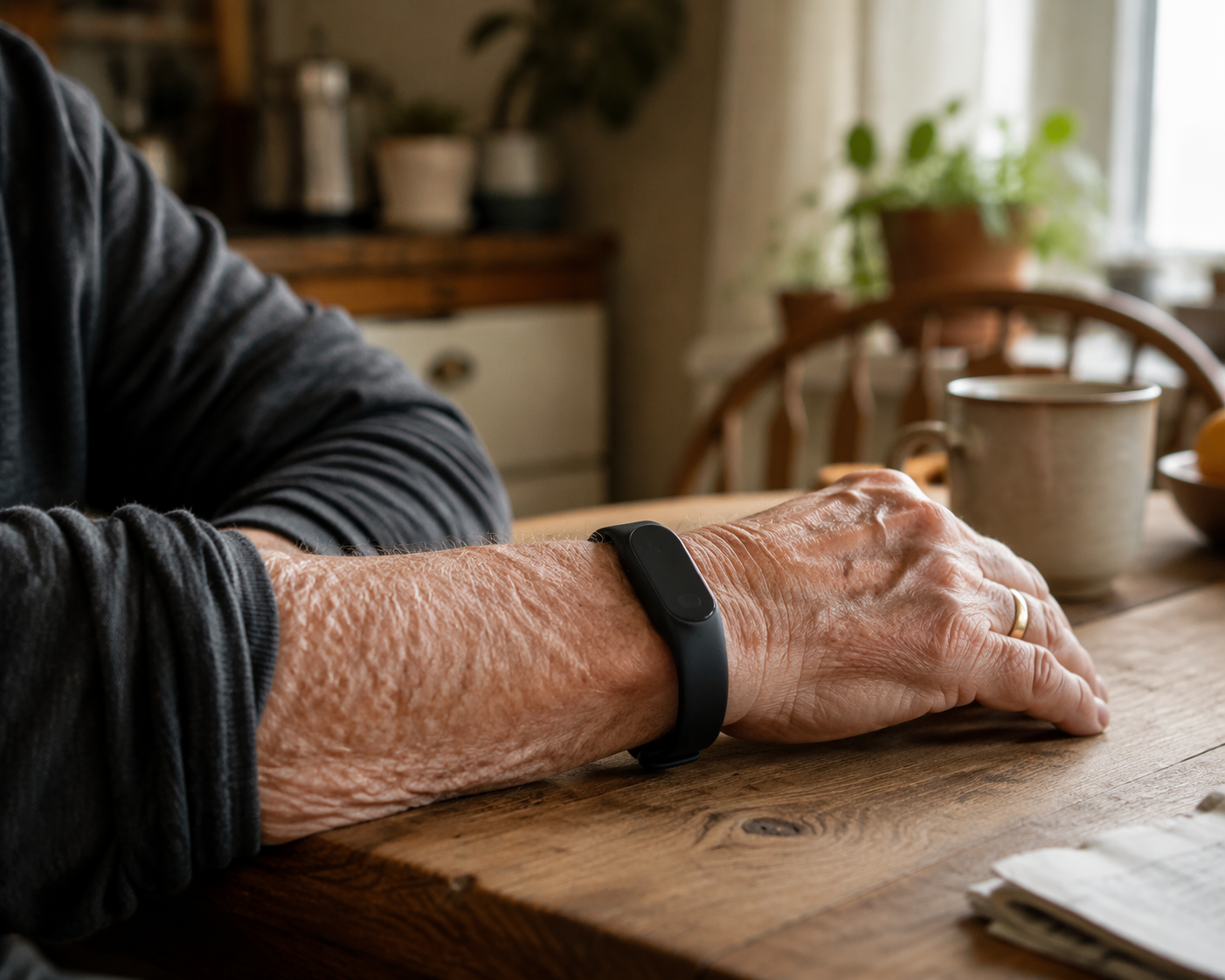
Research on older adults and wearables supports what caregivers see at the kitchen table. A 2021 JMIR meta-synthesis of 349 older adult wearable users, ages 51 to 94, found that motivation and perceived added value predicted long-term adoption more than any single device feature. Participants preferred waterproof designs, battery life of at least 24 hours, easy-to-read displays, comfortable night wear, simple attachment, and an appearance that did not look like a medical device.[5]
Those preferences are not cosmetic. They decide whether monitoring exists after the first week. If a parent cannot fasten the clasp with stiff fingers, cannot read the screen without glasses, or hates the way the device announces frailty to neighbors, the device has already lost. A 2025 study abstract also identified discomfort at 62.7%, device size at 32.7%, and perceived complexity as common barriers to wearable use, with functional limitations such as reduced dexterity and slower processing also affecting use.[6]
This is where caregivers should be a little stubborn. Try to picture the band at 2 a.m., after a shower, during a nap, under a sweater cuff, and on a day when the parent is tired. If it only makes sense under perfect conditions, it is probably not the right device.
Match The Band To The Parent, Not The Category
A feature can be essential in one household and a nuisance in another. The same GPS sharing that protects one parent’s independence may feel invasive to another. The same long battery life that helps a forgetful wearer may be less important for someone who already charges devices every night. Start with the parent’s daily pattern and work backward.
For an active, independent older adult
For a parent who walks regularly, drives, manages medications, and mostly wants a nudge toward healthy routines, a general smart band may be enough. The most useful features are activity trends, readable summaries, comfortable all-day wear, water resistance, and optional sharing that does not turn ordinary life into surveillance.
In this profile, step counts can help everyone notice a change: fewer walks after a cold, shorter outings after knee pain, or a gradual decline that might otherwise be explained away. The band should make those patterns visible without making the parent feel graded. If fall risk is low and the parent can reliably use a phone, emergency monitoring may not need to lead the decision.
For a fall-risk parent who is cognitively intact
When the real fear is another fall, the device has to be judged more like safety equipment than a wellness gadget. Ask first about hard-fall versus soft-fall detection, then about the response pathway. A parent who understands the device and can speak with a dispatcher may do well with one model; a parent who freezes, panics, or cannot always explain what happened may need professional monitoring.
Battery life and water resistance also move up the list here. The band has to stay on during the parts of the day when falls are most likely to become serious: getting out of bed, using the bathroom, bathing, and moving around when tired. A device removed for charging or showering cannot help during those gaps.
For memory concerns or wandering risk
For a parent with memory changes, the band becomes less about self-management and more about supervision with dignity. Caregiver sharing, location features, geofencing, battery alerts, and simple automatic response matter more than detailed fitness metrics. The parent may not remember to charge the device, respond to a prompt, or keep a phone nearby.
This is also where the family should be honest about who is watching the dashboard. Alerts are only useful if someone has agreed to receive them, check them, and act on them. A caregiver-sharing feature is not a plan by itself; it is a tool inside a plan.
For a tech-averse wearer
For someone who dislikes gadgets, the best device may be the least impressive one on paper. Look for one obvious button, a display that can be read without hunting for glasses, a band that does not pinch, and a charging routine that does not require tiny connectors or daily troubleshooting. If the parent is already annoyed before the device is activated, the feature list is background noise.
Appearance matters here more than many families want to admit. The JMIR synthesis found that older adults preferred devices that did not look medical.[5] That preference should not be dismissed as vanity. Wearing something every day is a social and physical experience, not just a safety decision.
Cost Comes After Fit
Cost matters, but it should not be the first filter. NCOA reports medical alert watch monthly costs ranging from $34.95 to $84.95, with equipment fees from $149 to $299; SafeWise notes that consumer smartwatches may require a cellular plan in the range of $10 to $20 per month but do not carry the same kind of ongoing medical-alert subscription.[1][7] Those are different service models, not just different price tags.
A lower monthly cost may make sense for an independent parent who mainly wants activity data and occasional emergency backup. A higher monitoring cost may make sense when the watch is part of a fall-response or wandering-risk plan. The expensive mistake is paying for a device that the parent will not wear, cannot read, or cannot rely on in the moment that made the family start shopping.
A Practical Way To Narrow The Choice
Before comparing models, write down the job the band has to do in one sentence. “Help Mom see whether she is walking less than usual” leads to a different device than “make sure Dad can get help if he falls in the bathroom” or “alert us if Aunt Carol leaves the house at night.” The cleaner the job statement, the easier it is to ignore features that sound impressive but do not serve the need.
- If the main need is light activity insight, prioritize comfort, readable trends, battery life, water resistance, and simple caregiver sharing.
- If the main need is fall safety, prioritize fall-detection type, emergency response pathway, water resistance, and whether the device works without a nearby phone.
- If the main need is memory-related supervision, prioritize location sharing, geofencing, battery alerts, automatic notifications, and a caregiver who can actually respond.
- If the main barrier is resistance to technology, prioritize comfort, appearance, simple controls, and the least demanding charging routine.
It is reasonable to want one band to do everything. It is safer to assume tradeoffs. A fitness-oriented device may be more pleasant to wear but weaker as a monitored alert system. A medical alert watch may offer a stronger response pathway but feel bulkier or more stigmatizing. The right answer is the one your parent will wear and the family can support.
For families still sorting out whether a wrist device is enough, it can help to step back into the broader monitoring-technology map. A smart band is only one category inside aging-in-place support; door sensors, medication tools, cameras, voice assistants, and professional monitoring all solve different problems. The broader guide, Beyond the Panic Button: A Caregiver's Guide to Technology Categories That Support Aging in Place, is a useful next lens if the wristband question is really part of a larger home-safety decision.
References
- Best Medical Alert Watches, National Council on Aging, 2026, https://www.ncoa.org/product-resources/medical-alert-systems/best-medical-alert-watches/
- Adults 50 and Older Need More Physical Activity, Centers for Disease Control and Prevention, last reviewed April 2024, https://www.cdc.gov/physical-activity/php/reports/adults-50-and-older.html
- For older adults, every 500 additional steps taken daily associated with lower heart risk, American Heart Association, https://newsroom.heart.org/news/for-older-adults-every-500-additional-steps-taken-daily-associated-with-lower-heart-risk
- Daily steps and health outcomes in adults: a systematic review and dose-response meta-analysis, The Lancet Public Health, 2025, https://www.thelancet.com/journals/lanpub/article/PIIS2468-2667(25)00164-1/fulltext
- Older Adults’ Experiences With Using Wearable Devices: Qualitative Systematic Review and Meta-synthesis, JMIR, 2021, https://pmc.ncbi.nlm.nih.gov/articles/PMC8212622/
- Wearable technology adoption barriers among older adults, Springer, 2025, https://link.springer.com/article/10.1186/s12982-025-01271-5
- Best Wearable Medical Alert Systems, SafeWise, 2026, https://www.safewise.com/senior-safety/medical-alerts/wearables/
Questions to bring to a clinician or OT
This is not medical, legal, or a family's final decision — only a framework. Bring these questions to a clinician, occupational therapist, or your local Area Agency on Aging.
Find Local HelpRelated reading
Noticed something outdated or inaccurate on this page? Flag a correction. We review every report against CDC, NIA, and AARP HomeFit guidance before updating a page.