
Martha Stewart Hint and Senior-Friendly Apps for Aging in Place
Martha Stewart's new Hint app offers proactive home maintenance tracking, but seniors need a layered toolkit. Discover whether Hint fits your parent's needs and which companion apps for medications, appointments, and safety work best for aging in place.
If you searched for best organization apps for seniors using Martha Stewart Hint, you are probably trying to answer a very practical question: is Martha Stewart’s new Hint platform something that could help an older parent stay organized at home, or is it just another app someone else will have to manage?
Here is the useful distinction right away: Hint is not a general senior organization app. It is a home-management platform, co-founded by Martha Stewart, that was announced as an “always-on AI-native home management platform” with a $10 million seed round from Slow Ventures and availability planned through iOS and desktop with a waitlist at hinthome.com.[1] If you came looking for Martha-style organizing advice — bins, labels, drawers, digital decluttering — that exists too. But Hint is aimed at the part of aging in place that often gets less attention: the house itself.
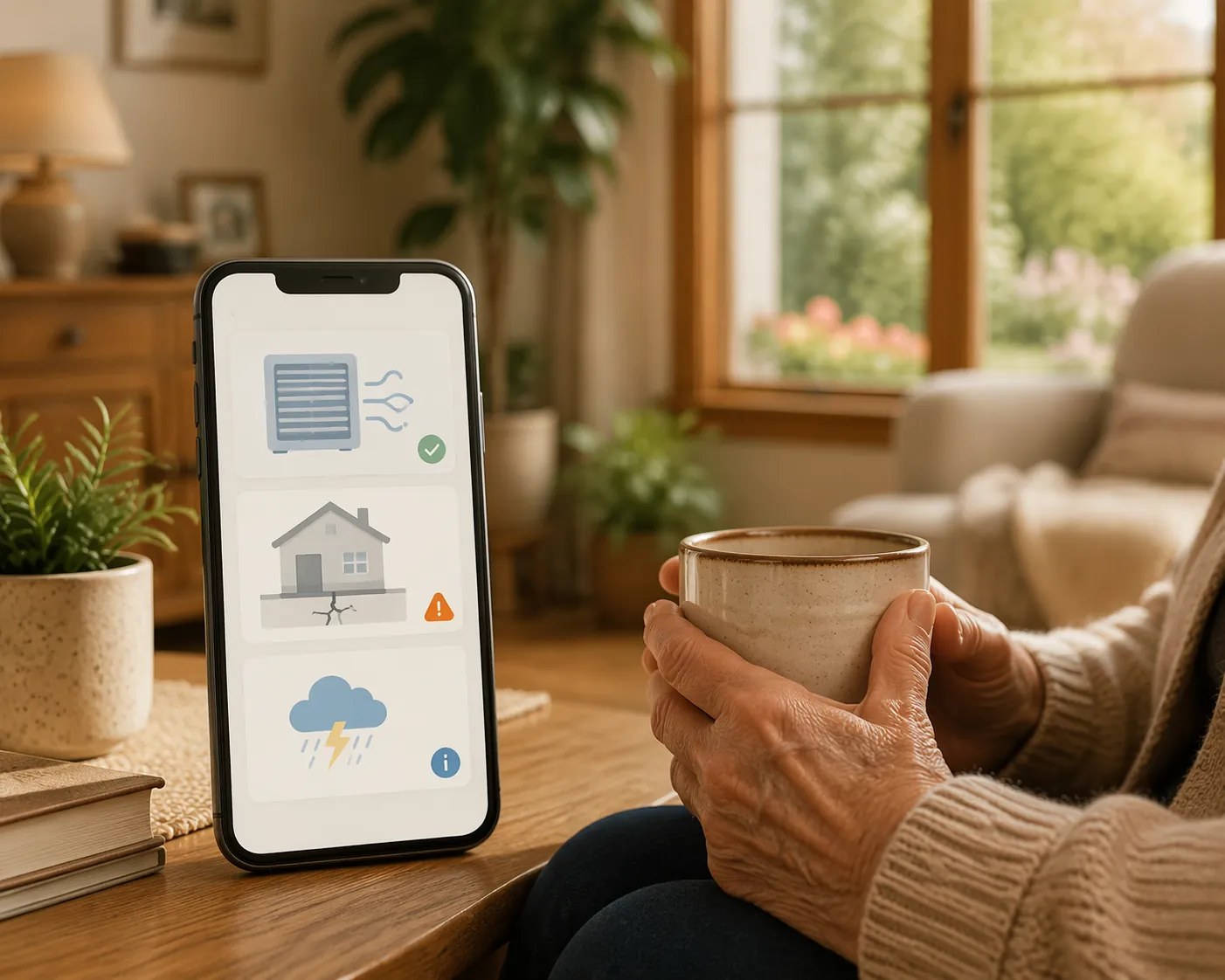
That matters because a parent’s ability to stay home is not only about pill reminders and doctor appointments. It is also about the furnace filter no one changed, the insurance renewal that quietly rolled over, the storm warning that should have triggered a backup plan, and the small repair that became a large bill because it sat too long.
Where Hint Fits — And Where It Does Not
Hint’s announced feature set is strongest in the maintenance layer of home life. Coverage of the platform describes proactive HVAC filter tracking, foundation watering alerts based on soil type and climate zone, insurance renewal monitoring, energy-plan comparison, and seasonal risk alerts for events such as freezes, storms, and wildfires.[2]
Those may sound like homeowner chores, not senior-care tools. In practice, they sit very close to aging-in-place risk. A neglected HVAC system can become an expensive emergency. Poorly handled seasonal weather can create power, heat, or access problems. Deferred home repairs can lead to cluttered workarounds, blocked pathways, poor lighting, uneven surfaces, or rooms a parent stops using because something is broken.
That does not make Hint a fall-prevention device, and it should not be described as a clinical safety system. It does, however, belong in the same planning conversation as a CDC STEADI home fall prevention checklist or a home safety product review. A safe home is not only one with grab bars. It is also one where systems are maintained before they fail.
The money side is not minor. Realtor.com’s coverage of Hint cites a 2025 Harvard housing study finding that Americans spend more than $500 billion annually on home repairs, and Angi’s 2025 survey finding that 62% of homeowners were more worried about affording maintenance than they had been the year before.[2] For a parent on a fixed income, “we’ll deal with it later” is not a neutral plan. Later is often more expensive.
The Pre-Launch Caveat Is Not Small
As of Q3 2026, Hint should be treated as promising but not proven for older adults. The public information is based on announced features and launch coverage, not hands-on usability testing with seniors. That is an important difference.
Senior smartphone adoption makes the category worth watching: 61% of adults 65 and older now own smartphones, according to Pew Research as cited in senior app guidance.[3] But smartphone ownership does not mean a parent wants to learn a dense dashboard, manage multiple notification types, or decide at night whether an alert is urgent. A tool can be smart and still be a poor fit if it creates more work for the family member already coordinating the furnace, pharmacy, and follow-up appointment.
One other point deserves watching after launch: Hint has been described as affiliate-blind, meaning recommendations are not supposed to be influenced by affiliate fees.[2] That is a good claim. It is not yet the same as ordinary-use proof. Caregivers should look for whether the app explains why it recommends a vendor, whether comparison options are clear, and whether declining a recommendation is easy.
What Hint Could Handle for an Aging Parent’s Home
The most useful way to judge Hint is not by asking whether it is impressive technology. Ask whether it removes a task that is currently being missed, guessed at, or remembered by whichever adult child happens to be visiting that month.
| Home task | Why it matters for aging in place | What to verify after launch |
|---|---|---|
| HVAC filter tracking | Comfort, air quality, system strain, and avoidable service calls | Whether reminders can go to both the homeowner and caregiver |
| Foundation watering alerts | Prevention of damage in climates and soil conditions where this is relevant | Whether the app explains why the alert applies to that home |
| Insurance renewal monitoring | Avoids rushed renewals and unnoticed premium changes | Whether policy details are easy to review without confusing prompts |
| Energy-plan comparison | Potentially important for fixed-income households facing utility pressure | Whether savings claims are transparent and not hard-sold |
| Seasonal risk alerts | Storm, freeze, wildfire, and outage preparation before conditions worsen | Whether alerts are timely, plain-language, and easy to share |
The energy-plan feature is especially worth a careful look if the parent is cost-sensitive. Realtor.com’s coverage says Hint’s comparison tools may identify potential savings of 40% or more for fixed-income households.[2] That is a potential savings claim, not a guarantee. The practical test is whether the app makes the current plan, alternative plan, contract terms, and switching consequences understandable before anyone clicks.
Seasonal risk alerts could also become valuable for families who are already building a power-outage or storm plan. A freeze warning that reaches the right person early can mean someone checks heat, pipes, batteries, mobility equipment, and transportation before the weather becomes a crisis. That overlaps naturally with a power outage fall prevention checklist, but it does not replace one.
The Senior Organization Toolkit Still Needs Daily-Life Apps
Hint, even if it works well, does not solve the daily questions most families mean when they ask about organization apps for seniors: Did Mom take the noon pill? Who is driving Dad to cardiology? Did anyone call the pharmacy? Why did no one know the aide changed schedules?
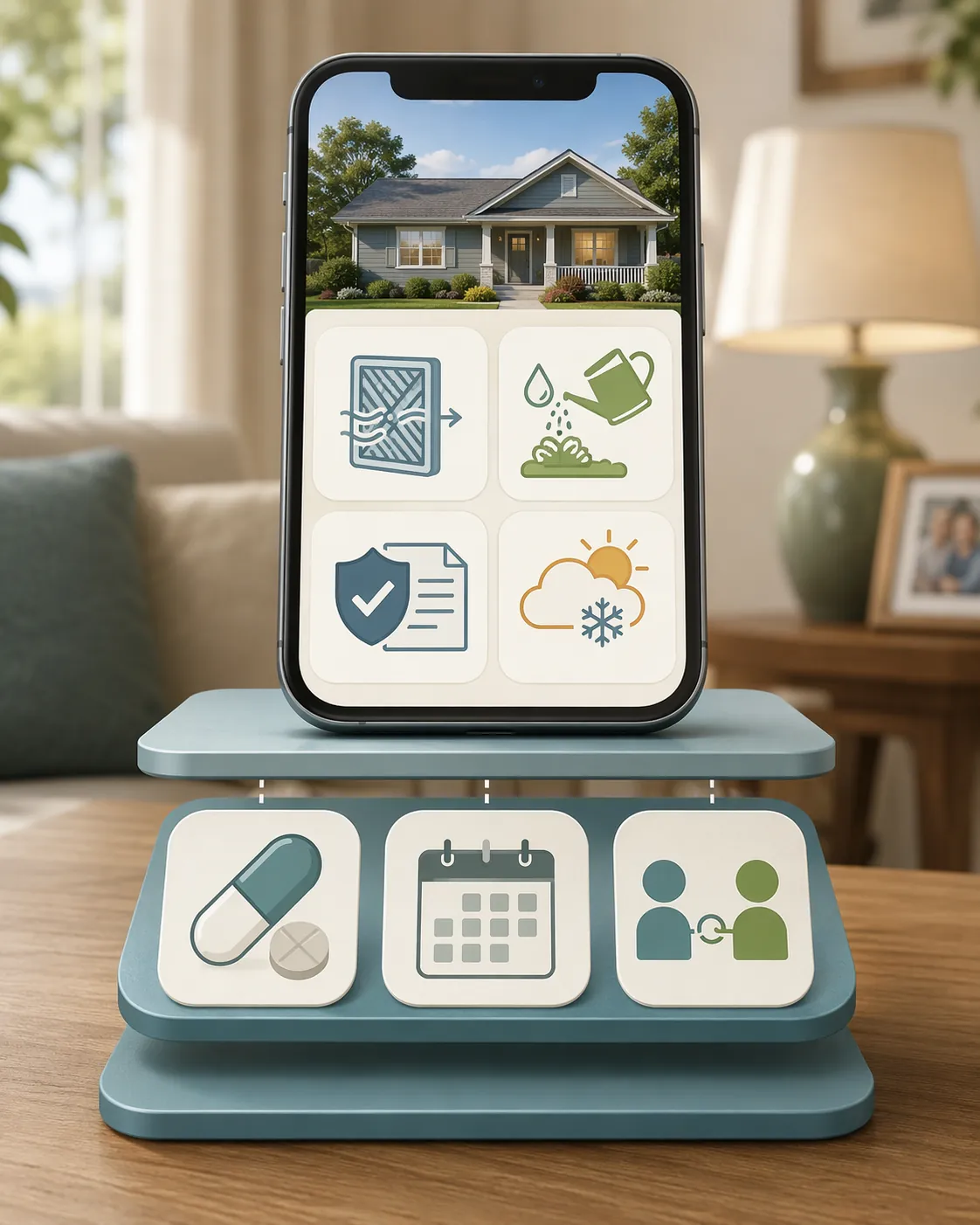
For most families, the better setup is a small layered toolkit: one home-maintenance hub, one medication app if medications are complex, one shared calendar, and one caregiver coordination or safety app if more than one person is involved. More than that can become its own housekeeping job.
Start with medications if there is any confusion
Medication organization deserves more attention than almost any other app category because the downside is not just inconvenience. SeniorLiving.org’s 2026 senior app guidance notes that one in five adverse drug events occurs because of incorrect dosage, and identifies Medisafe as a medication-tracking app that uses visual pill schedules and caregiver alerts.[3]
That is the kind of app I would set up before worrying about a beautiful all-in-one dashboard. The useful features are plain reminders, a schedule that looks like the actual pill routine, refill prompts, and caregiver notifications when a dose is missed. If a parent takes only one daily medication and never misses it, a phone alarm may be enough. If there are morning, noon, evening, and “with food” instructions, a dedicated medication app earns its place.
Use a shared calendar for appointments, not home repairs
Google Calendar or Cozi fits the ordinary scheduling layer: appointments, transportation, family visits, lab work, church events, birthdays, and recurring check-ins. StoryPoint’s senior app guidance includes calendar and connection tools among practical apps for older adults, alongside health and safety options.[4]
The selection test is simple. Can the parent read it? Can one caregiver add an appointment without creating duplicate confusion? Can reminders be set far enough ahead for transportation? If the answer is no, the app is not organized; it is merely installed.
Add caregiver coordination only when more people are involved
Life360 and Caring Village solve a different problem: the family needs shared awareness. Life360 is commonly recommended for location safety and arrival or departure alerts, while Caring Village is built around caregiver coordination, shared tasks, medication information, documents, and family communication.[7][8]
This is especially relevant for adult children coordinating from a distance. A location alert can reduce the “did she get home?” phone chain. A caregiving hub can prevent three siblings from assuming someone else scheduled the follow-up. For families in that situation, a broader long-distance caregiving plan matters more than any single app.
Situational Add-Ons: Useful Only If They Solve a Named Problem
This is where app lists often get too long. A parent who is already reluctant to use two apps does not need six more because they looked sensible in a roundup. Add-ons should be chosen only when they remove a specific burden.
- GoodRx: useful when prescription costs are a recurring problem. SeniorLiving.org says it can save seniors up to 80% or more on prescription medications, but the real test is whether the parent or caregiver can compare pharmacies without being distracted by ads or confusing offers.[3]
- LastPass: useful when password resets, scam risk, or shared account recovery has become a family chore. It should be set up with trusted caregiver access and a recovery plan, not handed to a parent as another vault to remember.
- Todoist: useful for a parent who already likes lists and can manage simple tasks. It is less useful for someone who ignores notifications or becomes anxious when tasks pile up.
- Memoryboard: useful when large, highly visible reminders are more realistic than phone notifications. Memoryboard’s own senior reminder app testing focuses on ease of use and senior-friendly reminders, which is the right lens for this category.[6]
MarthaStewart.com’s recent digital decluttering guidance for a more organized 2026 is relevant here because it treats digital tools as things that need pruning, not collecting.[5] That is good advice for families too. The goal is not to build an impressive phone. The goal is for the right alert to reach the right person with as little friction as possible.
A Practical Way to Choose the Stack
Before installing anything, write down the problem that is actually happening. Missed pills are different from missed appointments. A leaky roof is different from loneliness. A caregiver communication problem is different from a parent who simply needs larger text.
| If the main risk is... | Start with... | Then consider... |
|---|---|---|
| Home maintenance is being missed | Hint waitlist or launch watch | Shared calendar for service appointments |
| Medication doses are confusing | Medisafe | GoodRx if cost is also a problem |
| Appointments and rides are disorganized | Google Calendar or Cozi | Caring Village if several relatives coordinate care |
| Family worries about location or safe arrival | Life360 | A broader long-distance caregiving plan |
| Phone reminders are too small or easy to miss | Memoryboard or a large-display reminder tool | Simplify the phone rather than adding more apps |
For every app, use senior-specific criteria. Large text matters. Simple navigation matters. Low ad burden matters. Remote setup or caregiver access matters. The app should also have an obvious way to turn off unnecessary notifications, because too many alerts train people to ignore all of them.
This same selection discipline applies to the physical home. If maintenance issues are already turning into repairs, it is worth pairing digital reminders with a plan for prioritizing home modifications for aging in place and understanding home modification costs. An alert is helpful only if someone knows what happens next.
The Bottom Line on Martha Stewart Hint for Seniors
Hint is worth watching if your parent owns a home, wants to stay there, and maintenance tasks are already slipping. Its strongest promise is not that it will organize every part of senior life. Its promise is narrower and more useful: catching home-system tasks before they become expensive, unsafe, or overwhelming.
For now, I would not treat it as the main senior organization system. Join the waitlist or watch the launch if the home-maintenance layer is a real pain point. Then keep the daily toolkit small: Medisafe for medication complexity, Google Calendar or Cozi for appointments, Life360 or Caring Village for caregiver coordination and safety awareness, and only the situational add-ons that solve a problem your family can name.
References
- Exclusive: Martha Stewart's new AI startup wants to manage your home before things break, Fortune, May 13, 2026
- With Martha Stewart's Help, This New AI App Promises To Reshape Homeownership, Realtor.com
- Our 2026 List of Apps for Seniors and the Elderly, SeniorLiving.org, 2026
- Best Apps for Seniors: Health, Safety & Connection, StoryPoint
- How to Declutter Your Digital Life for a More Organized 2026, MarthaStewart.com, December 2025
- Senior-Friendly Reminder Apps: 5 Tested for Ease of Use, Memoryboard
- The Best Apps for Caregivers: 7 Recommendations, CareScout
- 11 Best Elderly Care Apps for Families (2026 Review), Caring Village, 2026
Related decisions
Suggest a correction
We keep this content strictly product-neutral and reviewed against CDC STEADI, NIA, and AARP HomeFit guidance. If something here looks outdated, unclear, or inaccurate, tell us — this page does not carry open public comments, because it touches medical urgency, cost, or capacity-adjacent decisions where a discussion thread is a trust liability rather than a trust asset.
See the correction process on our editorial standards page →