
Caregiver decision guide
How to Pick an iPhone for Seniors on a Budget
Compare new and refurbished iPhones across price tiers to identify the model that offers the best senior-friendly features, safety capabilities, and iOS update longevity. Carrier plan recommendations help minimize ongoing costs.
The best iPhone for seniors on a budget is usually not the absolute cheapest iPhone you can find. In Q3 2026 pricing, the better question is how much room the budget has: under $300 points to a refurbished iPhone 13, $300–$500 is where a refurbished iPhone 14 becomes the strongest value, and $500–$600 is where a new iPhone 17e starts to make sense if a full new-device purchase matters more than savings. Refurbished prices and carrier promotions move every quarter, so these are useful shopping bands, not permanent price promises.
| Budget | Best fit | Why it fits | Main caution |
|---|---|---|---|
| Under $300 | Refurbished iPhone 13 | Lowest practical entry point at about $175–$300 in Q3 2026 pricing [1] | About 2 years of iOS updates left; no Crash Detection or satellite SOS |
| $300–$500 | Refurbished iPhone 14 | Best balance at about $272–$365, with Crash Detection, satellite SOS, and about 3 years of updates left [1] | Condition, battery health, and warranty vary by seller |
| $375–$630 | Refurbished iPhone 15 | Newer refurbished option with longer useful life, if the deal is good [2] | Often overlaps with new-phone pricing |
| $500–$600 | New iPhone 17e | Cheapest new iPhone option at $599, with warranty and current safety features [3] | $599 is still a serious fixed-income purchase |
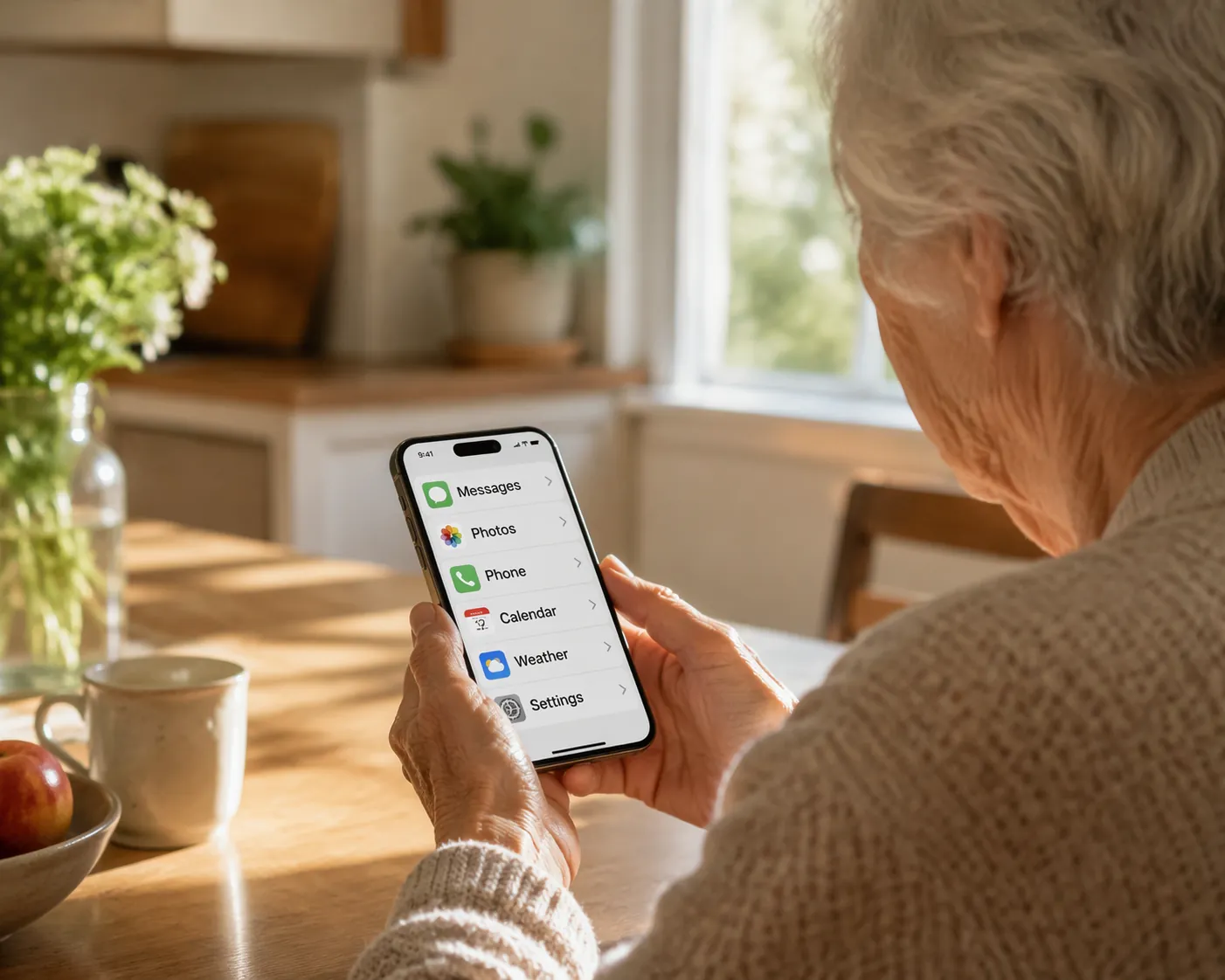
For most families trying to hold the line on cost without buying a phone that feels temporary, the refurbished iPhone 14 is the cleanest answer. It is not the cheapest. It is the point where the phone stops being merely affordable and starts carrying the safety features many families thought they were getting when they said, “Let’s get Mom an iPhone.”
Start With The Price Band, Not The Model Name
A senior-friendly iPhone has to do more than make calls. It needs a screen that can be read without squinting, iOS features like Large Text and Assistive Access, hearing aid compatibility, easy emergency contact access, and enough software support left that the family is not replacing it again after one birthday and one holiday season.
That is why the under-$300 category has to be treated differently from the $300–$500 category. A refurbished iPhone 13 can be a perfectly reasonable short-term purchase at about $175–$300, and it still gives a senior the familiar iPhone interface, FaceTime, Messages, app access, and adjustable display settings. But with roughly 2 years of iOS updates left, it is not the same value as a phone that costs a little more and stays useful longer [1].
The iPhone 14 changes the math because its Q3 2026 refurbished range, about $272–$365, is still within reach for many budget shoppers, while its safety stack is meaningfully stronger than the older bargain models [1]. The iPhone 15 can be worth considering when its refurbished price falls near the lower end of its reported $375–$630 range, but when it climbs toward the top of that range, it starts competing with new-phone logic instead of budget logic [2].
The iPhone 17e sits in a different lane. At $599 new, it is the least expensive new iPhone option in the 2026 senior-phone comparisons, and for some families the full warranty, fresh battery, and simpler purchase experience are worth paying for [3]. It should not be casually called “budget,” though. For a retiree watching a monthly grocery bill and prescription costs, $599 is not a small difference from a $300 refurbished phone.
Why The Refurbished iPhone 14 Is The Sweet Spot
The refurbished iPhone 14 is the model I would check first for a budget-conscious senior because it keeps the most important caregiving features without pushing the family into new-phone pricing. RefurbMe’s mid-2026 refurbished market data also found a median refurbished iPhone discount of about 78% off original launch price, which helps explain why the iPhone 14 can be in the same shopping conversation as older “cheap” models [1].
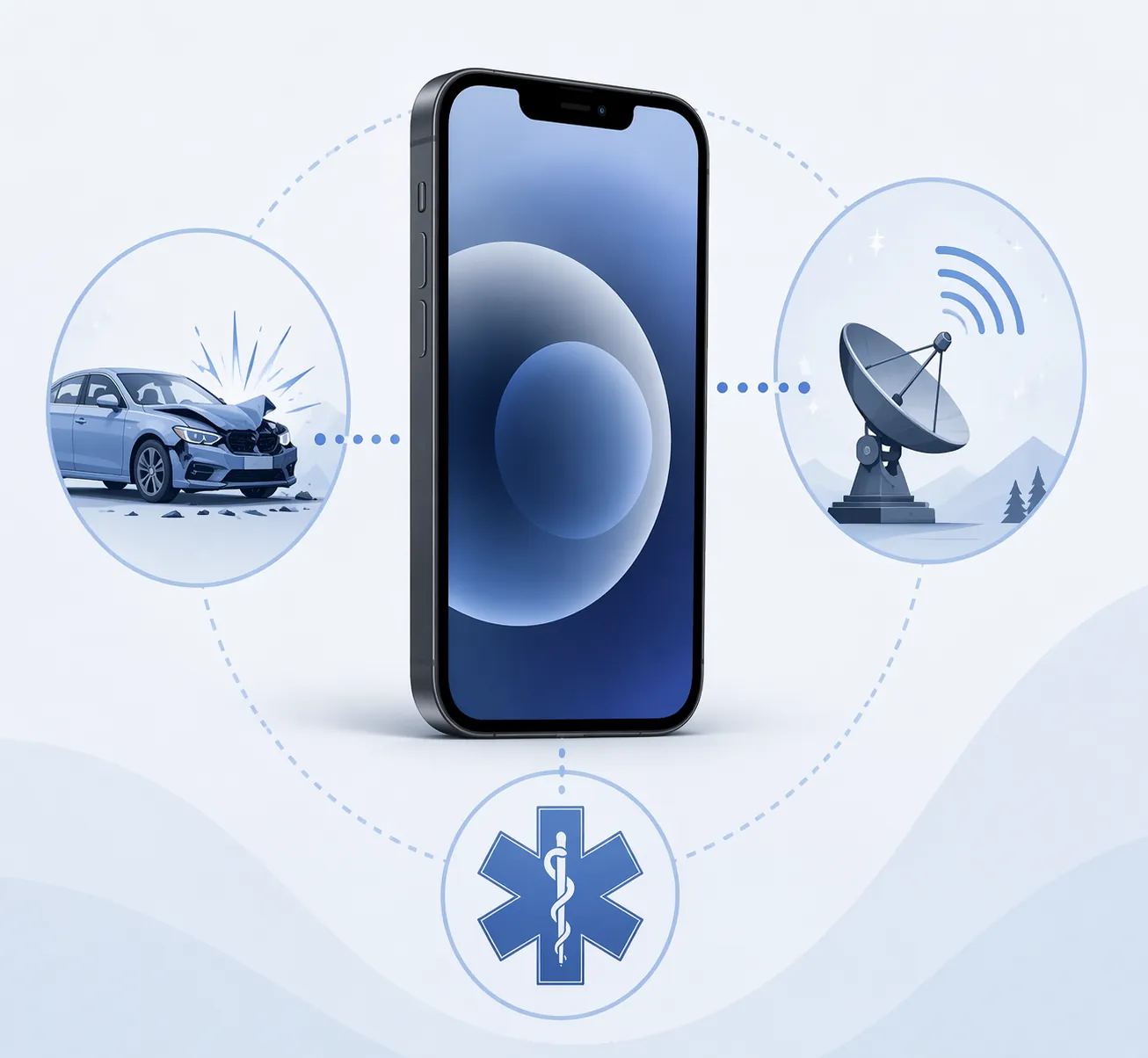
Start with emergency coverage. Emergency SOS via satellite is available on iPhone 14 and later, and Apple Support describes it as free to use as of the current support terms, although Apple has signaled that future terms may change [4]. That matters for seniors who drive through rural areas, walk where cellular coverage is weak, or live somewhere a storm can take service down. It does not replace a medical alert system, and it is not a promise that every emergency will connect instantly. It is still a feature worth paying attention to when the price difference between a refurbished iPhone 13 and iPhone 14 is not enormous.
Crash Detection is the next separator. iPhone 14 and later models include Crash Detection, which is the kind of feature nobody wants to need and everyone assumes will be there once they hear about it [3]. If a parent still drives, especially alone, the older refurbished models lose some of their appeal. Saving money on the phone is not very comforting if the family bought below the line where the feature begins.
Setup simplicity matters too. iPhone 14 and later models use the same broad emergency setup system for Medical ID and emergency contacts, so a family can enter allergies, medications, emergency contacts, and lock-screen access in one familiar iOS flow [4]. The important part is not that the settings exist somewhere in the phone. The important part is whether somebody will set them up before the phone goes into a purse, jacket pocket, or cup holder.
- Turn on larger text and display zoom before handing over the phone.
- Set up Medical ID with current medications, allergies, and emergency contacts.
- Review Emergency SOS settings together so the senior knows what happens if the side button is pressed repeatedly.
- Consider Assistive Access if the senior needs a simplified screen with fewer apps and larger controls.
- Confirm hearing aid pairing before the return window closes.
The last reason is update life. A refurbished iPhone 14 has roughly 3 years of iOS updates remaining in this 2026 buying window, compared with roughly 2 years for a refurbished iPhone 13 [1]. One year may not sound dramatic until you are the person who has to move contacts, photos, medication apps, two-factor codes, and banking logins to another phone. Software support is not a spec-sheet luxury here. It is how long the purchase can stay boring.
When The iPhone 13 Is Good Enough
The refurbished iPhone 13 should not be dismissed. If the hard ceiling is $300, it is the practical budget entry point, and for many seniors it will feel like a major upgrade from an aging Android phone, an old iPhone with a weak battery, or a flip phone that no longer fits their daily life. At about $175–$300, it can leave room in the budget for a protective case, screen protector, charging cable, and perhaps a few months of service [1].
It is the right compromise when the phone is mainly for calls, FaceTime, family texts, photos, rideshare or pharmacy apps, and basic location sharing. It is less convincing when the family is buying with emergency driving features in mind, or when nobody wants to repeat the purchase soon. The short version: choose the iPhone 13 when the upfront limit is strict and the family is comfortable treating it as a shorter-term phone.
When Buying New Is Reasonable
Refurbished is often the better value, but new is not foolish. The iPhone 17e at $599 gives a senior a new battery, standard new-device warranty path, current safety features, and a purchase that does not require comparing refurb grades or seller policies [3]. For families who have already been burned by a used device, or for a senior who simply feels more comfortable receiving a new phone, that certainty has value.
The problem is calling it cheap. A $599 phone can be the least expensive new iPhone and still be too much for a fixed-income buyer. It also does not create a new safety category over the iPhone 14 for the core features most families are shopping for here. If the reason for stretching to the 17e is warranty certainty, clean battery history, or personal preference, that is a legitimate reason. If the reason is that the older refurbished phone is unsafe or unusable, the materials do not support that broad a claim.
A refurbished iPhone 17e is not much of a bargain yet. As of mid-2026, refurbished stock is thin and prices remain close enough to the $599 retail price that the refurbished value case is weak [3]. That may change later, but it is not where I would spend comparison time in Q3 2026.
Models To Treat Carefully
The iPhone SE 3rd generation looks tempting because it is small, familiar, and often priced attractively, but it was discontinued in February 2025 and its likely iOS support window is limited to around 2027 [5]. For a senior who loves the Home button and needs a low-cost replacement right now, it may still solve an immediate problem. As a long-term budget recommendation, it is hard to defend.
The iPhone 12 and older models are even more caution than recommendation. With only about 1–2 years of iOS support remaining, the low price can turn into a chore: security concerns sooner, app compatibility problems sooner, and another family setup session sooner [1]. If the phone is going to be a spare, temporary bridge, or emergency backup, fine. If it is supposed to be the daily independence tool, look newer.
The Monthly Plan Can Ruin A Good Phone Deal
The phone price gets all the attention because it is the big number on the checkout page. The monthly plan is the number that keeps coming back. A refurbished iPhone 14 only stays a budget choice if it is paired with a plan the senior can keep without surprise bundle rules, advance-payment requirements, or residency restrictions.
| Plan option | Q3 2026 price snapshot | Best fit | Fine print to notice |
|---|---|---|---|
| Consumer Cellular | About $20–$50 per month [6] | Seniors who want a familiar senior-focused carrier and flexible usage tiers | Final cost depends on selected data and lines |
| Mint 55+ | About $15 per month prepaid [6] | Low-data users comfortable paying ahead | Promotional pricing can require multi-month advance payment |
| T-Mobile 55+ | About $45 per month with Scam Shield noted in senior-plan comparisons [6] | Seniors who want major-carrier service and built-in scam-call tools | Availability and plan terms should be checked at signup |
| Verizon 55+ | Varies by offer | Only worth checking for eligible residents | 55+ plan availability is restricted to Florida residents [6] |
Consumer Cellular is often the least stressful starting point for seniors who want a simple bill and human help, with cited senior-plan pricing around $20–$50 per month depending on the plan [6]. It is not automatically the cheapest. It is often the one that creates fewer calls to the adult child who has to decode the bill.
Mint 55+ can be very inexpensive at about $15 per month, but the word “prepaid” deserves attention [6]. If a parent is comfortable paying for service in advance and does not use much data, it can make the total yearly cost look excellent. If advance payments or online account management will create confusion, the lower monthly headline may not be worth the support burden.
T-Mobile 55+ is more expensive at about $45 per month in the cited senior-plan data, but Scam Shield may matter for a senior who gets frequent suspicious calls [6]. Scam-call tools do not solve fraud by themselves, and they do not replace family conversations about unknown links, gift cards, or fake bank warnings. They can still reduce some noise around the phone, which is part of keeping the phone usable.
Verizon’s 55+ option should only be mentioned with the residency limit attached: the cited senior-plan comparison restricts it to Florida residents [6]. If the parent lives outside Florida, it is not a general national answer, no matter how attractive the plan looks in a roundup.
What To Check Before You Buy Refurbished
Refurbished buying is where a little patience saves a lot of regret. The model name alone is not enough. Two refurbished iPhone 14 listings can have different battery health, different return windows, different cosmetic grades, different warranty terms, and different carrier-lock status.
- Prefer unlocked phones unless you are deliberately buying through a carrier plan.
- Check the seller’s return window before setting up the phone with the senior’s Apple ID.
- Look for clear battery-health or battery-replacement language.
- Avoid listings that hide the exact model or storage size.
- Confirm the phone supports the carrier you plan to use.
Storage does not need to become a research project for many seniors. If the phone is mostly for calls, texts, FaceTime, photos, and a few essential apps, the base storage option may be enough. If the senior takes many videos, keeps years of photos locally, or uses several health and entertainment apps, more storage can prevent another kind of maintenance headache. The point is to match the phone to real use, not to buy the spec that sounds safest.
Set It Up Before It Leaves The Kitchen Table
The best iPhone for seniors on a budget is only as good as its setup. A phone with satellite SOS, Crash Detection, and Medical ID can still fail the family if the text is too small, the emergency contacts are blank, the Apple ID password is written on a loose envelope, and the senior is afraid to touch anything because the screen feels crowded.
- Increase text size, enable display zoom if needed, and remove unused apps from the first screen.
- Add Medical ID details and emergency contacts while the caregiver and senior are both present.
- Test phone calls, FaceTime, voicemail, hearing aid pairing, and charger placement.
- Write down the Apple ID recovery plan somewhere secure that the right family member can find.
- Show the senior what Emergency SOS does, without turning the explanation into a lecture.
Assistive Access is worth considering when the senior needs fewer choices on screen, larger controls, and a more predictable path to calls, messages, music, photos, or a small set of approved apps. It is not only for one diagnosis. It is for the moment when the normal iPhone layout becomes more choice than help.
The Practical Pick
If the budget allows, buy a refurbished iPhone 14 from a seller with a clear return policy, warranty language, and battery-health disclosure. In the current Q3 2026 price window, it is the strongest budget balance: about $272–$365 upfront, roughly 3 years of iOS updates left, Crash Detection, Emergency SOS via satellite, and the emergency-contact setup families actually need [1][4].
Choose a refurbished iPhone 13 only when the upfront limit is strict and short-term use is acceptable. Choose the iPhone 17e when a new phone, fresh warranty path, and simpler purchase are worth more than the refurbished savings. Skip the iPhone 12 and older for a daily senior phone unless this is truly temporary. Then spend the next hour on setup, because the safest phone is the one the senior can read, answer, charge, and use without feeling like they are bothering someone every time it rings.
References
- 7 Best Refurbished iPhones to Buy in 2026 (Ranked by Value) — RefurbMe
- What Is the Best Refurbished iPhone to Buy in 2026? — Remobile
- Best iPhones for Seniors in 2026 — SeniorLiving.org
- Use Emergency SOS via satellite on your iPhone — Apple Support
- Best iPhone for seniors 2025 — Macworld
- Best Senior Phone Plans of 2026 — CNET
Questions to bring to a clinician or OT
This is not medical, legal, or a family's final decision — only a framework. Bring these questions to a clinician, occupational therapist, or your local Area Agency on Aging.
Find Local HelpRelated reading
Noticed something outdated or inaccurate on this page? Flag a correction. We review every report against CDC, NIA, and AARP HomeFit guidance before updating a page.