
Caregiver decision guide
Helping Elderly with Technology: A Caregiver's Guide to Privacy, Trust, and the Conversation That Actually Works
Data privacy is the single largest barrier preventing older adults from adopting helpful technology. This guide provides a practical conversation framework for caregivers to address privacy fears directly, plus criteria for selecting privacy-respecting devices.
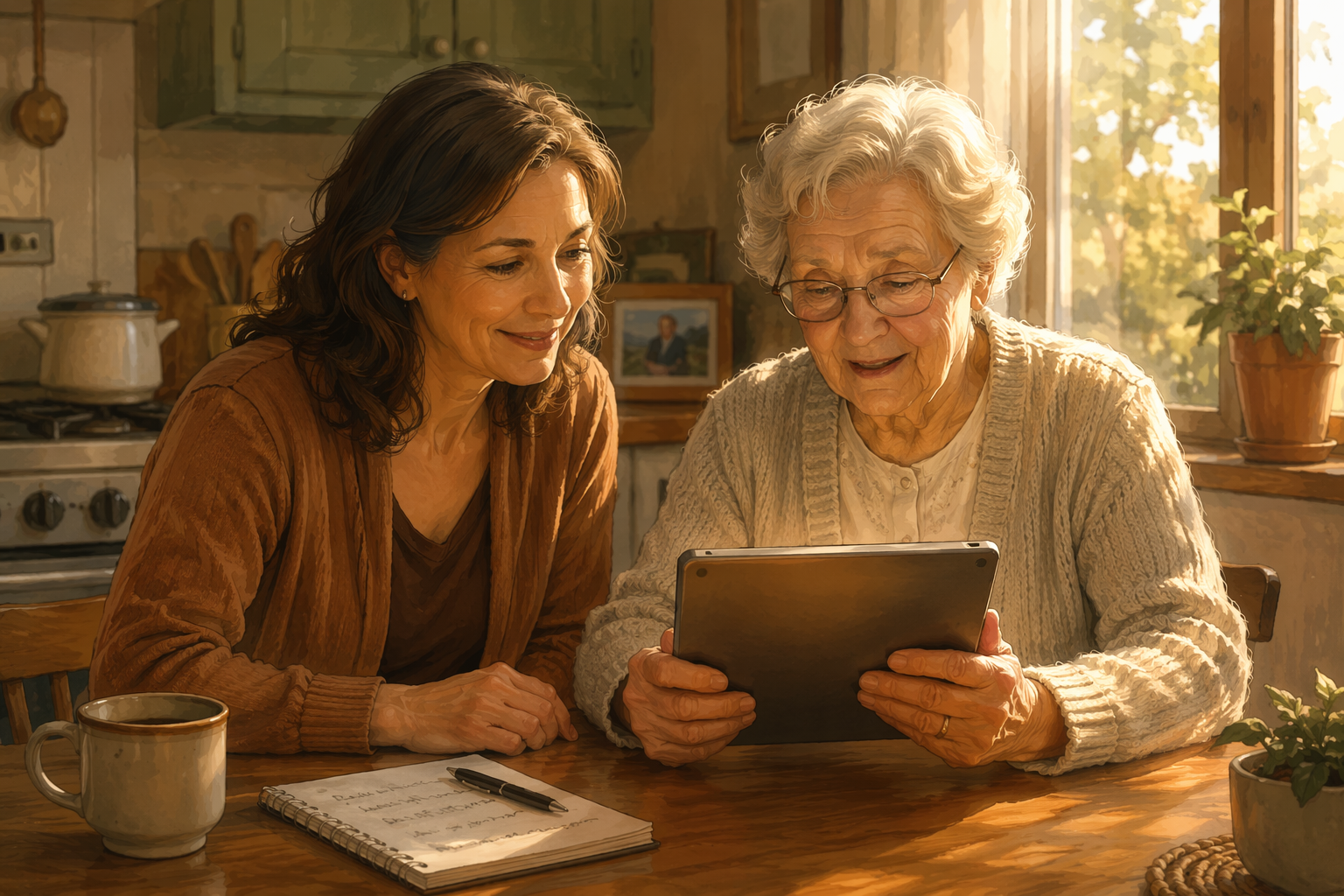
The Privacy Paradox: Why the People Who Need Technology Most Are the Most Wary
You have likely heard the argument before: "If Mom would just use a medical alert pendant, we would all sleep better." Or: "If Dad would let us install a simple motion sensor, we would not have to call him three times a day." The logic is sound. The technology exists. The benefits — earlier fall response, better chronic disease management, extended independent living — are well documented. Yet the device sits in its box, or the app remains unopened, and the conversation stalls.
The reason is almost never "I do not know how to use it." It is almost always "I do not trust what it does with my information." This is the privacy paradox: the older adults who stand to gain the most from monitoring and safety technology are also the most deeply concerned about what happens to their personal data. And they are right to be.
The 2026 AARP Tech Trends report found that 25% of older adults say privacy worries about what personally identifiable information is collected stop them from making tech purchases. A separate survey by YouGov, conducted from December 2024 through December 2025, found that 74% of Americans aged 65 and older say limiting access to their personal data is very important — a higher share than any younger age group. Among adults 50 and older, 34% cite data privacy as the primary barrier to adopting health-related technology.
Why Privacy Fears Are Rational: What the Data Actually Says
Before you can have a productive conversation with your parent about privacy, you need to understand the landscape yourself. The data shows that their hesitation is not "technophobia" — it is a reasonable response to a market that has given them little reason to trust.
Consider these findings from nationally representative surveys:
- 56% of all Americans worry that data from a wearable device will be used by companies to learn about their lifestyle (YouGov, December 2024–December 2025).
- 60% of adults 50 and older believe technology is not designed with their age group in mind (AARP 2026 Tech Trends).
- 40% of people aged 65 and older reported at least one usability or accessibility barrier online in 2023 (WifiTalents compilation of Pew Research and FCC data).
- Only 13% of Americans 65 and older agree with the statement that "people only worry about personal data online if they have something to hide" — compared to 27% of 18- to 29-year-olds (YouGov).
The last point is especially telling. Older adults are not naive about data collection. They understand the stakes. Their reluctance is not born from a lack of digital literacy — 90% of adults 50 and older own a smartphone, and the average older adult uses about 14 digital services (AARP 2026). It is born from a clear-eyed assessment of how their data could be used, shared, or breached.
Common Privacy Fears Mapped to Specific Technology Categories
A vague fear of "they will know everything about me" is hard to address. A specific fear about "who can watch the camera footage" is something you can investigate together. The table below maps the most common privacy concerns to the device categories that trigger them.
| Technology Category | Common Privacy Fear | What Data Is Actually Collected | Realistic Risk Profile |
|---|---|---|---|
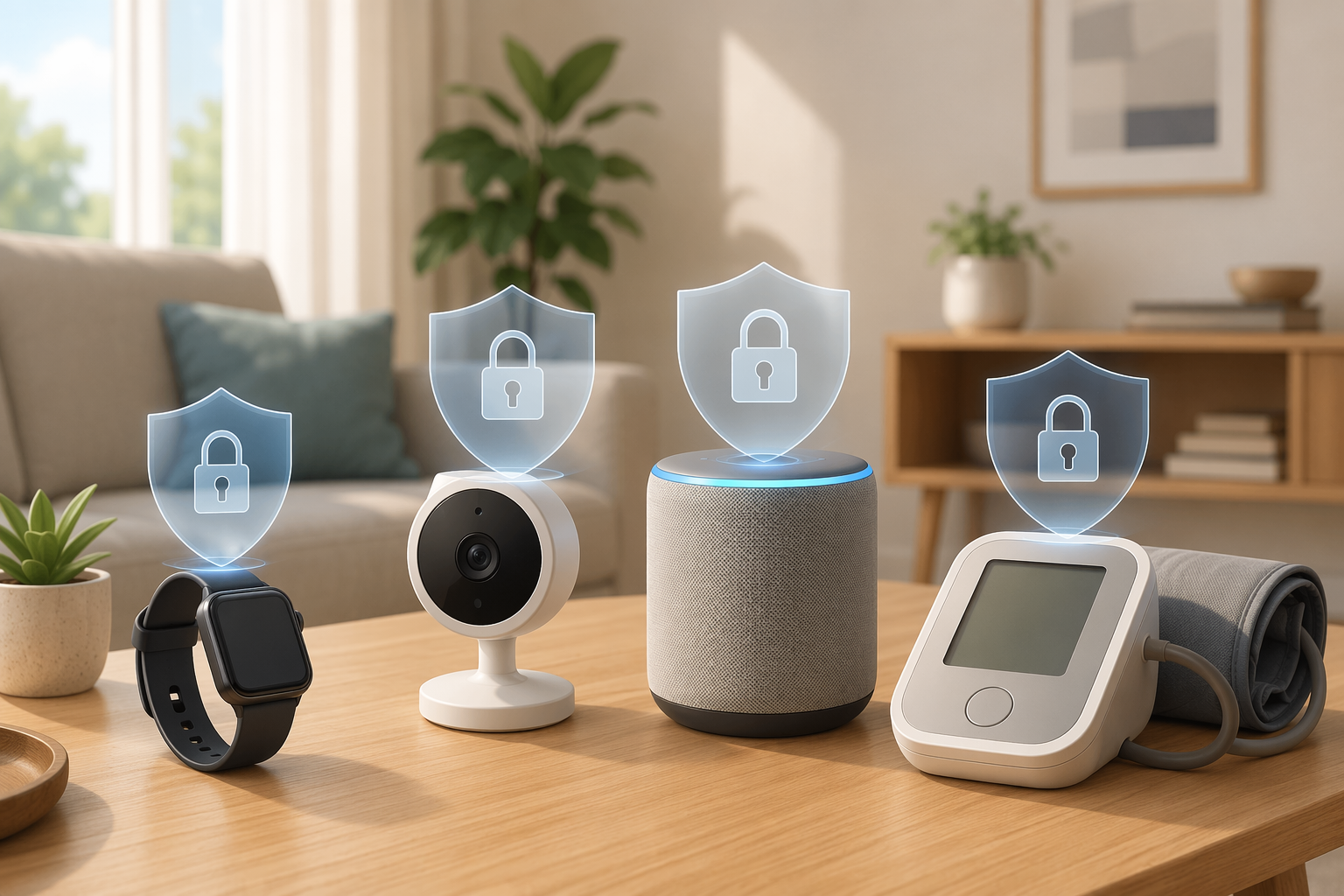
| Wearable health monitors (smartwatches, fitness bands) | Companies will learn my lifestyle and health conditions and use that against me | Heart rate, step count, sleep patterns, fall detection events, GPS location during activity | 56% of Americans worry about lifestyle profiling from wearables (YouGov). Most wearables share de-identified data with third-party analytics; some allow opt-in research data sharing. |
| Indoor cameras (motion sensors, video monitors) | Someone is watching me all the time. My family will see everything I do. | Motion events, video clips triggered by activity, time-stamped activity logs | Devices with cloud storage (e.g., $3.50/month for TP-Link Tapo) store clips on remote servers. Devices with local microSD storage keep footage in the home. Physical camera shutters exist on some models. |
| Voice assistants (smart speakers, voice-controlled devices) | The device is always listening and recording my private conversations | Wake-word-triggered recordings (e.g., "Alexa," "Hey Google"), voice commands, ambient noise snippets for wake-word detection | Major platforms allow users to review and delete voice recordings. Devices do not stream audio continuously; they listen locally for a wake word. |
| Health monitoring platforms (blood pressure cuffs, glucose monitors, telehealth) | My insurance company will see my data and raise my rates | Vital sign readings, medication adherence data, telehealth session notes | HIPAA-covered entities (doctors, hospitals) must protect health data. Direct-to-consumer devices may not be HIPAA-compliant. Data shared with insurers requires explicit patient consent under most state laws. |
For a deeper comparison of wearable versus passive monitoring systems and their respective privacy implications, see our guide: Wearable vs. Passive Elderly Monitoring Systems: A Decision Framework for Family Caregivers.
The Conversation Framework: How to Talk About Privacy Without Dismissing Fears
Most caregiver advice on this topic follows a familiar pattern: "Reassure them it is safe." That approach fails because it asks your parent to accept a conclusion without evidence. A better approach is to walk through the evidence together. The following six-step framework centers on honesty about data collection rather than brushing off concerns.
Step 1: Acknowledge the fear as valid
Start with: "You are right to be careful. Companies collect a lot of data, and not all of them are transparent about what they do with it." This single sentence does more to build trust than any amount of reassurance. It signals that you are on their side, not on the side of the device manufacturer.
Step 2: Explain exactly what data each device collects — and what it does not collect
Use the table above as a reference. For each device you are considering, look up the specific data fields it collects. Many medical alert pendants, for example, collect only a fall detection signal and a GPS location when the button is pressed — they do not track movement throughout the day. Knowing the difference between "always on" and "event-triggered" data collection can change the entire conversation.
Step 3: Explain who can access that data and under what circumstances
For most monitoring devices, the data is accessible to: (1) the account holder (usually the caregiver), (2) the device manufacturer's cloud service for processing, and (3) emergency response personnel if a fall alert is triggered. It is not automatically shared with insurance companies, employers, or government agencies. Be honest about exceptions: some devices share de-identified data for research, and some platforms allow data sharing with third-party services. These settings are almost always configurable.
Step 4: Discuss what happens in a data breach and how risks are mitigated
No system is perfectly secure. Acknowledge this. Then explain the mitigations: devices with local storage limit breach exposure to the physical device; platforms with end-to-end encryption make stolen data unreadable; and choosing devices from established manufacturers with dedicated security teams reduces the likelihood of a breach. The goal is not to promise zero risk — it is to show that thoughtful choices can reduce risk to an acceptable level.
Step 5: Configure privacy settings together
Sit down with the device or app and go through every privacy setting together. Turn off anything that feels unnecessary: location history, voice recording storage, data sharing for product improvement. Show your parent exactly where these settings live and how to change them. This is not a one-time task — review the settings together every few months, as software updates sometimes reset preferences.
Step 6: Establish opt-in sharing rules and boundaries
Agree together on who gets notified for what. A fall alert might go to you and your sibling. A daily step count summary might go to no one. A motion sensor notification might go to you only during certain hours. When your parent controls the rules — rather than feeling like data is being extracted from them — adoption becomes a choice rather than a concession.
Device Selection Criteria for Privacy-Conscious Seniors
When evaluating a device for a privacy-conscious older adult, the following criteria can help you filter out products that would create unnecessary friction. Use this checklist alongside the device's feature specifications.
| Criterion | What to Look For | Why It Matters |
|---|---|---|
| Storage location | Local storage (microSD, on-device) preferred over mandatory cloud storage | Local storage keeps footage in the home; cloud storage uploads data to remote servers that could be breached or accessed by the manufacturer |
| Data sharing model | Opt-in data sharing (you choose to share) rather than opt-out (you must disable sharing) | Opt-in models respect user autonomy; opt-out models often bury sharing settings in menus |
| Privacy policy readability | A plain-language privacy policy under 2,000 words, or a dedicated privacy summary page | Long, legalistic policies are a barrier to informed consent; if you cannot understand it, neither can your parent |
| Physical privacy controls | Camera with a physical shutter; microphone with a physical mute switch | A physical control is more trustworthy than a software toggle, which could be overridden by a firmware update |
| Offline functionality | Device works without constant internet connectivity (e.g., stores events locally and syncs when connected) | Reduces the attack surface and ensures the device remains useful during internet outages |
| Data retention and deletion | Clear policy on how long data is stored and a simple process for deleting it | Some platforms retain data indefinitely; a deletion process should not require emailing support |
For a detailed evaluation of wearable health monitors against these criteria, see our guide: How to Match a Wearable Health Monitor to Your Aging Parent's Specific Risks.
Building a Safer Digital Foundation: Password Managers, Two-Factor Authentication, and Scam Awareness
Privacy does not begin and end with the monitoring device. The broader digital ecosystem — email accounts, banking apps, social media, online shopping — is where most data exposure actually occurs. Helping your parent build a safer digital foundation reduces their overall vulnerability and makes them more comfortable adopting new devices.
- Set up a password manager. A password manager generates and stores strong, unique passwords for each account. Your parent only needs to remember one master password. This eliminates the common pattern of reusing the same password across multiple sites.
- Enable two-factor authentication (2FA) on the most sensitive accounts: email, banking, and any health monitoring platform. Use an authenticator app rather than SMS-based 2FA, as SIM-swapping attacks are increasingly common.
- Teach scam recognition. The most common tech support scams involve a phone call or pop-up claiming the computer has a virus and asking for remote access or payment. Establish a rule: never give remote access to anyone who calls unsolicited.
- Reduce scam exposure at the source. Dr. Douglas Scharre, a neurologist at Ohio State Wexner Medical Center, recommends changing email addresses to reduce scam exposure and limiting access to funds by using debit cards with spending limits.
When Privacy Concerns Signal Deeper Issues: Cognitive Decline and Scam Vulnerability
There is an important distinction between a privacy-conscious person who makes deliberate, informed choices about their data and a person whose resistance to technology stems from confusion, forgetfulness, or an inability to evaluate risk. The former is a rational preference. The latter may be a clinical signal.
Dr. Douglas Scharre, a neurologist at Ohio State Wexner Medical Center, notes that struggles with technology can be early signs of dementia or cognitive decline. A person who previously managed their own online banking and email but now cannot remember passwords, falls for phishing emails, or repeatedly calls for help with basic tasks may be experiencing early cognitive changes — not just a lack of interest in technology.
How to approach this sensitively:
- Look for a pattern of decline, not a single incident. Did your parent used to manage their own passwords and now cannot? Did they previously ignore spam calls but now engage with them?
- Frame the conversation around safety, not competence. "I have noticed some new scam calls are very convincing. Let us set up some protections together" is less threatening than "You seem to be struggling with technology."
- If the pattern is consistent and accompanied by other cognitive changes (forgetting appointments, getting lost in familiar places, repeating questions), raise the concern with their primary care provider. The Ohio State Wexner Medical Center recommends a cognitive assessment in these cases.
Putting It All Together: A Caregiver's Action Plan for Privacy-Respecting Tech Adoption
The approach outlined in this article is not a quick fix. It requires time, patience, and a willingness to engage with your parent's concerns rather than override them. But the evidence is clear: brushing off privacy fears does not work. 25% of older adults have already stopped themselves from buying technology because of privacy worries (AARP 2026). The only way past that barrier is through it.
- Validate privacy fears with data. Show your parent that their concerns are shared by 74% of their peers — and that you take them seriously.
- Have the honest conversation using the six-step framework. Walk through what data each device collects, who can access it, what happens in a breach, and how to configure privacy settings together.
- Select devices with privacy-respecting features: local storage, opt-in data sharing, physical camera shutters, and clear data retention policies.
- Set up digital safety tools together: a password manager, two-factor authentication on sensitive accounts, and a clear rule about never giving remote access to unsolicited callers.
- Monitor for signs that deeper issues may be at play. If technology struggles are part of a broader pattern of cognitive decline, address that with a healthcare provider.
The goal of this approach is not simply to get a device adopted. It is to build a relationship where your parent trusts that you will respect their boundaries, tell them the truth about risks, and give them control over their own data. That trust is more valuable than any single device — and it is the foundation on which all future technology adoption will rest.
Questions to bring to a clinician or OT
This is not medical, legal, or a family's final decision — only a framework. Bring these questions to a clinician, occupational therapist, or your local Area Agency on Aging.
Find Local HelpRelated reading
- The Monitoring Conversation: How to Talk to an Aging Parent About Safety Technology Without Damaging Trust or Autonomy
- When Is 24/7 Care Actually Necessary? A Decision Framework for Using Monitoring Technology as a Safe Alternative
- Personal Emergency Response Systems (PERS) Explained: Types, Features, and How to Choose One
Noticed something outdated or inaccurate on this page? Flag a correction. We review every report against CDC, NIA, and AARP HomeFit guidance before updating a page.