
Caregiver decision guide
How to Match a Wearable Health Monitor to Your Aging Parent's Specific Risks
A personalized evaluation guide for adult children who need to match a wearable health monitor to their parent's unique risk profile. Instead of comparing device specs, this guide walks through five personal factors — fall risk, cognitive status, living situation, technology comfort, and willingness to wear — to help you choose a device your parent will actually use.
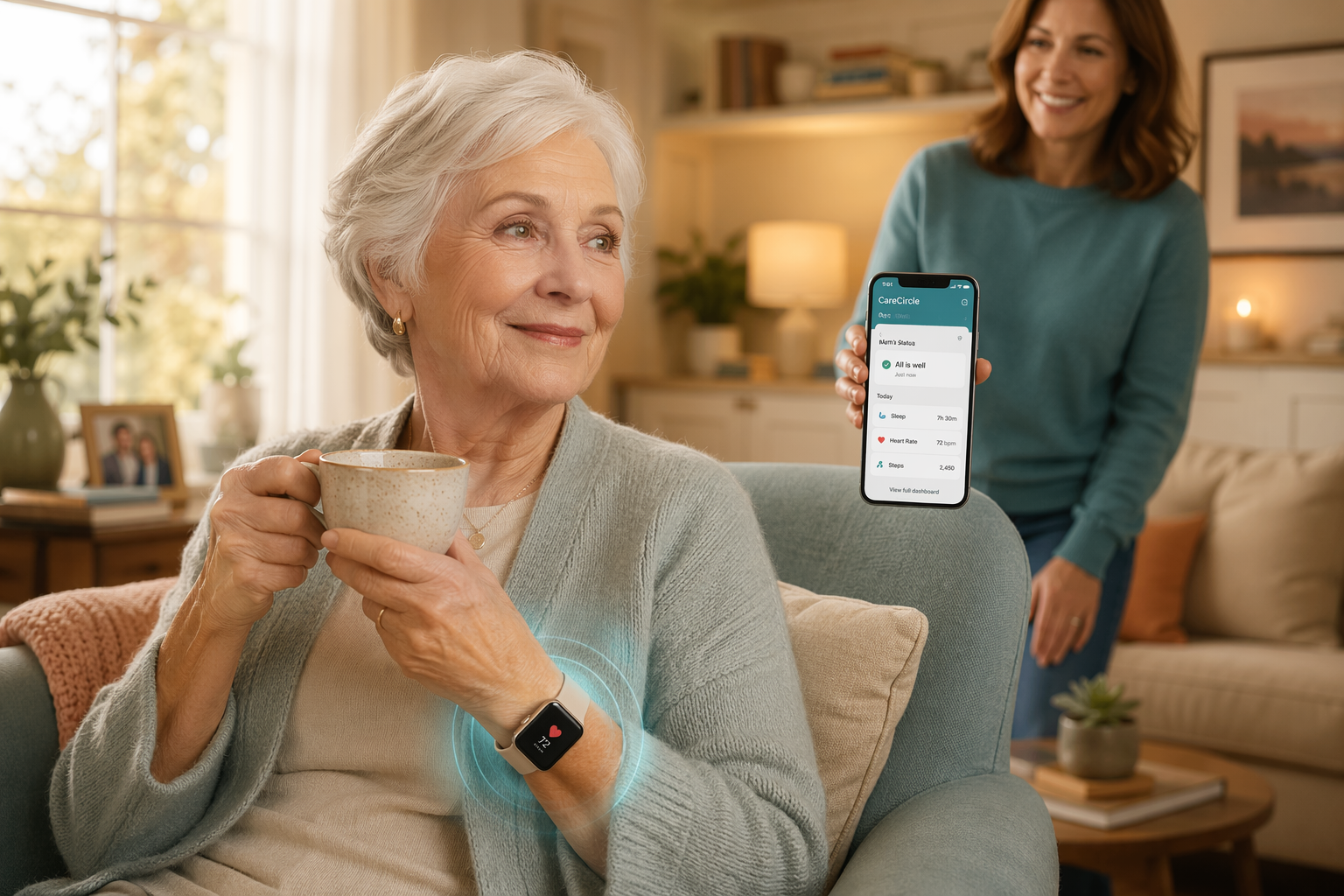
The 'Perfect Device You Won't Wear' Problem
Nearly 75% of medical alert system buyers make their purchase after a fall or medical emergency, according to a February 2025 NCOA survey of more than 1,000 users. That statistic captures the emotional reality of this decision: you are likely reading this because something already happened — a stumble on the stairs, a dizzy spell in the kitchen, a call from a neighbor saying your mother seemed confused on her walk. The instinct is to act fast, compare specs, and buy the most capable device you can find.
But here is the problem that no spec sheet will tell you: the most advanced wearable monitor is useless if the person it is meant for refuses to put it on. SafeWise, in its 2026 review of wearables for seniors, put it plainly — wearable monitors are useless if not worn consistently, and comfort and design directly determine adherence. A device that sits in a drawer is not a safety net; it is an expensive reminder of a conversation that went wrong.
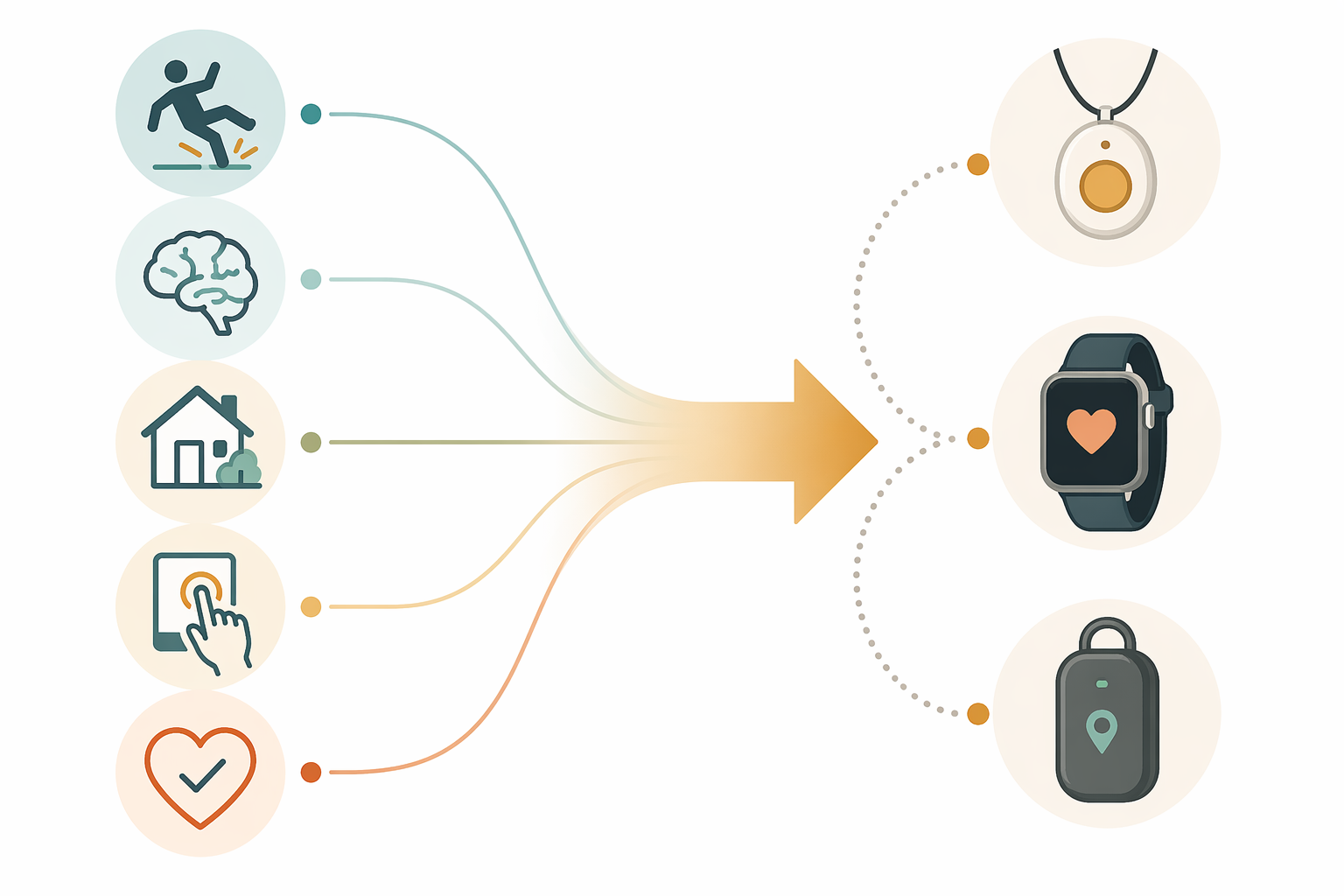
This guide takes a different approach. Instead of starting with device features, we start with five personal factors that define your parent's actual situation:
- Fall risk level
- Cognitive status and wandering risk
- Living situation and caregiver distance
- Technology comfort and physical dexterity
- Willingness to wear the device
Each factor shifts the type of device that makes sense. By the end, you will have a clear recommendation category — not a brand name, but the right kind of device for your parent's specific profile — and a practical script for having the conversation without damaging trust.
Factor 1: Fall Risk Assessment
The CDC reports that over 28% of adults age 65 and older fall each year. But population-level statistics do not tell you whether your parent is in that higher-risk group. The CDC's STEADI (Stopping Elderly Accidents, Deaths & Injuries) model provides a practical framework for assessing individual risk without a clinical visit.
Start with these three questions:
- Has your parent fallen in the past year? Even a single fall doubles the risk of falling again.
- Does your parent feel unsteady when walking or need to hold onto furniture for support?
- Does your parent take four or more medications, or any medication known to cause dizziness or drowsiness (blood pressure drugs, sedatives, antidepressants)?
If you answered yes to any of these, your parent is in a higher-risk category. For these seniors, automatic fall detection is not a luxury — it is the primary feature requirement. The device must be able to detect a fall and call for help even if your parent cannot press a button.
What the Testing Data Shows
Independent testing by SeniorLiving.org reveals meaningful differences in fall detection accuracy across device types. The table below summarizes results from their evaluations, but the key takeaway is that no device is perfect — and that is important to understand before you buy.
| Device | Fall Detection Accuracy | Response Time | Battery Life |
|---|---|---|---|
| Medical Guardian MGMove | 9 out of 10 falls detected | ~9–10 seconds | 24 hours |
| Bay Alarm SOS Smartwatch | 8 out of 10 falls detected | ~9–10 seconds | Up to 18 hours |
| Apple Watch Series 10 | Built-in fall detection (auto-enabled for 55+) | Varies by cellular/Wi-Fi connection | Up to 18 hours |
| LifeFone VIPx (pendant) | Varies by model | 22 seconds (fastest tested by NCOA) | Up to 10 days |
For lower-risk seniors — those who answered no to all three questions above — a smartwatch with manual SOS capability may be sufficient. The Apple Watch Series 10 automatically enables fall detection for users 55 and older, and the Samsung Galaxy Watch7 will text preselected emergency contacts if it detects a hard fall and the user does not respond within 60 seconds. These devices do not require a monthly monitoring subscription, which can be a meaningful cost saving.
Factor 2: Cognitive Status and Wandering Risk
If your parent has mild cognitive impairment (MCI) or a dementia diagnosis, the device requirements shift dramatically. The Alzheimer's Association reports that 6 in 10 people with dementia will wander at least once. Wandering is not a rare or unlikely event — it is a statistical probability that demands a specific set of device capabilities.
For seniors with cognitive decline, the priority features become:
- GPS tracking with real-time location updates — not just last-known-location pings
- Geofencing alerts that notify you when your parent leaves a defined safe zone (home, a day center, a relative's house)
- Simplified interfaces with minimal buttons and no complex menus — confusion leads to abandonment
- Waterproof design, because seniors with dementia may wander in any weather or attempt to remove the device in the shower
A caveat worth noting: GPS trackers lose accuracy indoors because walls and roofs block satellite signals, as Keystone Health points out. If your parent is mostly at home but has wandering risk, a device that combines GPS with Wi-Fi triangulation or cellular triangulation is more reliable than GPS alone.
For seniors in early-stage dementia who are still active and social, a smartwatch-style device with GPS and fall detection (like the Medical Guardian MGMove or LifeFone Safe Watch Active, which uses Wi-Fi, LTE cellular, and GPS) can serve dual purposes. For seniors in middle-to-late stages, a dedicated GPS tracker worn as a pendant or clipped to a belt — with a simple one-button SOS and no screen to confuse — is often the better choice.
Factor 3: Living Situation and Caregiver Distance
Whether your parent lives alone, with a spouse, or with you fundamentally changes what the device needs to do. The key distinction is between professional monitoring and family alerting.
| Living Situation | Recommended Monitoring Type | Key Features to Prioritize |
|---|---|---|
| Lives alone | Professional 24/7 monitoring center | Automatic fall detection, two-way speaker, long battery life (pendant preferred) |
| Lives with spouse or family member | Family alerting (app-based) or professional monitoring | Caregiver app notifications, activity monitoring, optional fall detection |
| Long-distance caregiver (1+ hour away) | Professional monitoring + caregiver app | GPS tracking, geofencing, activity summaries, caregiver messaging |
| Assisted living or senior community | Facility-compatible device or family alerting | Check facility policies first; may need a device that integrates with existing systems |
For seniors who live alone, the stakes are highest. A fall with no one to hear it is the scenario that keeps caregivers awake at night. A professional monitoring center — staffed 24/7 — ensures that when a fall is detected or a button is pressed, someone responds immediately. NCOA's testing found that monitoring response times across top brands ranged from 22 seconds (LifeFone) to 51 seconds (Bay Alarm Medical). That gap matters when every second counts.
For long-distance caregivers, the device needs to do more than detect emergencies — it needs to provide peace of mind between check-ins. Caregiver companion apps that show activity levels, location history, and device status are not nice-to-haves; they are the primary value of the system. The Medical Guardian MGMove, for example, supports caregiver messaging for an additional $5 per month, allowing you to send check-in messages directly to the watch.
If you are considering expanding beyond a single wearable to a more comprehensive safety system, our Smart Home Integration Ladder for Senior Safety guide walks through a staged approach — from a single wearable to full-home monitoring with motion sensors, door sensors, and stove monitors.
Factor 4: Technology Comfort and Physical Dexterity
A device that requires navigating a touchscreen, remembering a charging routine, or pressing a tiny button is a device that will end up in a drawer. This factor is where the gap between what looks good on paper and what works in real life is widest.
| Senior Profile | Best Device Type | Why |
|---|---|---|
| Tech-averse, never used a smartphone | One-button pendant or simple smartwatch with large buttons | No menus, no apps, no confusion. Press the button, help arrives. |
| Comfortable with a smartphone, uses email or FaceTime | Full-featured smartwatch (Apple Watch, Samsung Galaxy Watch) | Can manage notifications, calls, and health tracking. Fall detection is a bonus. |
| Has arthritis or limited hand dexterity | Pendant with magnetic clasp or watch with easy-to-press button | Small buttons and fiddly clasps are impossible with arthritic hands. Look for large, tactile buttons. |
| Has significant vision loss | Pendant with tactile button or voice-activated device | Small screens are useless. A pendant with a raised, textured button that can be found by touch is better. |
| Has hearing loss | Device with loud speaker and vibration, or pendant with visual alert | Two-way speakers need to be loud enough to hear. Some devices offer strobe-light alerts for incoming calls. |
Battery life is a deceptively critical factor here. A senior who forgets to charge their phone will also forget to charge a wearable. The range is enormous: the Bay Alarm SOS Smartwatch lasts up to 18 hours, while the LifeFone VIPx pendant lasts up to 10 days. For a senior who lives alone and may not have a consistent charging routine, a device that needs daily charging is a liability. A device that lasts a week or more is far more forgiving.
AARP's guidance on choosing a medical alert system recommends asking specifically about ease of use — can your parent put the device on and take it off independently? Can they press the button without looking at it? These questions matter more than whether the device tracks blood oxygen or sleep stages.
Factor 5: Willingness to Wear the Device
This is the factor that most evaluation guides skip, and it is the one that determines whether your effort and money produce any safety benefit at all. A device that your parent refuses to wear is not a safety device — it is a source of conflict and guilt.
Resistance usually falls into one of three categories:
- Appearance concerns — "It makes me look old and frail."
- Privacy concerns — "You'll be watching everything I do."
- Denial of risk — "I don't need that. I'm fine."
Each type of resistance requires a different approach, but the device form factor itself can help. Bay Alarm Medical offers Bella Charms, which transform a standard help button into a statement necklace — designed specifically for seniors who are concerned about appearance. SafeWise notes that these jewelry-like options address the stigma of wearing a medical alert device by making it look like an accessory rather than a piece of medical equipment.
For seniors who absolutely will not wear any device — and this is more common than the industry likes to admit — the answer is not to push harder. The answer is to consider non-wearable alternatives. Passive home sensors (motion detectors on walls, door sensors, stove monitors, bed occupancy sensors) can provide many of the same safety benefits without requiring the senior to wear, charge, or remember anything. NCOA notes that passive fall detection systems using radar or infrared exist, though equipment fees can reach $350.
Cost is also a factor in willingness. Monthly fees for monitored systems range from $20 to $60, with equipment costs from $0 to $200, according to Consumer Reports. Fall detection typically adds $5 to $12 per month. If your parent is resistant to the ongoing cost, it is worth checking whether a Medicare Advantage plan covers wearable devices as a wellness benefit — some do, though Original Medicare (Parts A and B) does not cover medical alert systems. Our complete breakdown of Medicare coverage for PERS explains the options in detail.
Decision Flowcharts for Common Caregiver Scenarios
The five factors above are the building blocks. Here is how they combine into specific recommendations for three common caregiver scenarios.
| Scenario | Fall Risk | Cognitive Status | Living Situation | Tech Comfort | Willingness to Wear | Recommended Device Category |
|---|---|---|---|---|---|---|
| Mom (78) lives alone, has had two falls in the past year, refuses to wear a pendant because it looks 'old' | High | Normal | Alone | Low | Low (appearance concerns) | Smartwatch with fall detection (Apple Watch or Samsung Galaxy Watch) — looks like a regular watch, provides automatic fall detection, and can be framed as a 'fitness tracker' rather than a medical device |
| Dad (82) has early-stage Alzheimer's, still goes for walks daily, lives with Mom who is healthy but worried | Moderate | MCI / early dementia | With spouse | Very low | Moderate (if framed as safety for Mom's peace of mind) | GPS tracker with geofencing (pendant or clip-on form factor) — simple one-button SOS, no screen, long battery life, waterproof. Pair with a caregiver app for location alerts. |
| Aunt (74) is healthy, active, lives independently, no falls, but family is worried because she lives 3 hours away | Low | Normal | Alone (long-distance caregiver) | Moderate (uses a smartphone) | High (she is open to the idea) | Full-featured smartwatch (Apple Watch or similar) with fall detection, cellular connectivity, and health monitoring — provides peace of mind for the family without feeling like a 'medical alert' device |
These scenarios illustrate the core principle: the same device category can be the right answer for very different reasons, and different device categories can be the right answer for the same apparent problem. The five-factor framework prevents the common mistake of buying a device that looks good on paper but fails in practice because it does not fit the person.
The Conversation Guide: How to Talk to a Resistant Parent About Wearable Monitoring
This is the hardest part of the process, and it is the part that most articles ignore. You have done your research, assessed the five factors, and identified the right device category. Now you have to have the conversation — and if it goes wrong, the device will sit in its box, and the trust between you and your parent will have a crack in it.
Here are three principles that make the conversation more likely to succeed.
Principle 1: Frame It Around Their Independence, Not Your Worry
The wrong opening: "I'm so worried about you falling when I'm not there. Please wear this so I can sleep at night." This frames the device as a solution to your anxiety, which puts your parent in the role of a problem to be managed.
A better opening: "I know how much it means to you to stay in your own home. This little device is like a backup — if something ever happened, it makes sure help gets to you fast so you can keep living the way you want." This frames the device as a tool that supports their autonomy, not a symbol of their decline.
Principle 2: Involve Them in the Decision
Consumer Reports specifically warns about buying a medical alert system for someone else without their input. A device that is chosen for a person, rather than with them, is far more likely to be rejected. Bring your parent into the process: show them pictures of different form factors, ask which they would be comfortable wearing, and let them veto options that feel wrong to them.
If they choose a device that you think is less capable than another option, that is fine. A less capable device that they actually wear is infinitely more valuable than a more capable device that sits in a drawer.
Principle 3: Address Privacy Concerns Directly and Honestly
Privacy concerns are legitimate, especially for seniors who value their independence. Do not dismiss them. Instead, be specific about what the device does and does not track:
- "This device only sends an alert if you press the button or if it detects a hard fall. It does not record conversations or video."
- "The GPS tracking only shows your location — it does not track your driving or where you shop."
- "You can turn off location sharing when you want privacy. The fall detection still works."
For a deeper discussion of how to balance safety and privacy, see our guide: Privacy vs. Safety: How to Choose Smart Home Monitoring for Aging in Place.
The goal of this entire process is not to find the most advanced wearable health monitor on the market. It is to find the device that your parent will actually wear, every day, without resentment. The five-factor framework — fall risk, cognitive status, living situation, technology comfort, and willingness to wear — gives you a structured way to get there. The conversation guide gives you a way to bring your parent along as a partner in the decision, not a subject of it.
When you get both pieces right, the device stops being a source of conflict and becomes exactly what it should be: a quiet, reliable backup that lets your parent keep living at home, on their own terms, with your worry dialed down to a manageable level.
Questions to bring to a clinician or OT
This is not medical, legal, or a family's final decision — only a framework. Bring these questions to a clinician, occupational therapist, or your local Area Agency on Aging.
Find Local HelpRelated reading
Noticed something outdated or inaccurate on this page? Flag a correction. We review every report against CDC, NIA, and AARP HomeFit guidance before updating a page.