
Caregiver decision guide
Is Your Parent's Medical Alert Affected by the T-Mobile Outage?
Worried the T-Mobile outage has disabled your elderly parent's medical alert device? This guide explains how to quickly check which carrier their system uses, test the device, and set up a temporary backup if needed.
You heard T-Mobile was down, your parent wears a cellular medical alert device, and now the question is not “how big was the outage?” It is: does that pendant, watch, or base station still reach help if your parent presses the button tonight?
The calm answer is this: many major cellular medical alert systems appear to use AT&T or Verizon rather than T-Mobile, so your parent’s device may be completely unaffected. The safer answer is this: do not guess. Identify the device’s carrier, run the proper test call, and put a temporary human backup in place if anything is unclear.
The 30-Minute Triage
- Find the exact medical alert brand and model. Look at the base station label, pendant paperwork, app, billing account, or welcome email.
- Check whether it is landline, cellular, Wi-Fi, or dual-connection. A landline-connected alert system is not using T-Mobile cellular service.
- Identify the cellular carrier if the system is cellular. Use the provider portal, manual, support chat, or monitoring-center phone number.
- Run a test call using the provider’s test procedure. Do not create a real emergency dispatch just to see whether the button works.
- If the test does not connect, treat the device as unavailable until the monitoring center confirms otherwise.
- Set a temporary backup: landline, a phone on another carrier, neighbor check-in, caregiver app, or scheduled calls until service is verified.
That order matters. Calling your parent six times before you know what failed may raise everyone’s blood pressure and still leave the device untested. The goal is to narrow the uncertainty: carrier first, device test second, backup third.
Why This T-Mobile Outage May Not Involve the Medical Alert at All
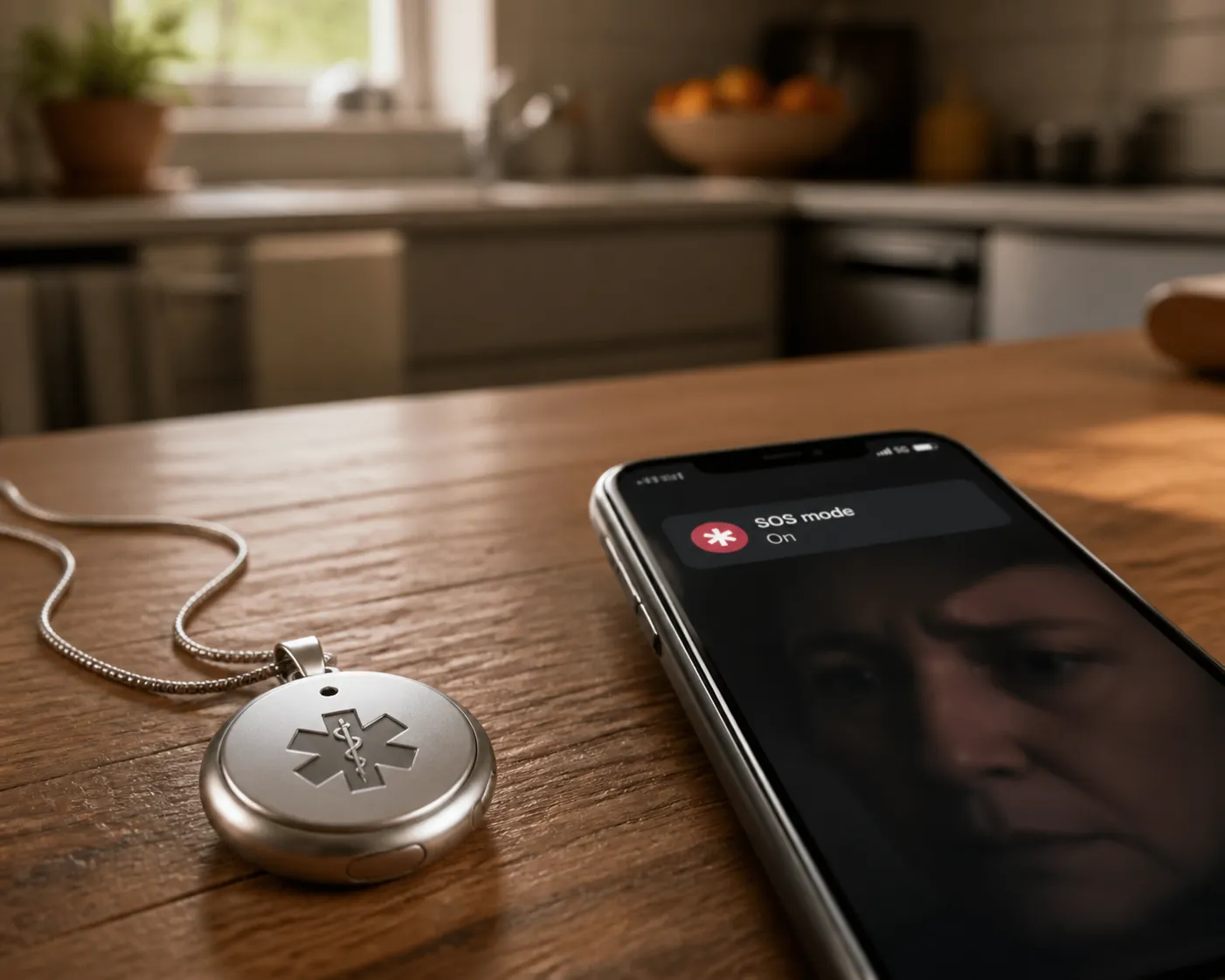
On July 27, 2026, T-Mobile customers reported widespread service problems, with PCMag reporting phones showing “SOS mode” during the outage and later reporting that service had been restored.[1] The NY Post reported more than 62,000 outage reports at the peak on Downdetector, which is useful as a warning signal but still reflects self-reported complaints rather than a full count of every affected user.[2]
For a caregiver, the important point is narrower than the outage headline. A cellular medical alert device does not automatically use the same carrier as your parent’s phone. The device may have its own cellular module and its own provider contract.
| Medical alert brand or device | Carrier information available in the research | What to do with that information |
|---|---|---|
| Lively Mobile2 | Lively describes wireless medical alert systems using AT&T and Verizon coverage.[3] | Likely not affected by a T-Mobile-only outage, but still run a test call. |
| Bay Alarm Medical cellular systems | TheSeniorList describes Bay Alarm Medical cellular systems as working with AT&T and Verizon 4G LTE.[4] | Check the specific device generation, then test. |
| Medical Guardian MGMini | NCOA describes the MGMini as using OmniSIM with access to AT&T and Verizon and the ability to switch carriers if one goes down.[5] | Reassuring, but still confirm the unit connects from your parent’s home. |
| LifeFone | TheSeniorList describes LifeFone cellular coverage in connection with AT&T or Verizon in its 2026 cellular medical alert review.[4] | Likely not a T-Mobile problem, but verify the account and model. |
| Life Alert | TheSeniorList notes GSM/T-Mobile-related possibilities for some systems.[4] | Slow down and call support or the monitoring center if the carrier is not clear. |
| Some Medical Care Alert models | Medical Care Alert explains that some systems use cellular service and identifies GSM/T-Mobile possibilities for certain devices.[6] | Do not assume. Confirm the exact model and cellular carrier. |
This is why “most devices are probably fine” is not enough. A provider may sell more than one generation of equipment. A device in your parent’s kitchen may be older than the current marketing page. Some providers do not make the carrier obvious on the public product page. The unit in the home is the one that counts.
How to Find the Carrier for the Exact Device
Start with the least disruptive sources. If you manage the account, check the provider app, online dashboard, welcome email, or equipment paperwork. Look for phrases such as “AT&T 4G LTE,” “Verizon 4G LTE,” “GSM,” “cellular,” “LTE,” “OmniSIM,” or “multi-carrier.”
If your parent can safely check the device without rushing, ask for the brand and model from the base station label or charging cradle. I would not ask an older parent to crawl behind furniture at 8:20 p.m. to read a tiny serial number. If the label is awkward to reach, move to the provider.
Call the medical alert provider or monitoring center and ask a very specific question: “For this account and this device model, which cellular network does the unit use at the service address?” If the first representative gives a general answer about nationwide coverage, ask again for the carrier tied to the device or SIM. General coverage language is not the same as confirming the connection in your parent’s home.
If the answer is AT&T, Verizon, landline, or a confirmed multi-carrier setup that does not depend only on T-Mobile, the T-Mobile outage probably is not the failure point. You still test, because a charged pendant, a powered base station, and a working monitoring connection are separate questions.
Run the Test Without Triggering a False Emergency
Use the device’s normal test procedure. Many monitored systems have a way to place a test call, notify the monitoring center, or put the account into test mode before pressing the button. If you cannot find the instructions quickly, call the monitoring center first and say you are checking whether the device is connecting during a cellular outage.
A clean test has three parts: the button reaches the monitoring center, the operator can identify the account, and the operator can hear or communicate with your parent as expected. If the device has fall detection, GPS location, or a mobile pendant, do not assume those extra features worked just because the main button connected. Ask what the monitoring center received during the test.
If the device does not connect, do not spend the next hour debating whether the problem is T-Mobile, a dead battery, a weak signal, a base station unplugged after vacuuming, or an account issue. Those details can be sorted out after your parent has another way to reach help. For the moment, the device is unavailable until someone who can see the account or test logs confirms otherwise.
What to Ask the Monitoring Center
- Did the test signal arrive from this device today?
- Which connection did it use: landline, cellular, Wi-Fi, or another path?
- Which cellular carrier is assigned to this device or SIM?
- Was the pendant or mobile unit battery level normal?
- If the call failed, is there a known outage notice for this account, device model, or service area?
If the Device Fails, Build a Temporary Bridge
The backup does not have to be elegant. It has to be reachable, understood by your parent, and active until the alert provider confirms normal service. Write down the plan in one sentence if you need to: “If you need help tonight, press the pendant if it works, but also call me on the house phone; if I do not answer, call 911.”
If there is a working landline in the home, use it as the first fallback. A landline-connected medical alert system is outside the cellular outage path, and an ordinary landline phone gives your parent a familiar way to call out. If your family is already weighing whether to keep that line, save the bigger landline phase-out conversation for later; tonight is about continuity.
If your parent has a cell phone on AT&T or Verizon, keep it charged and within reach. If the phone is on T-Mobile and shows SOS mode, PCMag reported that phones in SOS mode can still complete emergency calls to 911, but that does not make the phone a full substitute for normal calling or texting.[1]
T-Mobile’s own outage guidance recommends Wi-Fi Calling when cellular service is unavailable, if the phone supports it and Wi-Fi Calling was set up.[7] That last condition matters. A parent who has never used Wi-Fi Calling should not be talked through a complicated settings change while frightened unless someone patient is on the line and the home internet is working.
A neighbor can be the difference between a plan and wishful thinking. Choose one person who can knock, not three people who may each assume someone else did it. Give the neighbor the minimum useful information: the alert device may be unreliable tonight, your parent is home, and you may ask for a check-in if you cannot reach them.
If your family uses a caregiver app, smart speaker calling, or a shared check-in routine, use it as a supplement rather than the only backup. Apps depend on power, internet, device settings, notifications, and the parent noticing them. They are useful; they are not magic.
When the Carrier Is T-Mobile or Still Unknown
If the provider confirms the medical alert device uses T-Mobile, or if nobody can tell you the carrier, act as if the device may be unreliable until a test proves otherwise. That does not mean panic. It means you stop treating the pendant as the only path to help.
- Keep the alert device on and charged anyway; partial service or restored service may return before you get another update.
- Place a working phone where your parent can reach it from bed, the bathroom route, and the main chair if possible.
- Schedule check-ins at specific times instead of vague “call me if you need anything” instructions.
- Ask the provider when to retest and whether they can see failed or successful signals from the unit.
- If your parent has had a recent fall, confusion, chest symptoms, or another active health concern, do not let a device outage become the reason to wait.
This is also the moment to be gentle with the parent who hates being monitored. A temporary check-in plan can sound like surveillance if it is delivered badly. Try framing it as a device problem, not a trust problem: “The network may be flaky tonight, so I want a backup until we know the button is reaching the center.”
What Not to Assume
Do not assume the medical alert uses T-Mobile because your parent’s phone does. Do not assume it uses Verizon because the salesperson once said it had “nationwide coverage.” Do not assume a successful test last month proves the unit is working tonight.
Also do not assume a big outage report means every dependent device failed. The available brand information points the other way for several major systems, especially those using AT&T, Verizon, or multi-carrier arrangements.[3][4][5] The point of checking is to avoid both mistakes: unnecessary panic and lazy reassurance.
Once the provider confirms the device carrier and the monitoring center receives a clean test call, you can stand down from outage mode. If the test fails or the carrier remains unclear, keep the backup contact plan active until the provider verifies that the device is connecting normally again.
References
- T-Mobile Service Restored After 'SOS Mode' Outage, PCMag
- T-Mobile down across US — with over 62,000 customers reporting outage, NY Post
- Wireless medical alert systems for seniors, Lively
- The 3 Best Cellular Medical Alert Systems of 2026, TheSeniorList
- Medical Alert System Features: Which Do You Need?, NCOA
- How Medical Alert Systems Work, Medical Care Alert
- Network Outages, T-Mobile Support
Questions to bring to a clinician or OT
This is not medical, legal, or a family's final decision — only a framework. Bring these questions to a clinician, occupational therapist, or your local Area Agency on Aging.
Find Local HelpRelated reading
Noticed something outdated or inaccurate on this page? Flag a correction. We review every report against CDC, NIA, and AARP HomeFit guidance before updating a page.