
STEADI: Assess
How to Check Product and Medication Recalls for Older Adults
A recall headline is not a recall match. Learn how to check an older adult's specific medication or household product against official FDA and CPSC notices, record the outcome, and respond to a confirmed match — without ever stopping a prescription on your own.
A recall headline is only a prompt to check. The useful habit is to put one item on the table, copy the exact identifiers from its label, compare them against one official notice, and record the result as MATCH, NO MATCH, or UNSURE before anyone acts. This guide is US-specific; if you are outside the US, use your national equivalent agencies.
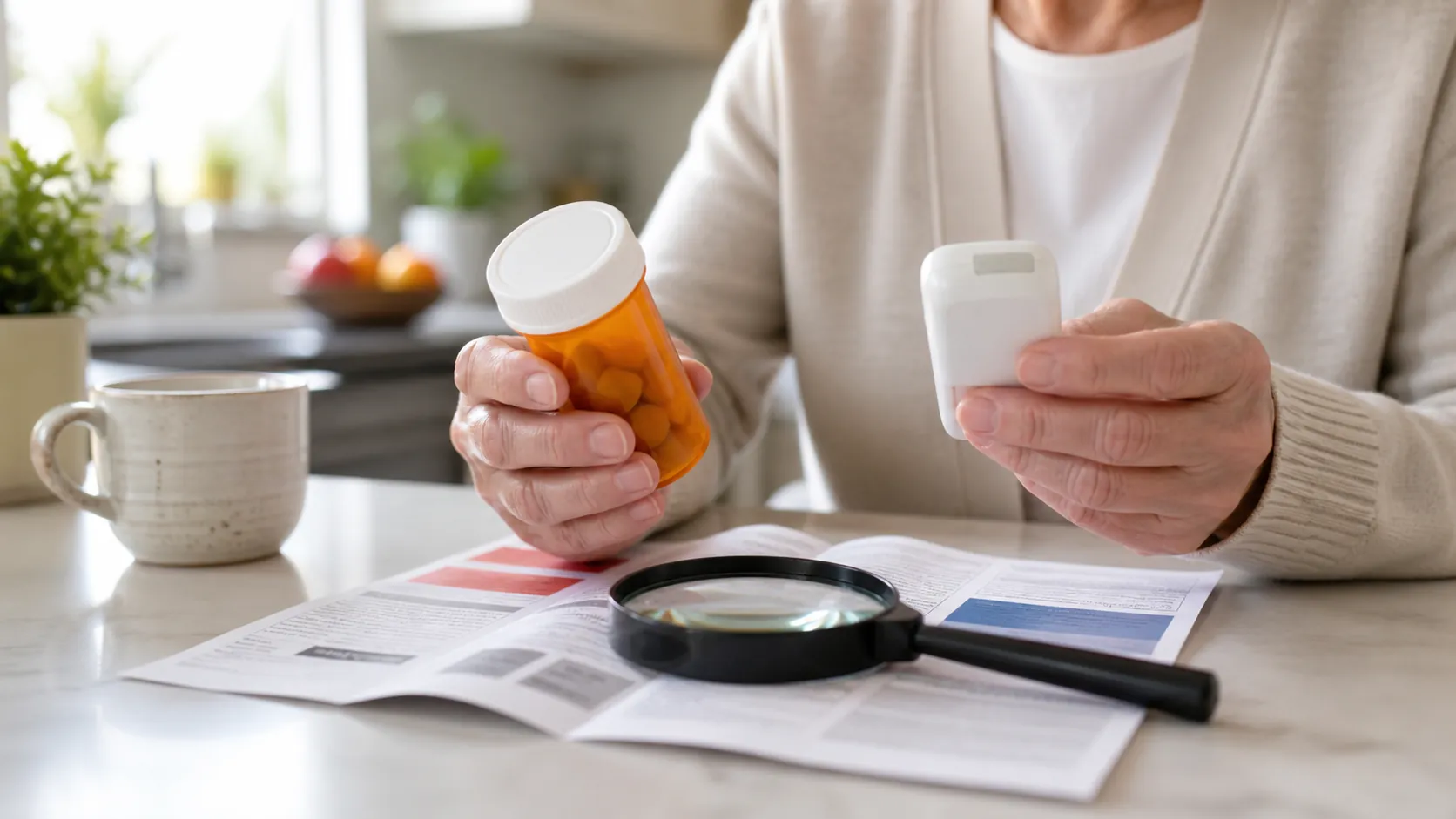
The label details to copy first
Choose one medication or one household or mobility product. Before you search, write down the name exactly as printed and the details that make that specific item different from the rest of the cabinet or closet. A good note starts with what the notice will ask you to compare, not with a search box.
- Medication: drug name, manufacturer, lot number, expiration date, and the original container if you still have it.
- Product: brand, model number, serial number if present, size, color, and any revision or qualifier shown on the label or notice.
- Result line: MATCH, NO MATCH, or UNSURE, plus the date and the official source you checked.
Medication track: FDA first, pharmacist second
For medicine, start with the FDA drug recalls page and read the notice itself, not just the headline. Compare the manufacturer and lot number on the bottle with the notice; on the original container, the lot information is often near the expiration date. If the bottle was repackaged by the pharmacy and the lot number is missing, treat that as UNSURE and ask the pharmacist to identify it from the records. [1][3]
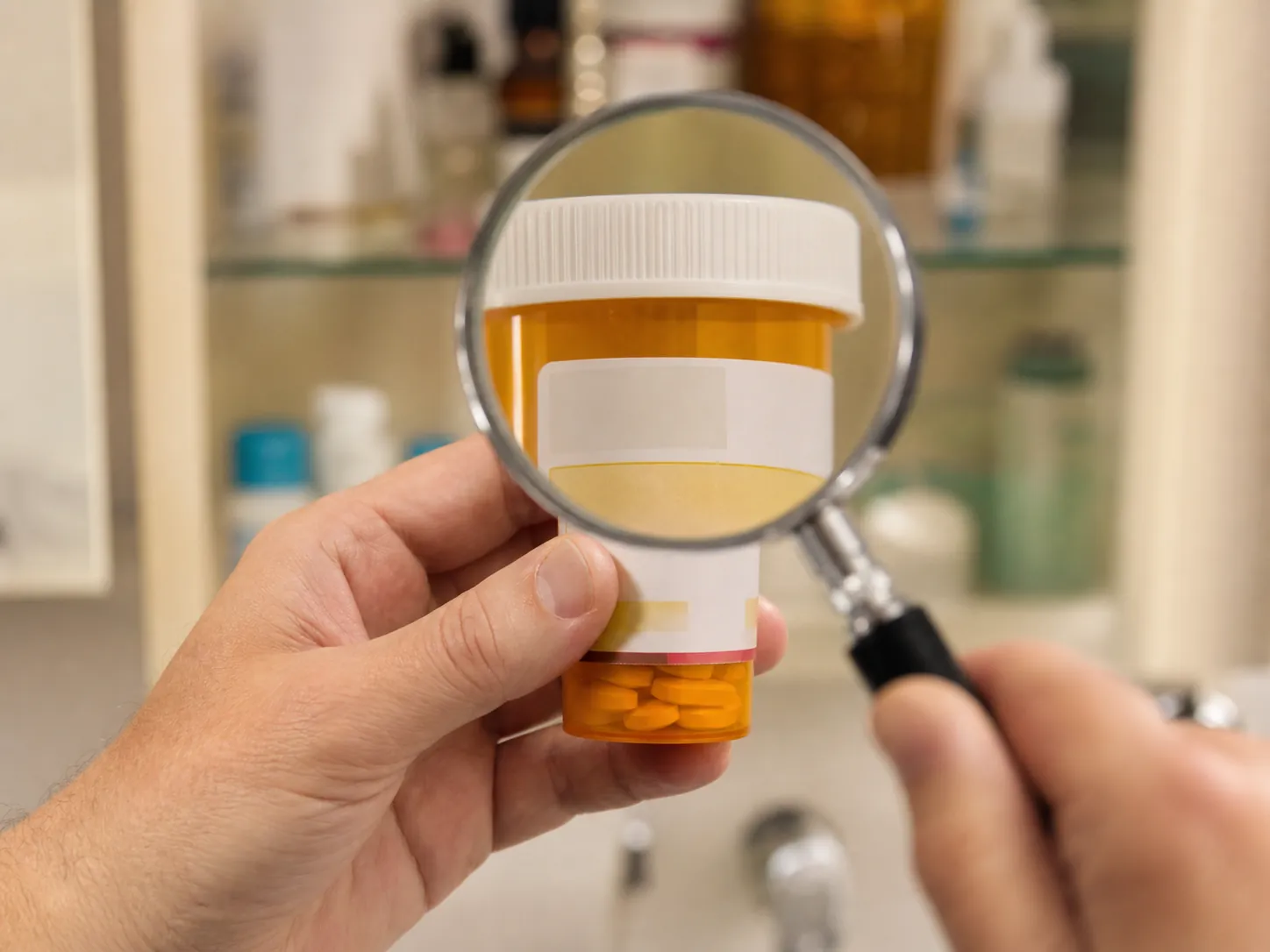
If the identifiers match, the FDA recall class tells you how serious the problem may be: Class I means there is a reasonable probability of serious adverse health consequences or death; Class II means temporary or medically reversible adverse health consequences are possible and the chance of serious consequences is remote; Class III means the product is not likely to cause adverse health consequences. That classification does not change the next step on a confirmed medication match: do not stop the prescription on your own. Call the pharmacist or prescriber and ask for the replacement plan or the exact instruction in the notice. [2]
Product track: CPSC details have to line up exactly
For a walker, shower chair, charger, or other consumer product, start at the CPSC recalls page and compare the exact brand, model, and every qualifier the notice uses. CPSC’s older-adult safety center is the right companion page when the item lives in the bathroom, hallway, bedroom, or emergency bag. A similar-looking product stays UNSURE if one identifier does not line up. [4][5]
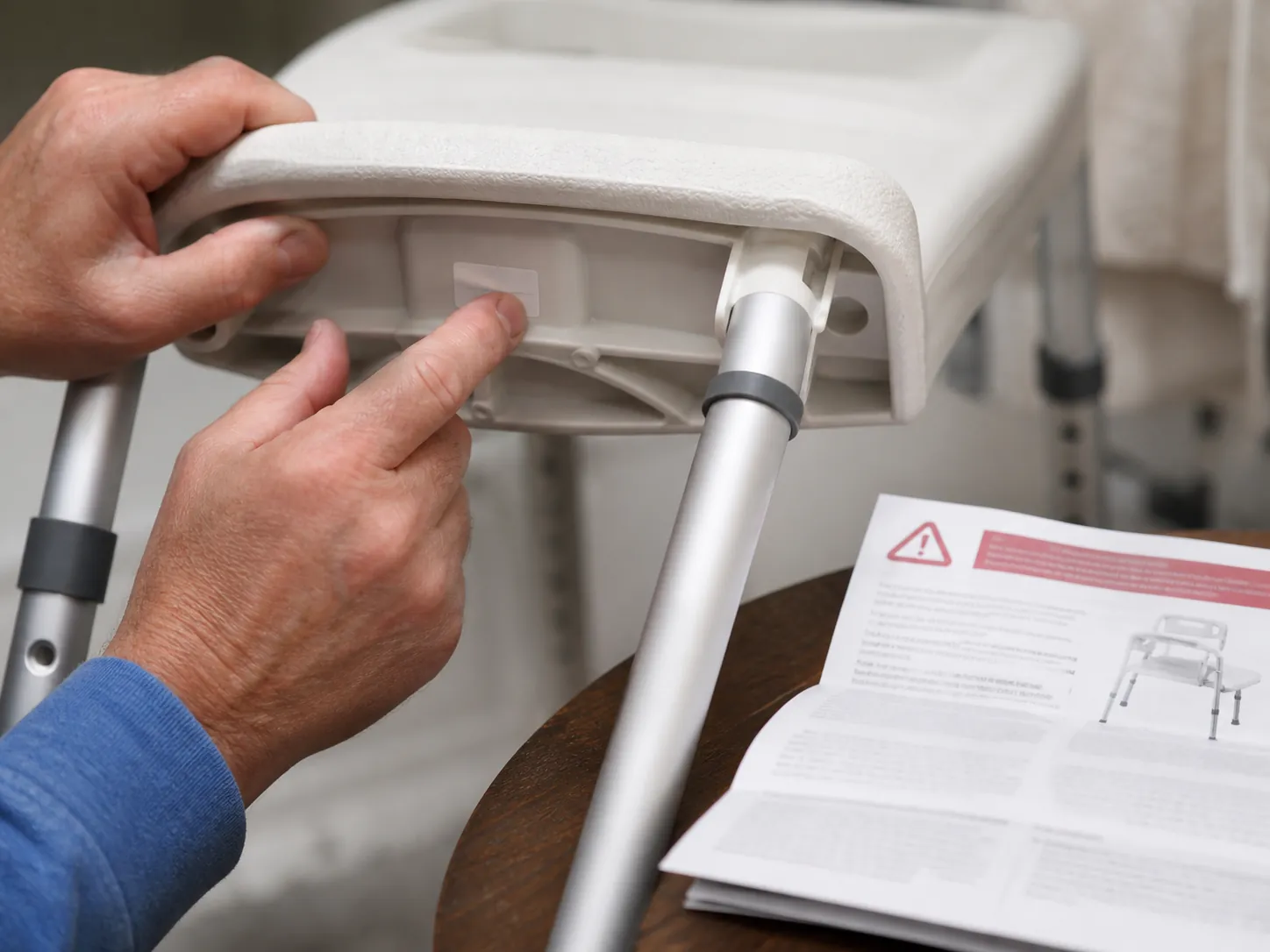
If the notice says to stop using the item, return it, or arrange repair, follow that notice after you have confirmed the exact match. If the label is worn, a number is partial, or the product family is close but not exact, write UNSURE and keep the notice with the item until the manufacturer, retailer, or contact listed in the notice tells you what to do.
Where Recalls.gov, MedWatch, and SaferProducts.gov fit
If you are starting from a headline and do not yet know which agency owns the item, Recalls.gov is the federal routing page that points you to the right place by category. After verification, drug problems can be reported through MedWatch, and consumer-product problems can be reported through SaferProducts.gov. If the item is food instead of medication or equipment, switch to the site's food-recall guide rather than mixing it into this workflow. [6][7][8]
Write the result down before you move the item
A practical note is enough: item, exact identifiers, official source checked, result, and next contact made. That record matters when a bottle goes back to the pharmacy, a chair waits for return, or a replacement is being arranged. If the result is MATCH or UNSURE, the note should already show who was called and when. If the result is NO MATCH, the record still helps the next person avoid starting over.
References
- How to Find Drug Recalls and What to Do Next — AARP
- Understanding Drug Recalls: What to Know and What to Do — FDA
- Drug Recalls — FDA
- Recalls — CPSC
- Older Adult Safety — CPSC
- Recalls.gov — Recalls.gov
- MedWatch: FDA Safety Information and Adverse Event Reporting Program — FDA
- SaferProducts.gov — CPSC
Related reading
Noticed something outdated or inaccurate on this page? Flag a correction. We review every report against CDC, NIA, and AARP HomeFit guidance before updating a page.
Part of the Fall Prevention section.