
STEADI: intervene
How to Keep Recalled Food Out of Your Parent's Kitchen
Stores aren't required to contact shoppers about recalled food, so protecting an older parent at home depends on a caregiver-run early-warning system. The checklist covers free FDA and USDA recall alerts, two smartphone apps, a loyalty-account contact fix, and the full label-match check that confirms a recall before anything is eaten or discarded.
The awkward truth about protecting an older parent from recalled food is that the safest step often happens before there is anything dramatic to do. A recalled package can sit in a parent’s refrigerator after the news headline has passed, after the shopper receipt is gone, and after everyone assumes the store would have called if it mattered.
That assumption is too thin for an older adult’s kitchen. Stores are not uniformly required to contact every shopper after a recall, and notice can fail for ordinary reasons: a cash purchase, no loyalty account, groceries bought by a neighbor or delivery service, or a loyalty profile with an old phone number or email address.[1] The fix is not to follow food news more anxiously. It is to build a small, redundant recall system that reaches the caregiver and then turns every alert into a package-by-package check.
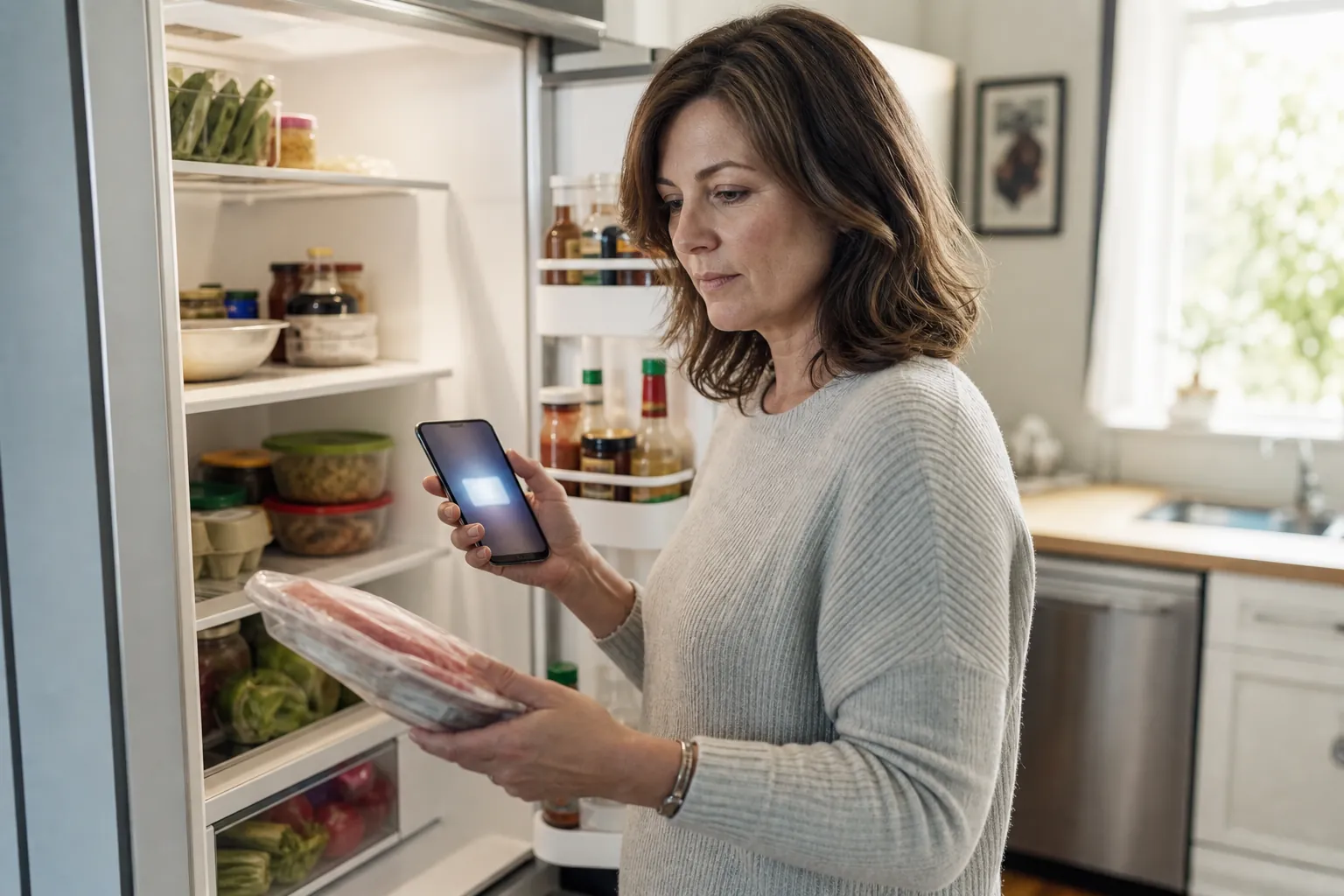
Older adults deserve that extra layer because the consequences of a missed contaminated food are not evenly shared. The CDC reports that nearly half of adults 65 and older with laboratory-confirmed Salmonella, Campylobacter, Listeria, or E. coli infection are hospitalized.[2] That does not mean every recall will make an older person sick, and it does not mean every similar-looking item is dangerous. It means the home system should be less casual than “I’m sure someone would tell us.”
Set up more than one way for recall notices to reach you
A good recall routine has several quiet layers. None is perfect alone. Together, they reduce the chance that a notice depends on one store employee, one email inbox, or one family member remembering to search.
| Layer | What it does in the household routine | What it does not replace |
|---|---|---|
| FDA recall emails | Sends federal recall and safety alerts for FDA-regulated foods to the caregiver’s inbox. | It does not check your parent’s pantry for matching packages. |
| USDA FSIS recall emails | Adds meat, poultry, and some egg-product recalls that may not appear in the same FDA email stream. | It does not fix outdated grocery-store contact information. |
| Recalls.gov | Gives one place to search federal recalls across agencies. | It is not a personalized alert unless someone actually checks it. |
| FoodKeeper app | Works as a food-storage reference and, according to U.S. PIRG, includes FDA and USDA recalls from the past year. | PIRG notes it is not the strongest choice when the main need is push notifications. |
| Food Recalls & Alerts app | According to U.S. PIRG, provides real-time push alerts and can filter by pathogens such as Listeria, Salmonella, and E. coli. | It does not confirm whether the specific package in the fridge is part of the recall. |
| Grocery loyalty contact update | Improves the chance the store can reach the right person when a purchased item is recalled. | It does not cover cash purchases, all third-party purchases, or stores your parent uses only occasionally. |
Start with the free government channels. The FDA explains that food recalls may be announced through agency notices, company announcements, and other public communications, and it offers recall information for consumers.[3] For a caregiver, the practical version is simple: subscribe to FDA food recall emails, subscribe separately to USDA FSIS recall alerts for meat and poultry, and bookmark recalls.gov as the search page when an alert seems vague or a headline does not give enough detail.[1][3][4]
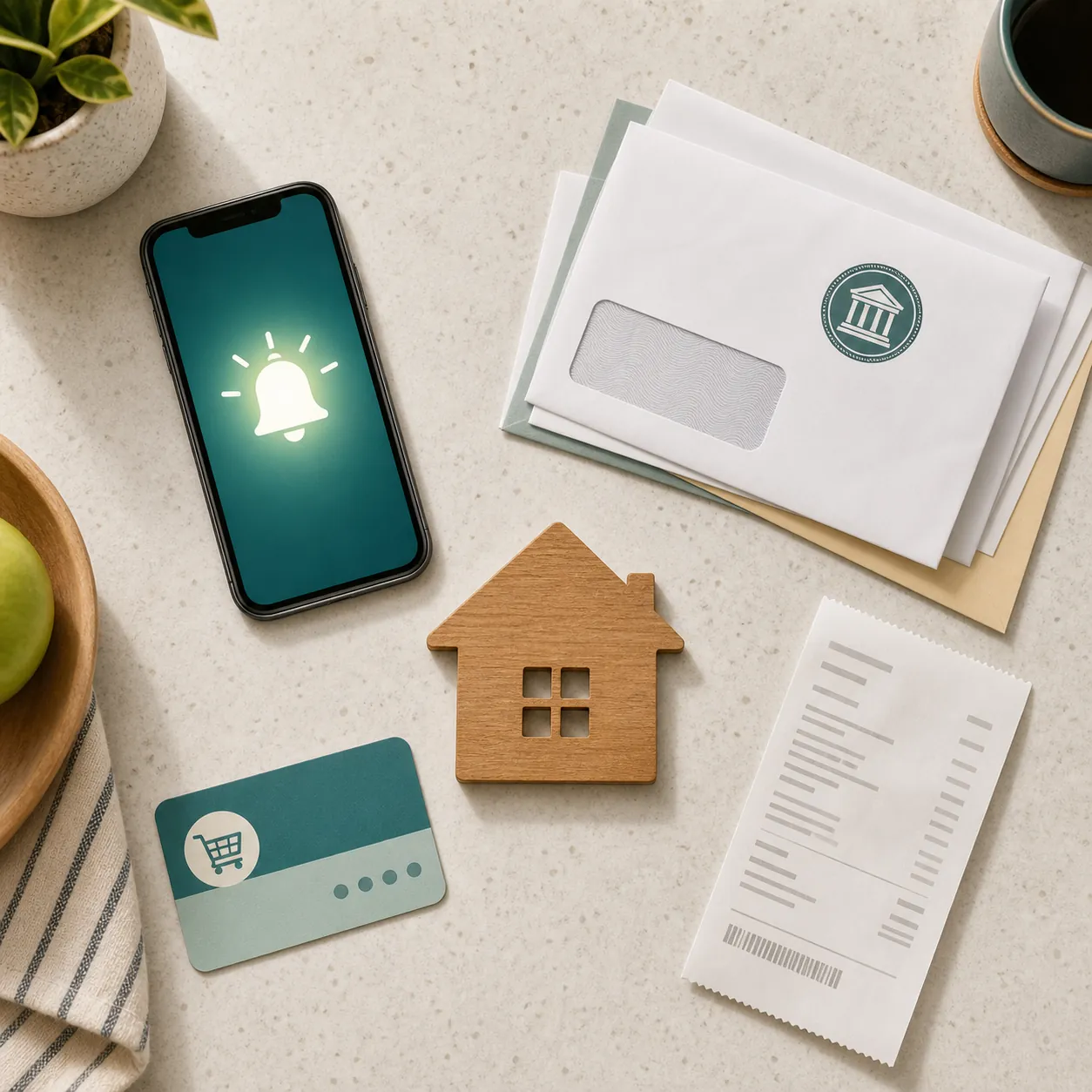
Then add an app layer if someone in the family will actually pay attention to phone notifications. U.S. PIRG describes FoodKeeper as useful for recall history and food-storage information, including FDA and USDA recalls from the past year. PIRG describes the Food Recalls & Alerts app as the better fit for real-time push alerts and filtering by specific pathogens.[5] Those are capability claims from PIRG’s consumer guidance, not a reason to trust any app more than the official recall notice itself.
Put the alerts on the caregiver’s phone and email first, not only on the parent’s. If your parent is comfortable receiving them too, add them. But the system should not depend on the person most at risk opening a dense federal notice, reading small print, and finding the lot code on a cold package while dinner is being made.
Fix the grocery loyalty account before the next shopping trip
This is the unglamorous step that can do the most good. If your parent uses a grocery loyalty card, the account should have a current phone number, email address, and mailing address for the person who will respond. If your parent shops alone but you manage safety tasks, ask whether the store can add your contact information or a secondary contact. KCRA’s reporting on missed recall notices points directly to the problem: stores may not have a reliable way to identify or reach shoppers, especially with cash purchases or stale loyalty information.[1]
Do this for every store that regularly ends up represented in the refrigerator: the supermarket, warehouse club, pharmacy grocery aisle, meal kit account, and any delivery account used by family members. U.S. PIRG also recommends asking the customer service desk how the store handles recall notifications for loyalty-card purchases.[5] That question is worth asking out loud. Some stores can look up past purchases and contact customers; some cannot; and some may only be able to help if the account information is correct.
- Log in to the loyalty account or ask customer service to print the current contact information.
- Replace old landline numbers, abandoned email addresses, and addresses from a previous home.
- Add the caregiver’s email or phone number if the store allows it.
- Check whether delivery and pickup orders are tied to the same account or to a separate app profile.
- Repeat the check after a phone-number change, move, new caregiver arrangement, or switch to grocery delivery.
If a neighbor, aide, or adult child sometimes buys groceries on a separate account, decide who receives recall alerts for those purchases. The food does not care whose loyalty card earned the points. It ends up on the same shelf.
Make the recall check part of the kitchen rhythm
A recall system fails when alerts pile up somewhere abstract. Give the check a home. Once a week, scan new alerts before or after grocery planning. Once a month, do a short pantry and freezer sweep. Tie it to a task that already happens: refilling the pill organizer, replacing the kitchen sponge, testing smoke alarms, or reviewing the senior emergency kit checklist.
The weekly version is quick: open the FDA and USDA emails, glance at the app notifications, and search recalls.gov if a notice is unclear. The monthly version is slower but still manageable: check longer-lasting foods that may sit unnoticed, such as frozen meals, deli meats, nut butters, canned goods, spices, protein shakes, and baking mixes.
For households that already maintain storm supplies, put the recall sweep beside the same calendar reminder used for refrigerator and freezer safety. If a power outage is part of the concern, keep that separate from recalls and use a temperature-based guide such as the 72-hour power outage safety checklist for seniors. A recall notice and a warm refrigerator are different problems, even if they meet in the same kitchen.
Confirm the package before you throw away food or serve it
The label match is where recall prevention becomes real. A headline may say “spinach,” “frozen waffles,” or “ground beef,” but your parent’s package is only part of the recall if the identifiers in the official notice match the identifiers on the package. A similar brand family, similar flavor, or similar-looking bag is not enough.
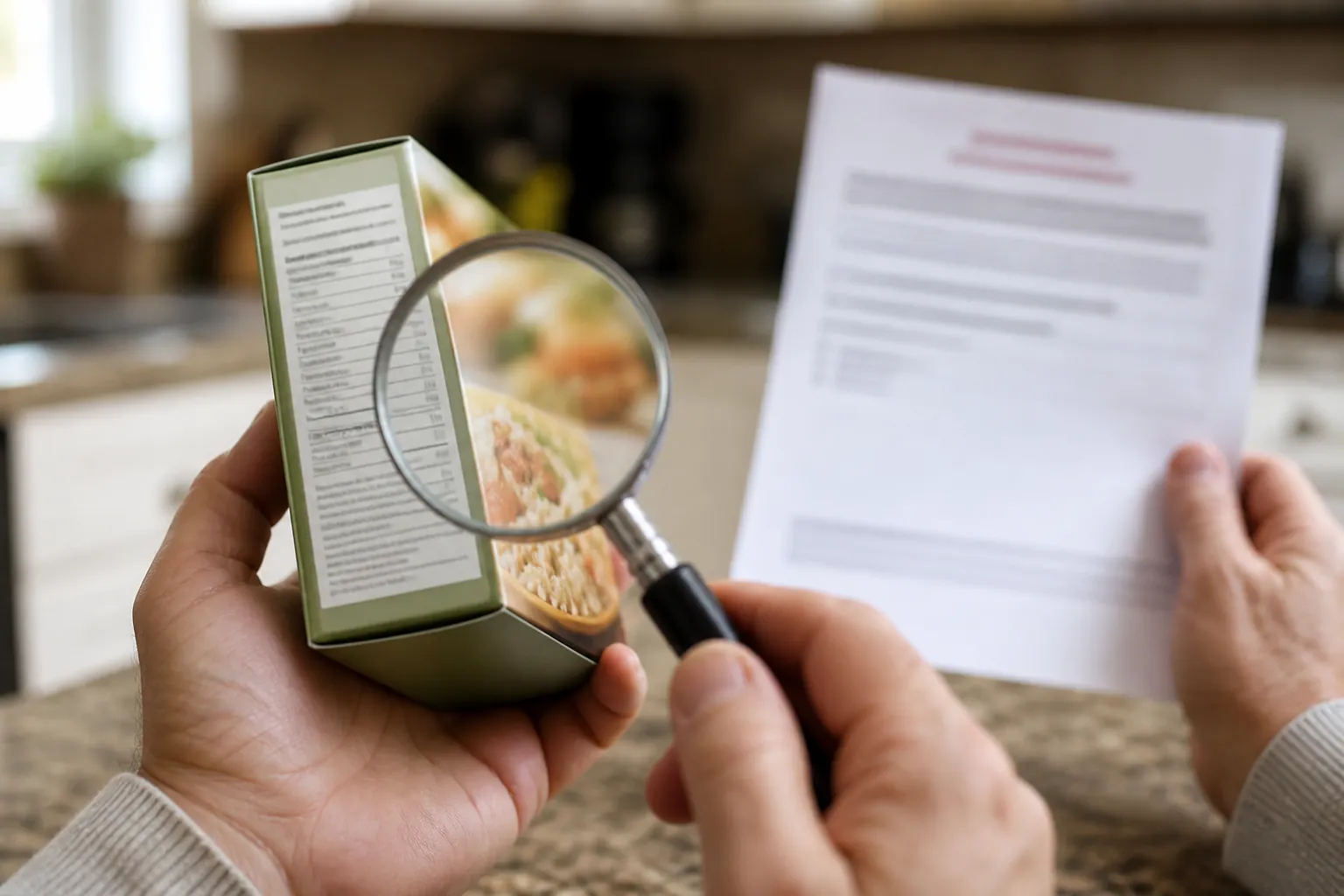
Use the official FDA, USDA FSIS, company, or recalls.gov notice as the source of truth. Then compare the package line by line. FDA and consumer guidance emphasize checking the specific product details in the recall notice rather than relying on the general food category.[3][4]
- Brand name
- Product name and variety
- Package size or weight
- UPC or other barcode number
- Lot code, batch code, or production code
- Sell-by, use-by, best-by, or expiration date listed in the notice
- For USDA-regulated meat and poultry, the establishment number, often shown as “EST” inside or near the USDA mark of inspection
A practical way to do this is to read the notice once, then hold the package in the same order: front label, nutrition side panel, barcode area, printed date strip, crimped edge, and inspection mark if it is meat or poultry. Lot codes are often stamped in faint ink. If your parent has low vision, keep a small magnifier in the same drawer as the fridge thermometer and can opener.
If one identifier clearly does not match, do not treat the item as recalled just because the name sounds close. If one identifier is unreadable, do not guess. Set the item aside so it is not eaten, take a photo of the label, and check the official notice again or contact the store, manufacturer, or appropriate agency for help.
A simple label-match script
For a parent who wants to help with the check, leave the script on a card inside a cabinet door:
- Find the official recall notice, not just a news headline.
- Match the brand and exact product name.
- Match the package size.
- Match the UPC or barcode number.
- Match the lot code and date.
- For meat or poultry, match the EST number.
- If all listed identifiers match, do not eat it. If they do not match, do not panic-discard it as recalled.
That last line matters. Throwing away every vaguely similar food can become expensive and confusing, especially for a parent on a fixed income. Serving a recalled product is worse. The middle path is the only one that works: act quickly on alerts, then confirm precisely.
When there is a confirmed match
Once the identifiers match the official notice, the prevention routine stops and the safety action begins. Do not eat the food, open it to inspect it, donate it, or feed it to pets. Follow the recall notice for returning or disposing of the product.[3][6]
If the food may have touched shelves, drawers, counters, cutting boards, or utensils, clean contact surfaces before the kitchen goes back to normal. FoodSafety.gov advises washing surfaces with hot, soapy water and then sanitizing with a solution of 1 tablespoon of chlorine bleach in 1 gallon of hot water.[6] Keep that step brief and thorough; it is only the handoff after a confirmed match, not a substitute for medical or outbreak-response guidance.
If your parent already ate the recalled food or feels ill, call their clinician, local health department, or poison control as appropriate. A recall checklist can prevent missed packages. It cannot judge symptoms from across the room.
Quick resources to keep with the kitchen checklist
| Resource | Use it for |
|---|---|
| FoodSafety.gov | Consumer guidance on recalled products, food handling, and higher-risk groups. |
| Recalls.gov | Searching federal recalls when an alert, headline, or package detail needs confirmation. |
| USDA Meat and Poultry Hotline: 888-674-6854 | Questions about meat, poultry, and egg products, including recall concerns.[4] |
| Last verified | August 25, 2026. |
| Medical note | General home-safety information, not medical advice. For symptoms or possible exposure, contact a clinician or public health authority. |
| CareWise Guide review | Reviewed by Elena Morris, MSN, RN, for older-adult home safety. |
References
- Food recalls are easy to miss. Here's how to protect your kitchen — KCRA
- People at Increased Risk for Food Poisoning — CDC
- Food Recalls: What You Need to Know — FDA
- I Ate Recalled Food That Might Be Contaminated. Now What? — AARP
- How to find out about food recalls — U.S. PIRG Education Fund
- What Do You Do If You Have a Recalled Product? — FoodSafety.gov
Related reading
Noticed something outdated or inaccurate on this page? Flag a correction. We review every report against CDC, NIA, and AARP HomeFit guidance before updating a page.
Part of the Fall Prevention section.