
Product term
Is the iPhone 18 Pro Max the best iPhone for seniors?
Last verified 2026-08-01
If you are shopping in August or September 2026 and the phrase “best iPhone for seniors” has somehow led you to the iPhone 18 Pro Max, pause before the preorder page does the thinking for you. The current rumor range puts the iPhone 18 Pro Max around $1,299 to $1,399 to start, while the iPhone 17 Pro Max starts at $1,199, the iPhone 17 at $799, and the iPhone 17e at $599.[1] Those iPhone 18 Pro Max numbers are not Apple-confirmed; they are analyst and rumor-tracker estimates until Apple announces the phone.
That price gap matters because the senior-friendly features most caregivers mean by “safe” are not Pro Max exclusives. Emergency SOS via satellite, Crash Detection, Medical ID, Check In, text-to-911 where local emergency systems support it, Larger Text, hearing-aid pairing, and Assistive Access do not require buying the largest, newest, most expensive iPhone. The iPhone 18 Pro Max is the best iPhone for a senior only when the 6.9-inch screen is the deciding need.
The Price Is Still a Rumor, but the Buying Pressure Is Real
The iPhone 18 Pro Max is expected to arrive in the expensive part of Apple’s lineup. MacRumors summarizes several price-pressure claims: IDC projects up to a $200 increase, The Wall Street Journal reported the iPhone 18 Pro could start at $1,399, Counterpoint sees the 1TB iPhone 18 Pro Max roughly $300 higher, and analyst Jeff Pu has projected increases of up to about $300. The same roundup points to cost drivers including a 2nm A20 chip reportedly at least 50% more expensive to produce and RAM costs that have more than tripled.[1]
For caregivers, the exact cause of the increase is less important than the decision it creates. If the iPhone 18 Pro Max starts near $1,299 or $1,399, the question is not whether it is impressive. The question is what a parent actually gains over a $599 iPhone 17e or a $799 iPhone 17 when the shopping reason is safety, readability, hearing support, and staying reachable.
Launch timing also matters. Forbes reported a September 2026 Pro-line launch window, citing September 12, while MacRumors expects the iPhone 18 Pro models in the first half of September.[2][1] The standard iPhone 18 and iPhone 18e are reported as delayed until spring 2027, which means a fall 2026 buyer may be choosing between the new Pro models and the current iPhone 17 family rather than a full iPhone 18 lineup.[3]
| Senior-specific need | Rumored iPhone 18 Pro Max | iPhone 17 Pro Max | iPhone 17 | iPhone 17e |
|---|---|---|---|---|
| Largest readable screen | Best fit if the 6.9-inch display is the reason for buying | Strong large-screen alternative if its price drops or carrier offers help | Usable for many seniors, but not the largest option | Budget-first choice; screen size is not the main advantage |
| Lowest upfront cost | Weak fit at a rumored $1,299–$1,399 starting price | Still premium at $1,199 | Middle option at $799 | Best fit at $599 |
| Safety and accessibility parity | Expected to include the same core iPhone safety and accessibility stack | Includes the same core iPhone safety and accessibility stack | Includes the same core iPhone safety and accessibility stack | Includes the same core iPhone safety and accessibility stack |
| Premium cameras or performance | Best fit if the parent will actually use Pro-level extras | Strong fit for premium camera users | Enough for ordinary calls, photos, messages, and apps | Enough for basic safety, calling, texting, and simplified use |
| Should a caregiver wait? | Wait for Apple’s confirmed price, feature list, carrier offers, and trade-in math | Compare after the iPhone 18 announcement, when discounts may change | Buy sooner if the parent needs a phone now and the size is acceptable | Buy sooner if budget and familiar safety features matter most |
Safety Features Are Mostly Shared, Not Pro Max-Only
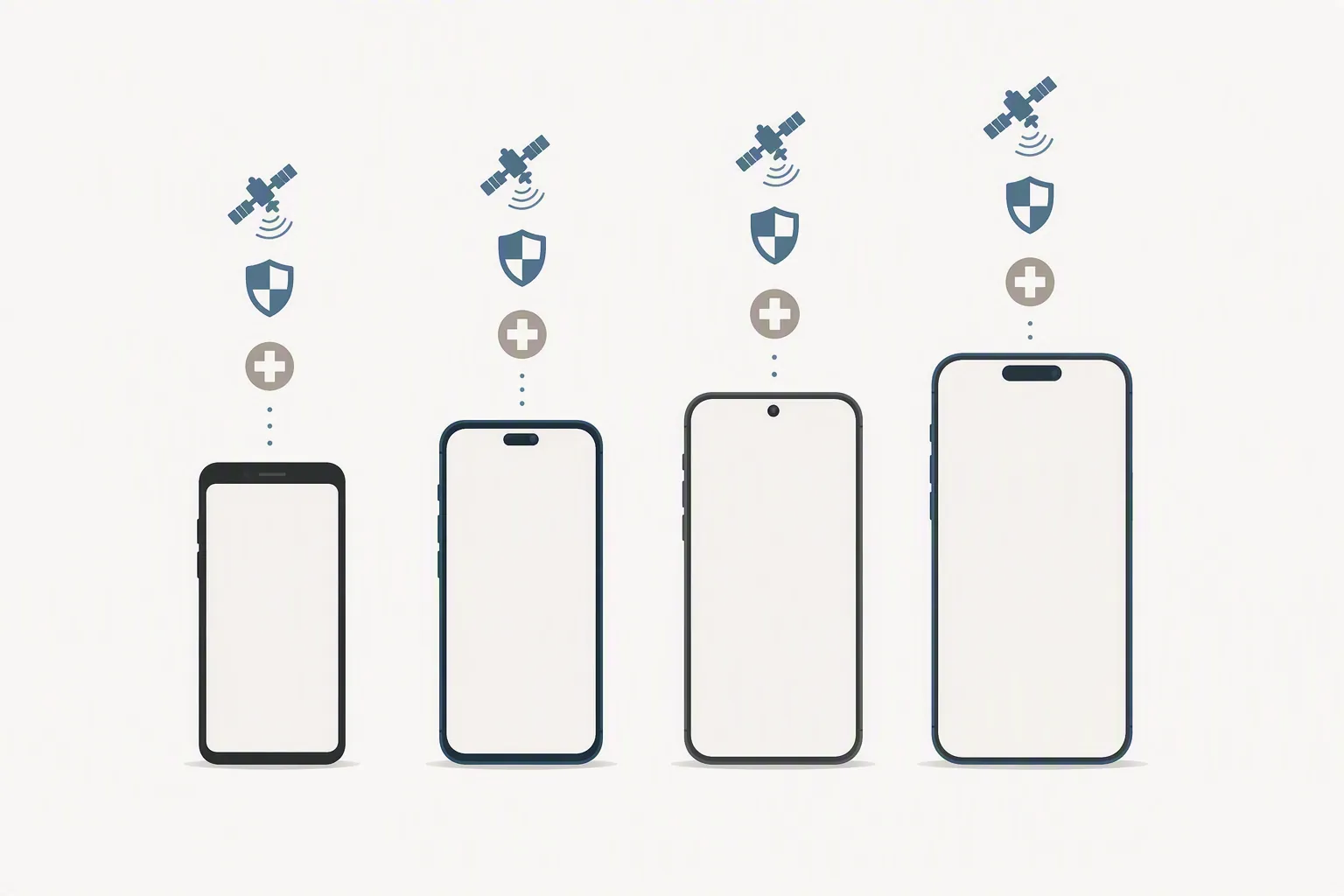
Apple’s confirmed iPhone safety tools already cover a lot of what families worry about. Apple lists Emergency SOS, Emergency SOS via satellite, Crash Detection, Medical ID, Roadside Assistance via satellite, and related safety features for supported iPhones; Emergency SOS via satellite and Crash Detection are available on iPhone 14 and later.[4] For a caregiver comparing modern iPhones, that means the safety conversation starts well below the Pro Max price tier.
Medical ID is a good example. It can put emergency contacts, medications, allergies, and other health details on the lock screen for responders. That is useful for an older adult who lives alone or walks alone. It does not become more useful because the phone has a Pro Max camera system.
Emergency SOS via satellite is another feature worth having, especially for a parent who drives through rural areas, hikes, or lives where cellular coverage drops. But again, the feature is not an iPhone 18 Pro Max-only reason to spend more. If satellite emergency access is the deciding issue, compare supported models and carrier terms before assuming the newest large phone is the safest phone.
For a fuller feature-by-feature explanation, see our guide to 2026 iPhone safety features for seniors. The narrower question here is whether paying Pro Max money changes the senior-care answer. In most cases, it does not.
No iPhone Has Built-In Fall Detection
This is the misunderstanding that can get expensive. An iPhone can call emergency services, share Medical ID information, detect certain severe car crashes on supported models, and use satellite emergency messaging in supported situations. It does not provide built-in automatic fall detection.
Fall detection remains an Apple Watch feature, not an iPhone feature. NCOA describes the Apple Watch as able to detect hard falls and call emergency services if the wearer does not respond, while also noting limits that matter for people considering it as a medical-alert substitute.[5] Apple’s own safety materials separate iPhone safety features from Apple Watch fall detection rather than treating the phone as the fall-detection device.[4]
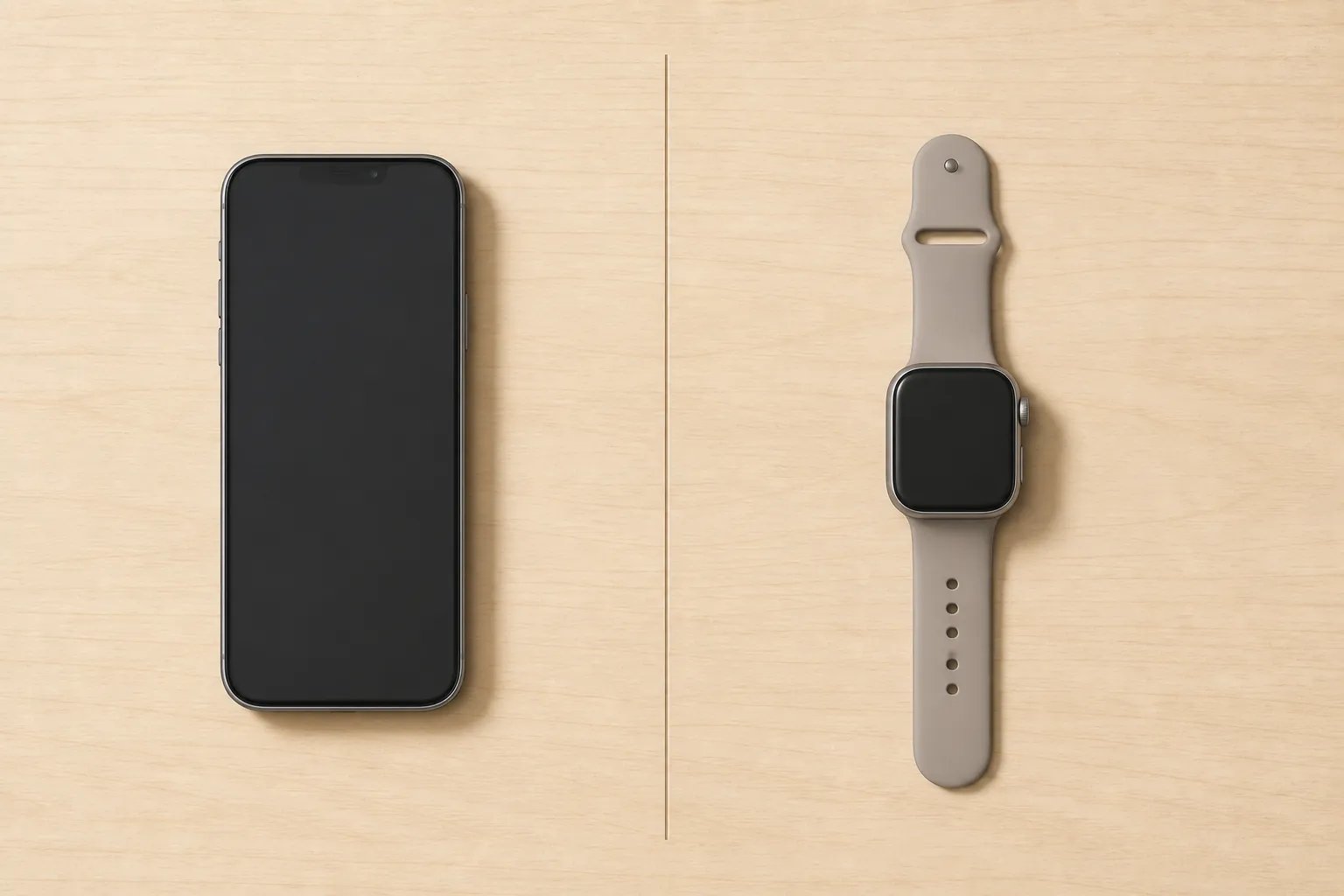
If the parent has a history of falls, lives alone, or needs monitored emergency response, the budget conversation should include an Apple Watch, a medical-alert device, a monitoring plan, and a backup protocol for outages. A $1,300-plus iPhone should not consume money that was really needed for fall detection or response coverage. For planning beyond the phone itself, see our medical alert device fallback guide and caregiver checklist for cell-service outages. This is general buying guidance, not medical advice.
Accessibility Is Where Cheaper iPhones Do More Than People Expect
The strongest argument for an iPhone for many older adults is not the processor or camera. It is the accessibility layer: Larger Text, display accommodations, hearing-device support, voice features, simplified navigation, and settings that let a caregiver reduce the number of confusing choices on screen. Apple’s accessibility materials cover features for vision, hearing, mobility, speech, and cognition across iPhone, not just Pro models.[6]
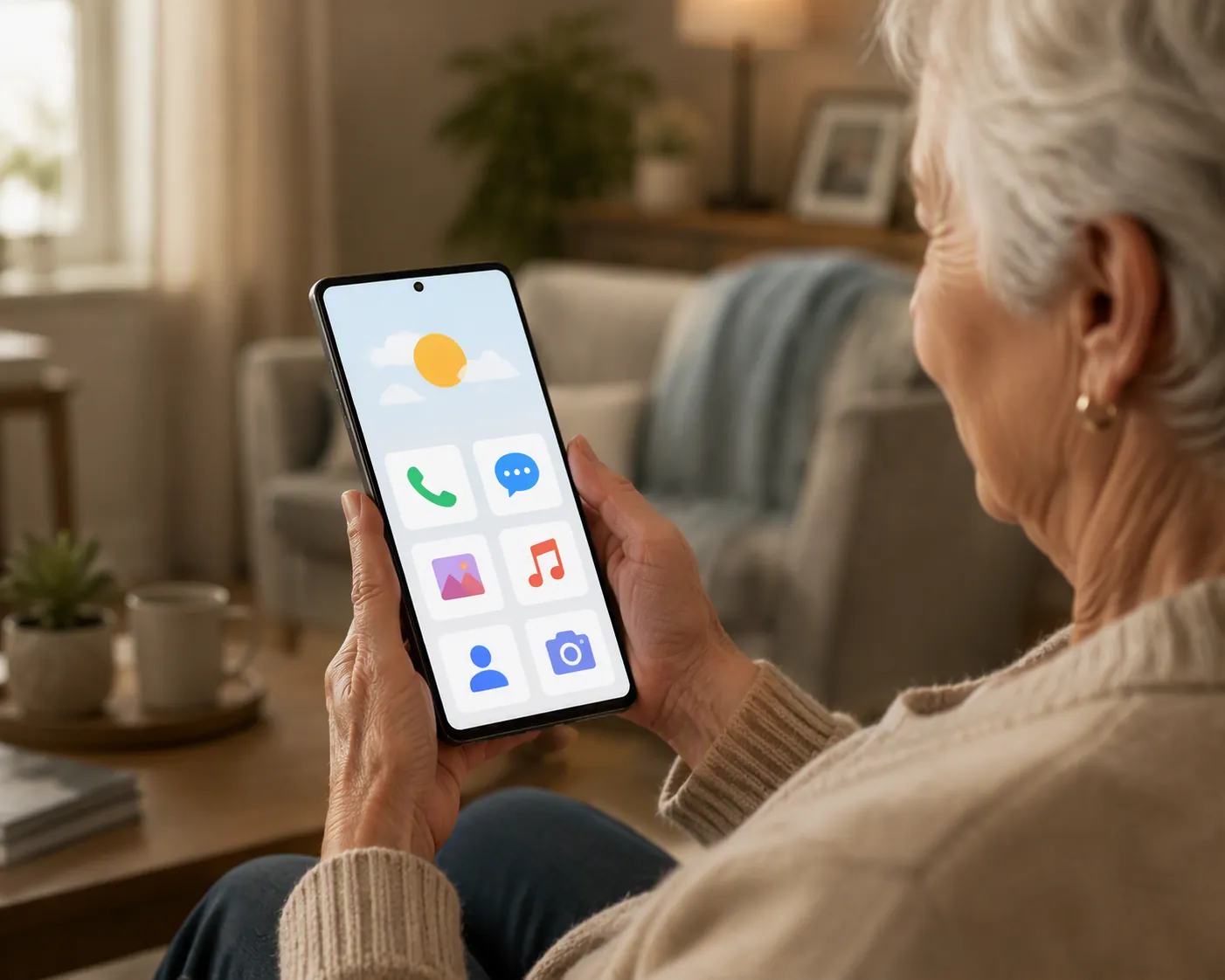
Assistive Access deserves special attention because it changes the daily experience of the phone. It can simplify apps such as Calls, Messages, Camera, Photos, and Music into a more focused interface on any iPhone running iOS 17 or later.[7] For a parent who gets lost in icons, swipes into the wrong screen, or accidentally changes settings, that may matter more than any Pro Max hardware upgrade.
Hearing support is similar. Made for iPhone hearing aids and Apple’s hearing accessibility features can make phone calls and media more usable for people with hearing loss, while AirPods Pro hearing features may help some users depending on model, region, software, and individual needs.[6] None of that turns a premium camera phone into the only responsible choice for a senior.
The One Real Pro Max Advantage Is the Screen
A 6.9-inch screen can be a real senior-friendly feature. Not a luxury feature disguised as safety, but an actual usability difference for the right person. Larger text has more room to breathe. Touch targets feel less cramped. Video calls are easier to see. Maps, medication reminders, caregiver messages, and emergency prompts can be less punishing for someone with low vision or shaky hands.
That does not mean every older adult should carry the largest iPhone. A Pro Max is heavier and more expensive, and it may be harder to pocket, grip, or use one-handed. A parent who mostly answers calls, reads short texts, uses FaceTime, checks reminders, and keeps Medical ID available may be better served by a cheaper model with the same safety and accessibility stack.
The practical test is simple: does the parent need the biggest screen to use the phone confidently, or does the caregiver feel safer because the phone is the newest? Those are different purchases.
Which iPhone Should You Buy for a Senior?
Buy the rumored iPhone 18 Pro Max only for the parent whose daily phone use depends on the largest possible iPhone display, and only after Apple confirms the price, supported features, battery details, carrier offers, and trade-in values. If the parent will also use premium cameras, high-end video, or other Pro features, that strengthens the case. If the buying reason is simply “safety,” it is probably overkill.
Consider the iPhone 17 Pro Max if the big screen matters but the iPhone 18 Pro Max price lands too high. After the September announcement, carriers and retailers may change installment offers, trade-in credits, and remaining inventory pricing. Do the math on the actual monthly bill, not just the advertised phone price.
Choose the iPhone 17 if the parent wants a modern iPhone with the shared safety and accessibility tools but does not need the largest screen or Pro camera system. It is the cleaner middle choice for many families: not the cheapest, not the most indulgent, and still capable of running the senior-relevant iPhone features that usually matter.
Choose the iPhone 17e if budget, simplicity, and safety-feature access matter more than display size. At $599 in the current comparison set, it leaves more room for a sturdy case, AppleCare, a better carrier plan, an Apple Watch if fall detection is needed, or a separate medical-alert plan. For more budget-focused comparisons, see our guide to the best iPhone choices for seniors on a budget.
Independent senior-phone recommendations also push against the idea that “newest Pro Max” is automatically the responsible choice. Recent senior-phone guides have selected non-Pro or older large-screen iPhones, including models such as the iPhone 16 Plus, iPhone 16e, iPhone 17, and iPhone 17e, depending on the publisher’s testing priorities and price assumptions. That does not make the iPhone 18 Pro Max wrong; it makes the screen advantage carry the burden of proof.
What to Re-Check After Apple’s September Announcement
- Apple’s confirmed iPhone 18 Pro Max starting price, storage tiers, weight, and display size.
- Which safety features are confirmed on the exact model and carrier plan you are considering.
- Whether the parent can read and tap comfortably on a smaller iPhone before paying for the largest screen.
- Carrier installment terms, trade-in credits, activation fees, and total monthly bill.
- Whether fall detection, monitoring, or outage backup should get part of the budget instead of a Pro Max upgrade.
The best iPhone for a senior is the one the parent can read, hear, charge, answer, and use under stress. If the iPhone 18 Pro Max’s 6.9-inch screen is what makes that possible, it may be worth waiting for. If not, a cheaper iPhone can give the family the same core safety and accessibility tools without pretending that price alone buys protection.
References
- iPhone 18 Pro: Everything We Know, MacRumors.
- iPhone 18 Release Date, Spring Delay, iPhone 18 Pro Sales, Siri AI, Forbes, July 28, 2026.
- iPhone 18: Everything We Know, MacRumors.
- Apple safety features, Apple Support.
- Apple Watch as Medical Alert System: What to Know, National Council on Aging.
- Accessibility, Apple.
- Apple Assistive Access: The iPhone’s Senior Mode, The Senior List.
Browse more in the Glossary.