
Caregiver decision guide
Best Smartwatch for Seniors? Start With Fall Detection
Picking between a consumer smartwatch, a medical-alert watch, and a pendant for an older adult comes down to who the device summons when a fall is detected. This guide compares those three alert pathways so caregivers can match a device category to a parent's fall risk, comfort with technology, and memory.
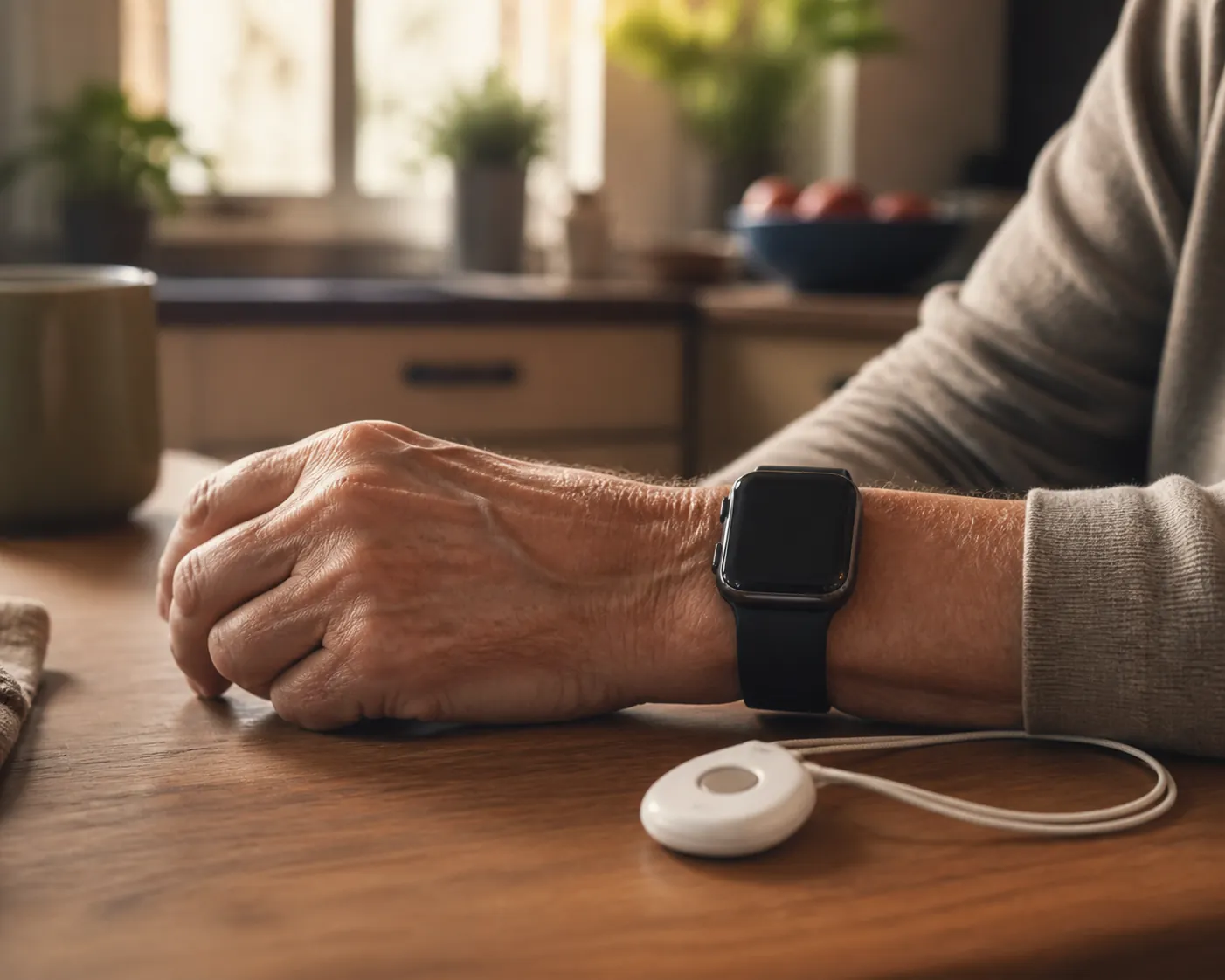
When an older adult falls and cannot press a button or speak, the important question is not which device has the most features. It is who gets the alert first, and whether that person or service can act.
The three common pathways are quite different:
- A consumer smartwatch may call 911 directly, but only after its detection and countdown process allows it to do so.
- A medical-alert watch usually connects to a 24/7 monitoring center, where an operator speaks with the wearer and decides whether to contact emergency services, family, or another responder.
- A pendant or home system generally contacts preset people or a monitoring center, depending on the service and equipment.
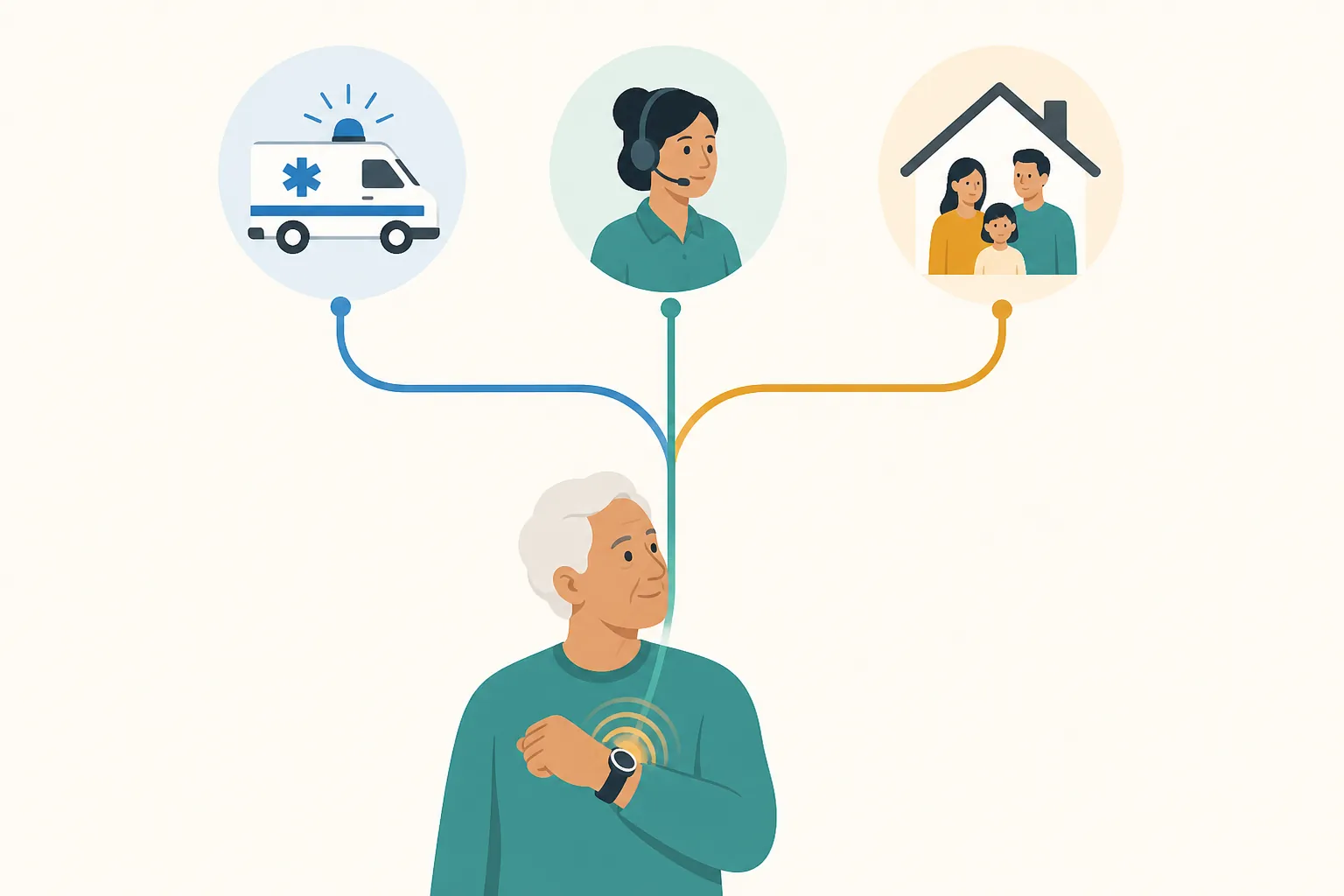
Who Gets the Alert?
Apple Watch is a useful example of the direct-911 pathway. When fall detection identifies a hard fall and the wearer remains immobile, the watch waits for a response, sounds an alert, and displays a countdown. Apple describes roughly one minute of immobility followed by a 30-second countdown before an automatic emergency call if the wearer does not cancel it. The watch can also share the user's location with emergency services. [1][2]
That delay gives a conscious wearer time to stop a false alarm. It also means the watch is not instantly summoning a person who knows the family or the home's history. Apple's documentation is explicit that the watch cannot detect all falls. [1]
Samsung's default pathway is materially different: Galaxy Watch 7 fall alerts text emergency contacts rather than automatically calling 911. [2] That can work well when a nearby daughter, neighbor, or spouse reliably answers. It is a poor fit when the listed contact is at work, asleep, traveling, or unsure what to do with an unexpected message.
A medical-alert watch is built around a human monitoring center. The operator can try to establish contact, review the account's information, and determine whether emergency services or another contact should be called. Pendants use a similar monitoring model when purchased with professional response, while some lower-cost systems depend primarily on the user's preset contacts. [3][4]
This is the central tradeoff. A smartwatch may offer a clean route to 911. A monitored device inserts a trained human into the response chain. A contact-only setup can be perfectly adequate for one household and dangerously thin for another.
Match the Pathway to the Person
A consumer smartwatch makes the most sense for an older adult who already wears one, understands its alerts, can keep it charged, and has dependable cellular or phone connectivity. It is often the least stigmatizing option. It may also be the easiest gift to accept because it looks like ordinary consumer technology.
Its limitations are easy to miss during setup. The wearer may need to respond to a countdown, keep a phone nearby for some functions, maintain a cellular plan for independent calling, and ensure that emergency information and contacts are current. Apple users can review Emergency SOS, Medical ID, and the distinction between iPhone and Apple Watch fall detection in this guide to iPhone safety features for seniors in iOS 27.
A medical-alert watch is a stronger candidate when the parent has a meaningful fall history, lives alone, may lie on the floor for a long time, or cannot count on a family member to answer immediately. The monthly fee buys more than fall detection: it buys an operating response layer. That may matter more than a larger screen or a broader app ecosystem.
A pendant or home system deserves serious consideration when memory, dexterity, or charging habits make a wrist computer unreliable. Some pendants can be worn around the neck or on the waist, and home-based systems can cover the room-to-room routine better than a device that depends on a particular wrist. The cost is visual stigma for some people, and a home-only system may not help when the wearer is outside.
Placement matters as much as category. The National Council on Aging recommends neck or waist placement for people at fall risk because natural arm movement can trigger false alarms on wrist devices and these placements may improve detection. [9]
Fall Detection Has Gaps
No wearable recognizes every way a person can fall. A blinded 2022 study of a smartwatch fall-detection app measured 77% sensitivity and 99% specificity across 226 induced falls. It recorded false positives in 1.7% of tests and false negatives in 16.4%. Detection was significantly better when the fall landed on the same side as the wrist wearing the watch: 92.5% versus 76.3%. [5]
Those findings describe the tested app, not every Apple, Samsung, or medical-alert algorithm. They do show why a wrist device can miss a slow collapse, a slide down a wall, or a fall with an unusual landing position.
Reviewer drop tests also show variation, but they should be read as simulated tests rather than promises about a parent's living room. SafeHome reported 9 of 10 simulated falls for the Medical Guardian MGMove, 8 of 10 for Bay Alarm SOS, and 6 of 10 for Apple Watch. SeniorLiving.org reported 8 of 10 for Samsung Galaxy Watch 7. The tests used controlled scenarios and soft surfaces, so they do not establish real-world performance. [6][7]
False alarms have a cost too. A wearer who is repeatedly interrupted during exercise or daily activity may start canceling alerts automatically. A family member who receives frequent non-emergency messages may stop treating them as urgent. The system has to be tolerable enough that the older adult keeps using it and everyone understands the response.
Charging Is Part of Safety
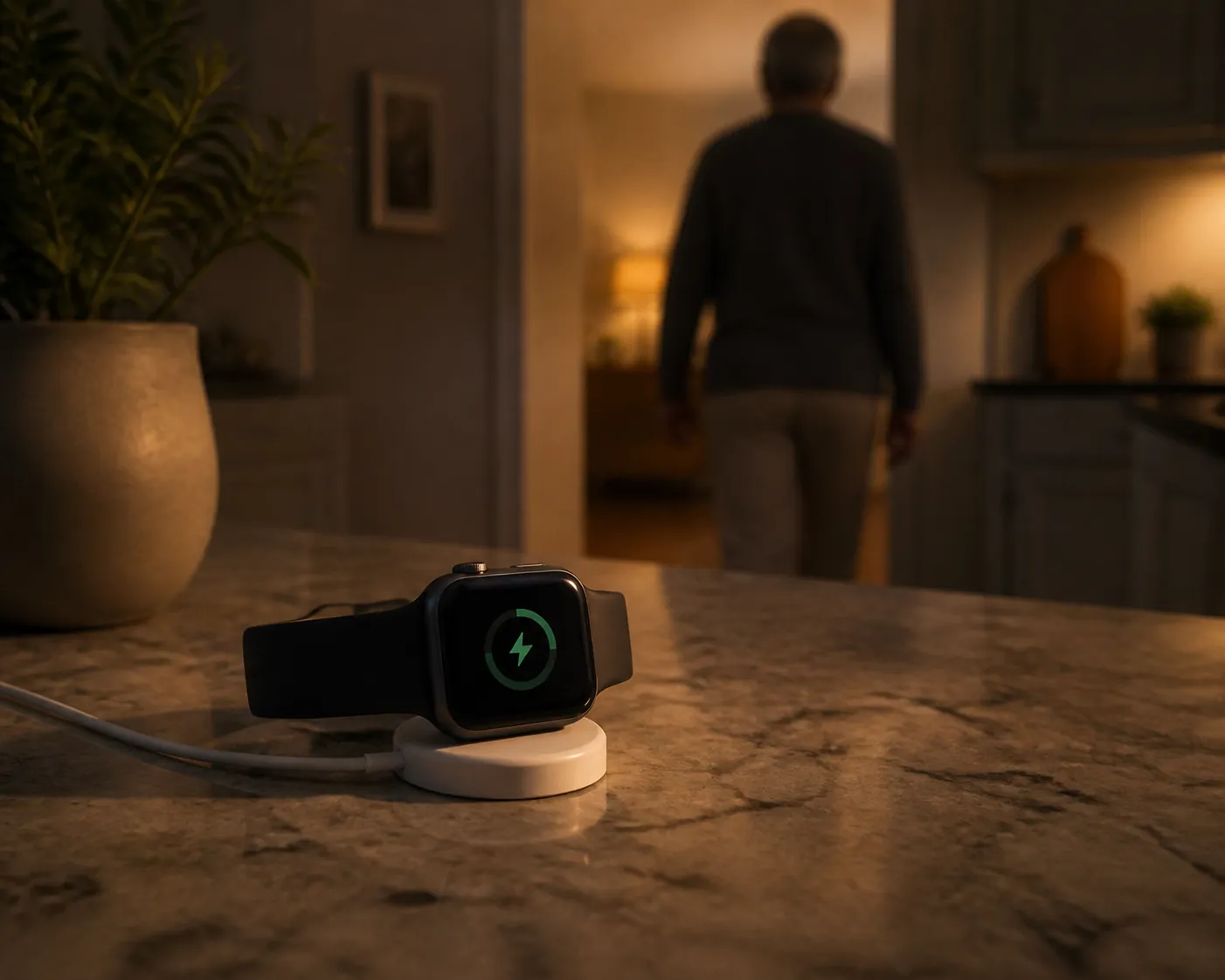
A fall detector on a charging puck is not detecting anything. Wirecutter reports that consumer smartwatches commonly need to be removed for charging every 18 to 40 hours, while many pendants run for five to 10 days. The Kanega Watch uses swappable batteries so the watch can remain on the wearer during a battery change. [4]
The practical test is not whether the advertised battery life sounds good. It is whether the wearer will follow the charging routine without a reminder, and whether a caregiver will notice when the device is offline. If the answer is no, a less elegant pendant with longer runtime may provide more actual coverage.
Memory and dexterity change the calculation further. A person with mild forgetfulness may remember a pendant more easily than a charging schedule. Someone with arthritis may struggle with a small watch button or clasp but manage a larger help button. Someone who removes jewelry at bedtime may need a device designed for continuous wear, not another instruction to remember.
Cost Is More Than the Device
Last verified August 25, 2026: published 2025-2026 figures showed medical-alert watches generally costing about $39.95 to $84.95 per month, plus approximately $149 to $299 for equipment. Fall detection can add about $5 to $11 per month. Consumer smartwatches typically cost about $249 to $799 upfront, with optional cellular service around $10 to $15 per month and fall detection included. The Kanega Watch was listed at about $299 for setup plus roughly $65 to $85 per month. [3][4][6]
Prices and availability change, so treat those figures as a last-verified comparison rather than a quote. Equipment, activation, cellular service, fall-detection add-ons, and replacement charges can appear in different parts of the bill.
Original Medicare generally does not pay for medical-alert systems, while Medicare Advantage and Medicaid coverage can vary by plan and state. Check the current coverage details in this guide to Medicare and fall-prevention coverage before treating reimbursement as part of the budget.
Choose by Scenario
| Older adult's situation | Best-fit category | Why |
|---|---|---|
| Lower fall risk, comfortable with technology, reliable charging, and a reachable emergency contact | Consumer smartwatch | A direct 911 or preset-contact pathway may be sufficient, especially when the wearer already uses the watch. |
| Prior falls, lives alone, high concern about a long lie, or unreliable family availability | Monitored medical-alert watch | A 24/7 monitoring center can receive the alert and triage the response when no family member is guaranteed to answer. |
| Forgetfulness, limited dexterity, inconsistent charging, or need for longer continuous wear | Pendant or home system | A simpler control and longer battery life may produce more dependable use than a feature-rich watch. |
| Frequently leaves home and needs protection outside the house | Mobile medical-alert device or cellular consumer smartwatch | A home-only system may not follow the wearer; confirm location coverage and the actual response pathway before buying. |
The CDC reports that one in four adults age 65 and older falls each year, and about 37% of falls cause an injury requiring medical treatment or restricting activity. [8] A prior fall, trouble walking, medication changes, dizziness, or a home with obvious hazards should move the decision beyond shopping. Use the CDC STEADI home fall-prevention checklist to examine the environment, and discuss the device with a clinician or occupational therapist when fall risk, cognition, dexterity, or home safety is significant.
Before purchase, write down the full response plan: who receives the first alert, who is the backup, who has a key, who checks on the parent after a canceled alert, and what happens if the device is being charged or loses connectivity. A device can shorten the time to help, but it cannot replace that plan.
The best smartwatch for seniors with fall detection may therefore be a smartwatch, a monitored medical-alert watch, or no watch at all. The right choice is the category the older adult will wear, keep powered, and connect to a responder who can actually act. No device detects every fall. This article is educational, not medical advice; involve a clinician or occupational therapist when the risks are substantial.
References
- Manage fall detection on Apple Watch — Apple
- Apple Watch as a Medical Alert System: What to Know — National Council on Aging
- Best Medical Alert Watches — National Council on Aging
- The Best Medical Alert Systems — Wirecutter
- A Blinded Evaluation of a Commercial Smartphone-Based Fall Detection App — JMIR Formative Research, 2022
- Best Medical Alert Watches — SafeHome.org
- Best Medical Alert Watches — SeniorLiving.org
- Older Adult Falls Data — Centers for Disease Control and Prevention
- Best Medical Alert Systems With Fall Detection — National Council on Aging
Questions to bring to a clinician or OT
This is not medical, legal, or a family's final decision — only a framework. Bring these questions to a clinician, occupational therapist, or your local Area Agency on Aging.
Find Local HelpRelated reading
Noticed something outdated or inaccurate on this page? Flag a correction. We review every report against CDC, NIA, and AARP HomeFit guidance before updating a page.