
Caregiver decision guide
Which Robot Vacuum Is Best for Seniors with Mobility Issues?
Choosing a robot vacuum for an older adult with mobility issues comes down to one question: how often will someone have to bend, reach, or rescue it? This guide compares 2026 models on the five features that reduce that physical work — self-emptying docks, app-free controls, obstacle avoidance, reliable recovery, and low-maintenance parts — so caregivers and seniors can judge options without trusting any single brand.
The useful test for a robot vacuum is not the showroom version, where it glides across an empty floor while an app draws a perfect little map. It is the Tuesday version: the robot has nosed under a dining chair, found a power cord, stopped at the edge of a rug, and is now sitting in a walkway waiting for someone to bend down and rescue it.
That is the real question behind the best robot vacuum for seniors with mobility issues: how many physical jobs does the machine actually remove, and how many new ones does it create? For an older adult with limited balance, grip strength, stamina, vision, or wheelchair clearance needs, the wrong robot can turn into a small appliance that constantly asks for help.
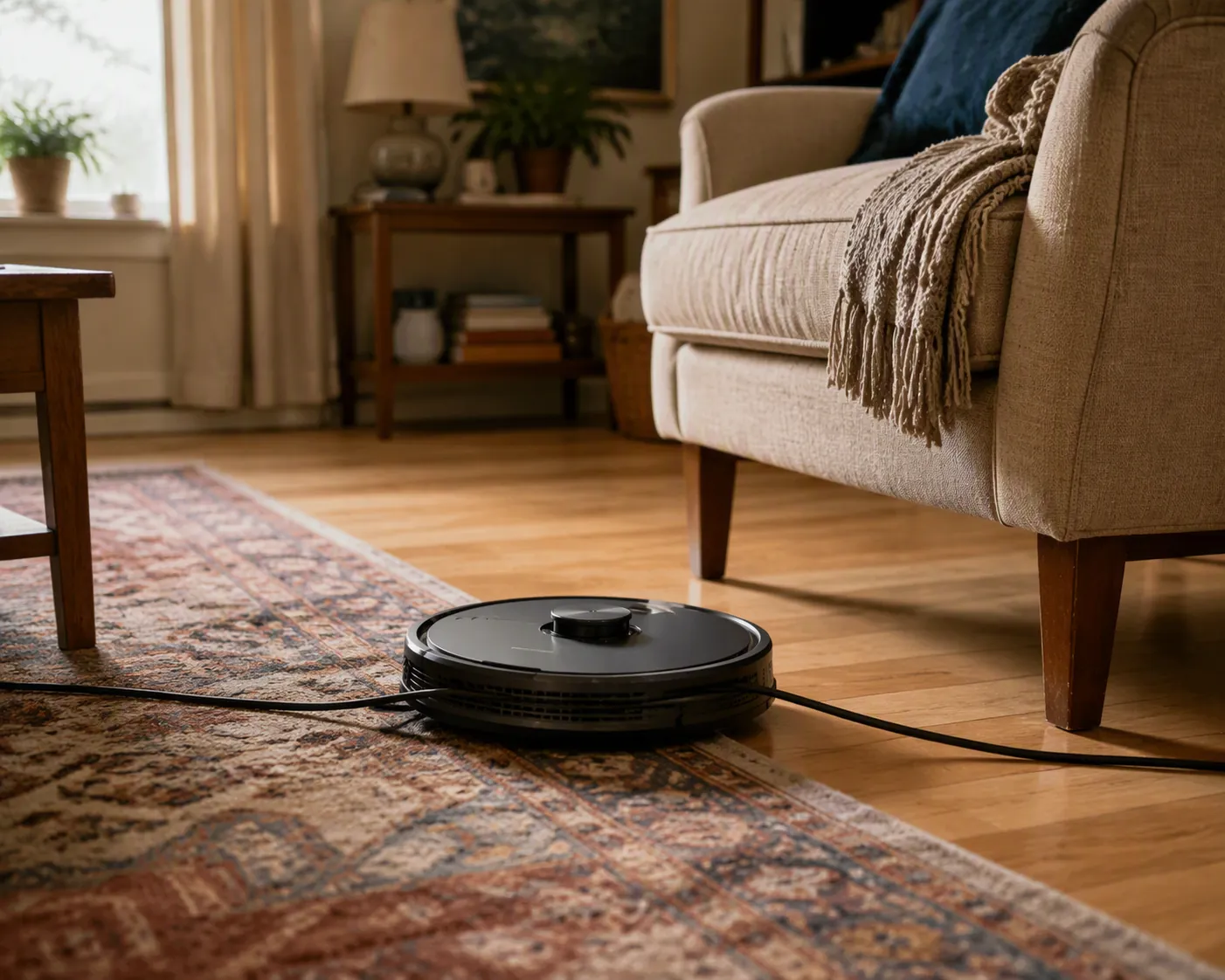
A robot vacuum may reduce pushing a full-size vacuum or bending for crumbs. It is not, by itself, a fall-prevention plan. The safer way to judge it is alongside the same home hazards that already matter: cords, clutter, rugs, thresholds, and anything left in a walking path. The CDC identifies falls as a major injury risk for older adults, and the National Institute on Aging’s room-by-room guidance specifically calls attention to tripping hazards such as loose rugs, clutter, and electrical cords.[1][2]
Start with rescue missions, not suction
Strong suction is nice. So is a tidy app map. But those features matter less if the robot still needs someone to empty a tiny bin, unwind hair from a roller, pull it out from under a bed, or reopen an app every time the Wi-Fi has an opinion.
For mobility-limited users, five features deserve to come before brand loyalty or the biggest pascal number:

| Feature | What it reduces | What to look for |
|---|---|---|
| Self-emptying dock | Bending, gripping, carrying dust, frequent bin emptying | Large dust bag, reachable dock height, simple bag replacement |
| App-light controls | Phone troubleshooting, tiny menus, caregiver tech support | Large physical buttons, simple voice control, plain room names |
| Obstacle avoidance | Cord dragging, rug tangles, blocked walkways | Independent test performance with real household objects |
| Reliable recovery | Rescuing a stalled machine from under furniture or a hallway | Good docking behavior, boundary options, no-go zones |
| Low-maintenance parts | Hair cutting, brush cleaning, filter confusion, hard-to-find replacements | Anti-tangle brush design, accessible rollers, available bags and filters |
Those five features do not matter equally in every home. Someone who cannot bend often should weigh self-emptying more heavily. Someone with balance or vision trouble should be much pickier about obstacle avoidance and recovery. Someone who dislikes apps, or whose adult child will become the unofficial help desk, needs controls that still make sense after the first week.
Self-emptying is the feature that most directly removes bending
If I had to choose one feature to look at first for a parent who has trouble bending, it would be a self-emptying dock. Not because it is fancy, but because it changes the most repetitive physical task. A basic robot vacuum may still ask the user to crouch down, remove a small dustbin, carry it to a trash can, shake it out, snap it back in, and wash or wipe parts. That can be a lot of small motions for someone with back pain, arthritis, low stamina, or balance concerns.
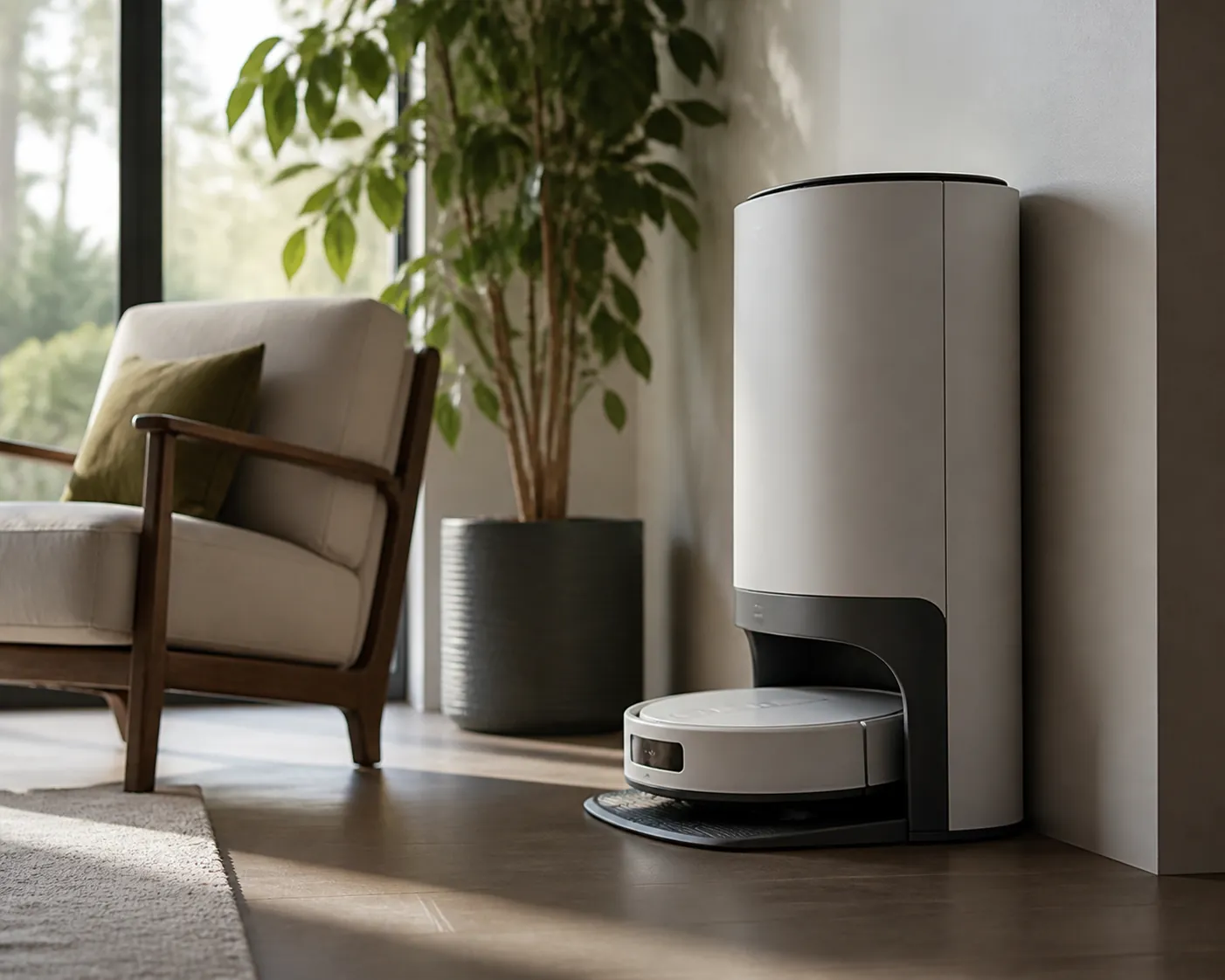
Wirecutter’s 2026 top pick, the Roborock Q7 M5+, is useful here as a concrete example rather than as a universal answer. Wirecutter notes that it self-empties into a 2.7-liter bag and estimates that the bag needs changing roughly every six to seven weeks; it also lists about 180 minutes of runtime in Quiet mode.[3] That bag interval is the kind of detail that matters in a mobility conversation because it turns “empty the robot every few runs” into “change a bag every month and a half or so,” depending on the home.
The dock still has to be placed well. A self-emptying base tucked behind a recliner or under a counter may be technically hands-free and still physically awkward. For an older adult, the better dock location is boring: against a stable wall, on a route that does not create a new toe-stubbing obstacle, with enough clearance to remove the dust bag without kneeling or twisting.
The tradeoff is that self-emptying docks are larger, louder during emptying, and require replacement bags. For some homes, that is still a good exchange. A loud ten-second emptying cycle may be less of a burden than repeated bending. But the replacement bag has to be easy to buy, easy to identify, and easy to install. If a caregiver is the only person who can figure out the consumables, the “hands-free” promise has already shrunk.
Obstacle avoidance is where “smart” starts to mean something
Obstacle avoidance is not just a convenience feature in a home where someone has mobility issues. It decides whether the robot notices the kinds of things that become rescue missions: a charging cord, a sock, a shoe, a rug edge, a chair leg, a pet toy, the fringe on a runner. If the robot drags a cord across the room or stops in a hallway, the cleaning job has become a body-demanding job again.
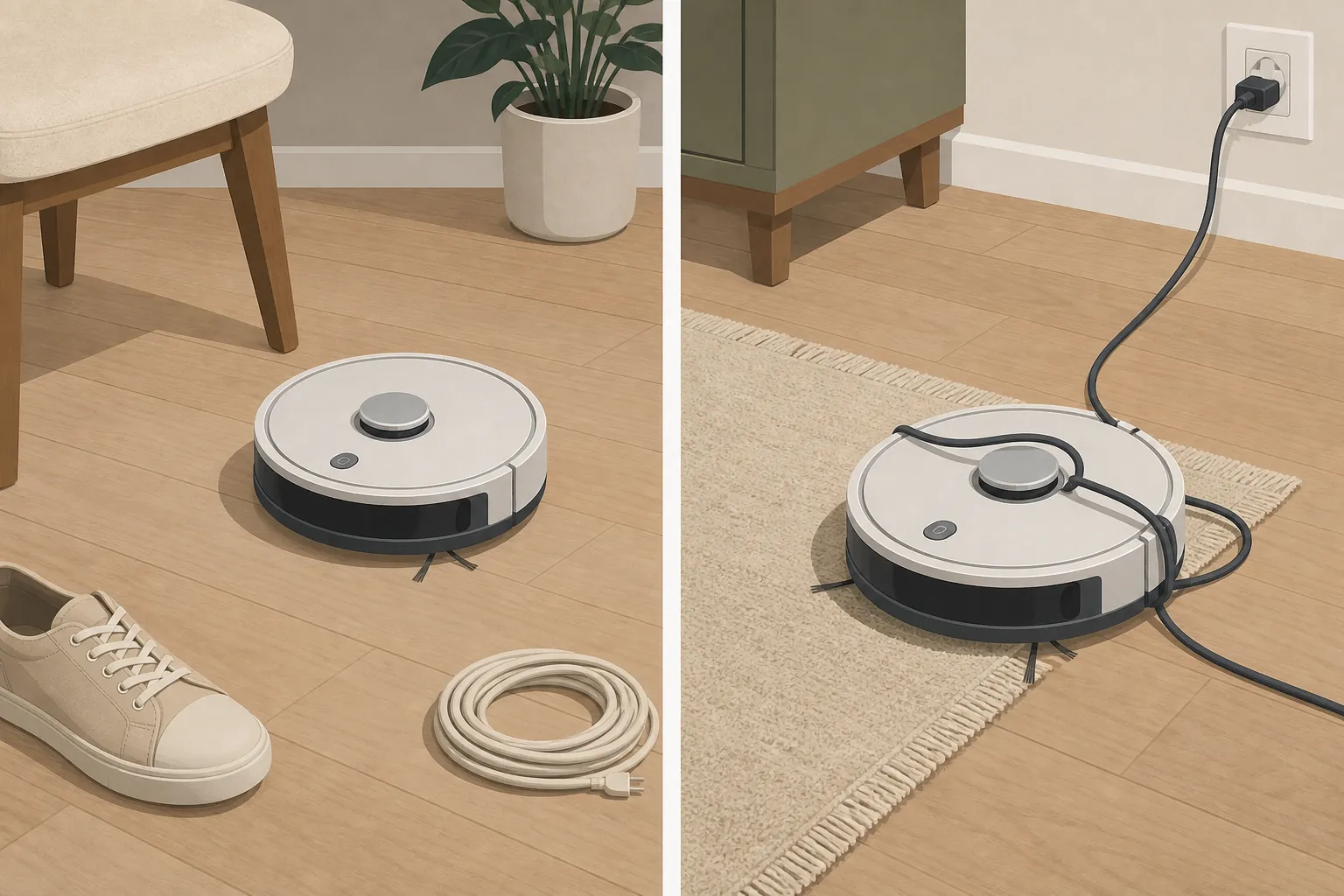
This is where independent testing is more helpful than a brand’s favorite AI name. In CNET’s 2026 obstacle-avoidance testing, the Roomba Combo 10 Max, Shark ThermaCharged, and Narwal Flow 2 avoided all 6 of 6 test objects, while the Shark NeverTouch Pro avoided 1 of 6.[4] That spread is too large to treat “object avoidance” as one feature that either exists or does not. Two robots can both sound advanced on a product page and behave very differently around the things that actually sit on floors.
The test objects are not the whole home, of course. A lab result does not guarantee that a robot will handle every dark cord, shiny threshold, patterned rug, or chair cluster. But a 6-of-6 result tells you more about daily rescue risk than a vague claim that the vacuum has better intelligence. For a senior with balance issues, the consequence of poor object handling is not just a missed patch of dust. It may be a robot, cord, or displaced item sitting where a foot or walker needs to go.
This is also where the house has to meet the robot halfway. No robot vacuum should be asked to solve a floor full of cords. The better setup is to reduce loose cords first, use cord covers or routing where appropriate, and create no-go areas around problem zones. That keeps the robot from becoming the very clutter it was supposed to help manage.
Reliable recovery matters when the user cannot easily retrieve it
A robot vacuum does not need to be perfect. It does need to fail politely. The difference is whether it can back away from trouble, return to the dock, and stay out of places where a stuck robot creates a new problem.
Reviewed’s aging-in-place guidance makes an important point that is easy to skip in product roundups: boundary options, including magnetic strips on some models, can matter because a robot stalled in a bedroom or walkway can become a trip hazard.[5] That advice is not glamorous, but it is exactly the kind of detail that protects the person who would otherwise be stepping around a dead robot at night.
Boundary control can be digital, physical, or both. Digital no-go zones are useful when the app is stable and someone can set them up clearly. Physical boundary strips can be useful when a room needs a visible, low-tech barrier. The important part is not which method sounds newer. The important part is whether the robot can be kept away from the places where recovery would be hard: under low beds, behind heavy chairs, near cords, beside rug fringe, or in narrow spaces where a walker has to pass.
For a caregiver setting up the vacuum, the first cleaning runs should be supervised. Watch where it hesitates, where it bumps repeatedly, where it loses the dock, and where it wedges itself. Then change the home or the map. Move a cord. Add a no-go zone. Shift the dock. Remove a decorative rug if it keeps trapping the robot. That setup time is not a bonus chore; it is the difference between a helpful device and a weekly rescue appointment.
Controls should still work when nobody wants to open an app
The app may be fine for setup. It should not be the only reasonable way to start a cleaning run. Small icons, account logins, firmware prompts, room maps, and Wi-Fi troubleshooting are not minor annoyances when the person using the vacuum has low vision, hand tremor, memory changes, or simply no patience for another device that needs a password.
Ui44’s senior-focused feature review highlights two kinds of app-light options worth noticing: the Shark PowerDetect UV Reveal can be operated with physical buttons, and the Roborock Qrevo Curv 2 Flow includes offline onboard voice control.[6] Those are not the same feature, and neither automatically makes a model best. But they point in the right direction: daily use should be possible without making a caregiver remotely diagnose an app screen.
A good caregiver setup is deliberately plain. Use room names that are easy to say and recognize: “kitchen,” “hall,” “bedroom,” not clever labels. Create no-go zones around cords, rug fringe, and tight furniture. Put the dock where bags and tanks can be reached without deep bending. Ui44’s checklist calls out those same setup choices, and they are more important than adding the vacuum to every smart-home routine in the house.[6]
Voice control also needs a reality check. Manufacturer voice assistants and branded AI features can be useful, but marketing claims about named assistants are still vendor claims unless an independent reviewer has tested the behavior. For an older adult, the better question is narrow: can the person reliably start, stop, pause, dock, or clean one room without using a phone?
Low-maintenance parts are accessibility features too
Brush rolls, filters, side brushes, mop pads, tanks, and dust bags are where a lot of robot vacuum ownership quietly becomes hand work. Hair wraps around a roller. A filter needs rinsing or replacing. A side brush bends. A mop pad smells. A dust bag is proprietary and out of stock. None of that shows up in a suction headline, but it matters if the user has arthritis, reduced grip, or trouble kneeling.
Consumer Reports includes ease of use and maintenance in its robotic vacuum evaluation criteria, and Wirecutter’s robot vacuum guidance also tracks practical maintenance items such as bags, filters, side brushes, and brush rolls.[7][3] For this purchase, those categories are not housekeeping trivia. They are the difference between a robot that can be maintained on a predictable schedule and one that produces surprise floor-level chores.
Anti-tangle brush design is worth paying attention to, especially in homes with long hair or pets, but do not treat it as magic. Look for rollers that can be removed without tools, clear instructions for replacement parts, and consumables that are easy to reorder. If a part requires strong pinching, twisting, or tiny alignment marks, that is a real accessibility problem.
How 2026 models illustrate the tradeoffs
A criteria-first comparison does not produce one clean winner, and that is a good thing. The right model depends on which rescue missions are most likely in the home.
| If the main limitation is… | Prioritize… | 2026 examples that illustrate the point |
|---|---|---|
| Bending, back pain, low stamina | Self-emptying dock, reachable bag changes, long enough runtime for the main living area | Roborock Q7 M5+ as a self-emptying example with a 2.7-liter bag and roughly six-to-seven-week replacement rhythm in Wirecutter’s review |
| Balance or vision issues | Obstacle avoidance, boundary control, reliable recovery, strong supervised setup | CNET’s 6/6 obstacle-avoidance performers show why independent object testing matters more than vague AI claims |
| Low app tolerance or caregiver tech fatigue | Physical buttons, simple onboard voice, plain room names, no-go zones set once and left alone | Shark PowerDetect UV Reveal physical-button operation and Roborock Qrevo Curv 2 Flow offline onboard voice as noted by ui44 |
| Limited grip or hand pain | Easy bag replacement, removable rollers, available filters and side brushes | Use Consumer Reports and Wirecutter maintenance criteria before being impressed by suction claims |
| Tight rooms, cords, rugs, or walker pathways | Boundary options, careful dock placement, cord management before purchase | Reviewed’s warning about boundary control is especially relevant when a stalled robot could block a bedroom or walkway |
Roomba deserves a separate note because it still appears in 2026 roundups, but it is not a simple recommendation. Wirecutter currently declines to recommend Roomba models because of iRobot’s bankruptcy situation, while CNET and Consumer Reports still list models such as the Roomba Combo 10 Max and Roomba Max 705 with support or app-related caveats.[3][4][7] If you are considering one, treat support, app continuity, bags, parts, and warranty service as part of the product, not as afterthoughts.
The same caution applies to manufacturer claims from Ecovacs, Roborock, Dreame, and others. Claims about pascals, long maintenance-free periods, or named AI assistants may be useful starting points, but they are not the same as independent evidence that the robot will avoid a cord, recover from a rug edge, or be easy for an older adult to maintain. Prices, model names, and availability also shift quickly; 2026 buying details should be rechecked at purchase time.
A quick in-home test before keeping it
If the return window allows it, test the robot in the actual home before deciding. Do not test it only in the easiest room. Run it where the problems are: the hallway, the bedroom doorway, the rug edge, the kitchen chair legs, the route near the dock, and anywhere cords tend to collect.
- Can the older adult start, stop, and send it home without opening a phone app?
- Does the dock sit where the dust bag or tank can be reached without kneeling?
- Does the robot avoid cords, rug edges, shoes, and chair legs well enough in the rooms it will actually clean?
- When it gets confused, does it recover, stop safely, or block a walking route?
- Can the brush roll, filter, side brush, and bag be removed by the person who will really maintain it?
- Are replacement bags, filters, and brushes easy to identify and buy?
The first run is allowed to be messy. The second and third runs should get calmer after cords are moved, no-go zones are added, and the dock location is corrected. If the robot still needs frequent rescues after that, it is telling you something useful.
Match the vacuum to the hardest physical task
For someone who cannot bend often, prioritize a self-emptying dock, reachable placement, and simple bag changes. For someone with balance or vision issues, prioritize obstacle avoidance, boundary control, and recovery behavior. For someone with limited grip or low app tolerance, prioritize physical controls, simple voice options, and low-maintenance parts.
A robot vacuum can be one useful part of a safer, less exhausting home, but it does not replace the basics: clearing cords, managing thresholds, reducing loose rugs, and planning modifications around how someone actually moves through the space. If the purchase is part of a larger aging-in-place plan, connect it with broader decisions about mobility and independence at home and how to prioritize aging-in-place modifications.
The best robot vacuum for a senior with mobility issues is the one that creates the fewest rescue missions in that specific home.
References
- Facts About Falls, CDC
- Preventing Falls at Home: Room by Room, National Institute on Aging
- The Best Robot Vacuums of 2026, Wirecutter
- Best Robot Vacuums We've Tested in 2026, CNET
- 10 great robot vacuums for people who are aging in place, Reviewed
- Robot Vacuums for Seniors: 5 Access Features, ui44
- Best Robotic Vacuums of the Year, Consumer Reports
Questions to bring to a clinician or OT
This is not medical, legal, or a family's final decision — only a framework. Bring these questions to a clinician, occupational therapist, or your local Area Agency on Aging.
Find Local HelpRelated reading
Noticed something outdated or inaccurate on this page? Flag a correction. We review every report against CDC, NIA, and AARP HomeFit guidance before updating a page.