
Caregiver decision guide
Which Fall-Detection Watch Is Best for Your Parent?
Choosing a fall-detection watch starts with your parent's actual falls, not a "best of" ranking. Compare options on three criteria — whether the device detects the fall types your parent has, how long its battery lasts through real daily use, and who actually gets called when it triggers — using measured test data and response times.
If you are searching for the best smartwatch for seniors with fall detection and long battery life, pause before the model names. The safer first question is not “Which watch wins?” It is “What problem does my parent actually need this watch to solve?” A parent who trips hard on the driveway, a parent who slides slowly from a chair, and a parent who takes a watch off every afternoon to charge it do not have the same device problem.
For a broader primer on consumer smartwatches, medical-alert watches, and pendants, start with our fall-detection smartwatch guide for seniors. This article stays narrower: how to choose a wrist-worn device when fall detection and battery coverage both matter.
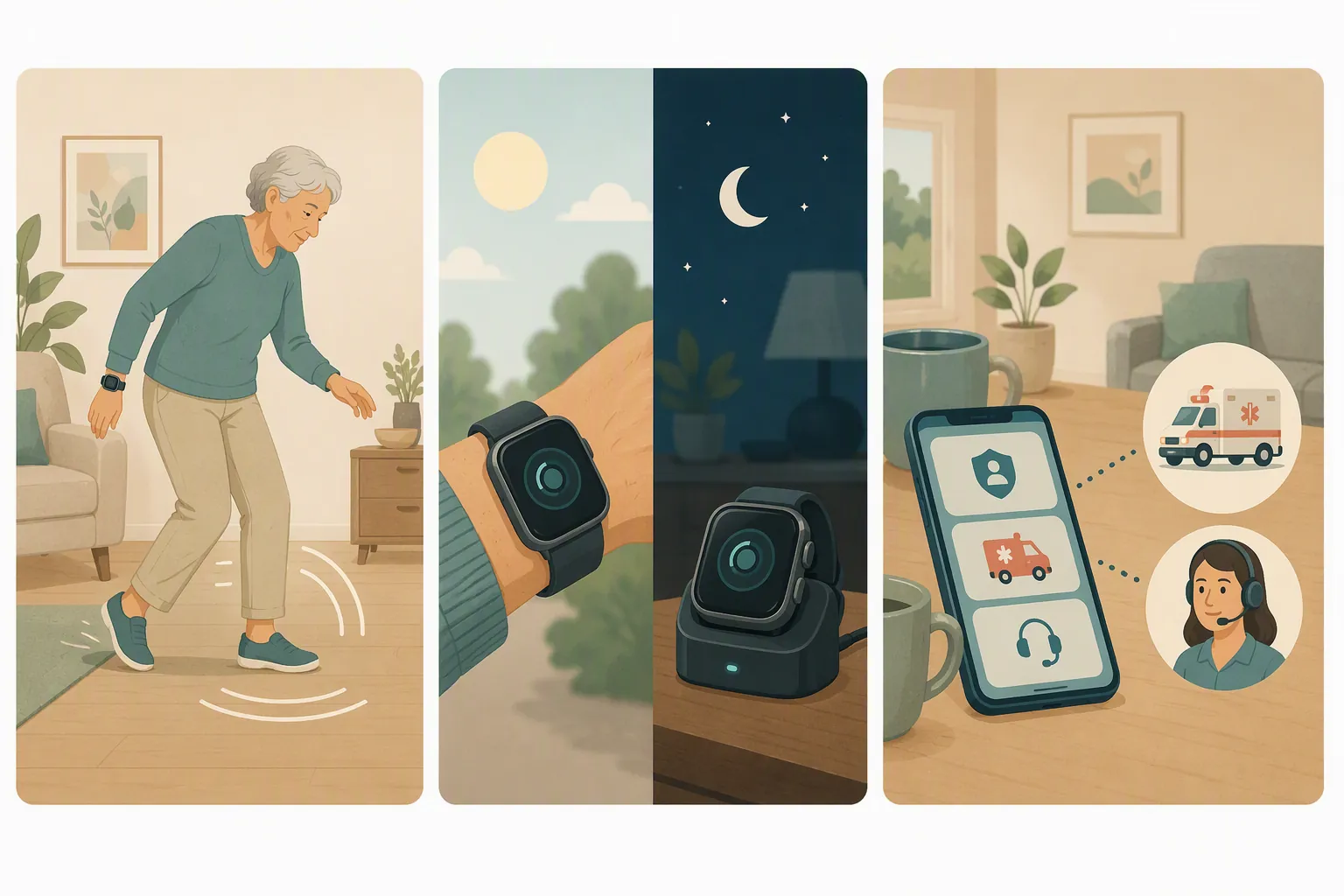
Start with three facts about your parent’s day
A clean-looking smartwatch can be the right answer. So can a medical-alert watch that looks less exciting on a spec sheet but reaches a monitoring center faster. The wrong answer is buying a device because it has a fall-detection checkbox without knowing what happens when that checkbox is tested by real life.
- What kind of falls are most likely? Hard falls with impact are not the same as soft slides from a bed, toilet, recliner, or wheelchair.
- When is the watch off the wrist? A battery claim does not help during the exact hour the watch is on a charger.
- Who should respond? A monitored medical-alert watch, a 911 call, and a text to family create very different responsibilities for the person living alone and for the adult child who receives the alert.
Those three questions matter more than brand loyalty. They also keep the family conversation honest. “Mom will wear an Apple Watch” is a real safety factor if she refuses anything that looks like a medical device. But “Mom will wear it” still has to be paired with fall type, charging routine, and a response plan.
What 2026 testing does — and does not — prove
Measured tests are more useful than “best of” language, but they are not magic. SeniorLiving.org and SafeHome.org published 2026 tested reviews that included induced fall simulations, battery observations, and response-chain measurements. Their rankings are still editorial product recommendations; the more useful pieces are the test counts and timings themselves.
NCOA treats about 24 hours of battery life as a practical floor for a medical-alert watch and reports that fall detection commonly costs about $10 per month as an add-on, which is a useful baseline when a family is comparing a watch that needs daily charging with one built for monitoring service use.[1]
| Device or category | What the 2026 tests reported | Why it matters |
|---|---|---|
| Medical Guardian MGMove and Bay Alarm SOS | Detected about 8–9 of 10 induced falls in tested comparisons; monitored watch response times were reported around 21–29 seconds.[2][3] | Stronger fit when the priority is a monitored response chain, not just a notification on the wrist. |
| Samsung Galaxy Watch7 | Detected 8 of 10 induced falls in tested comparisons.[2][3] | A consumer smartwatch can perform well in simulations, but the default alert path is not the same as a monitoring center. |
| Apple Watch | Detected 6 of 10 induced falls in tested comparisons.[2][3] | A polished, wearable device may still miss some simulated falls; setup and realistic expectations matter. |
| Garmin and other long-battery consumer watches | Long advertised battery life does not mean continuous fall coverage; Garmin Incident Detection is tied to supported GPS-tracked activities, not 24/7 home monitoring.[4] | Useful for active outdoor scenarios, but not a substitute for around-the-clock fall detection in the house. |
The table should not be read as a crown. Induced falls are controlled events. A parent’s real fall may involve a slow slump, a hand catching a counter, a walker partially breaking the fall, or the watch sitting on a charger. The tested counts are still worth using because they interrupt the fantasy that every fall-detection label means the same thing.
Fall type is the first sorting question
Apple’s own support page describes Fall Detection as responding to a hard fall, warns that Apple Watch cannot detect all falls, and notes that high-impact activity can trigger alerts.[5] That wording is important. It does not say “all older-adult falls.” It says hard falls.
That distinction matters because many older-adult falls are not cinematic. They can be low-energy, soft, or partly controlled: sliding down beside the bed, sinking to the bathroom floor, tipping from a chair, or losing balance while gripping furniture. NCOA’s fall-detection guidance specifically warns that some devices are better at detecting sudden, hard falls than slow or soft falls.[6]
So the purchase question becomes more specific:
- If your parent’s risk is a hard outdoor fall, a consumer smartwatch with good setup, cellular service, and emergency features may be reasonable.
- If your parent has already had soft falls, transfers from a wheelchair, or slow slides from furniture, do not assume a hard-fall algorithm is enough.
- If your parent cannot reliably press a button after a fall, automatic detection matters more — but automatic detection still needs to be tested against the likely scenario.
This is where medical-alert watches deserve attention even if nobody at the kitchen table is excited about them. Their value is not that they are fashionable. It is that some are designed around emergency response first: fall detection, help button, location sharing, and a monitoring center.
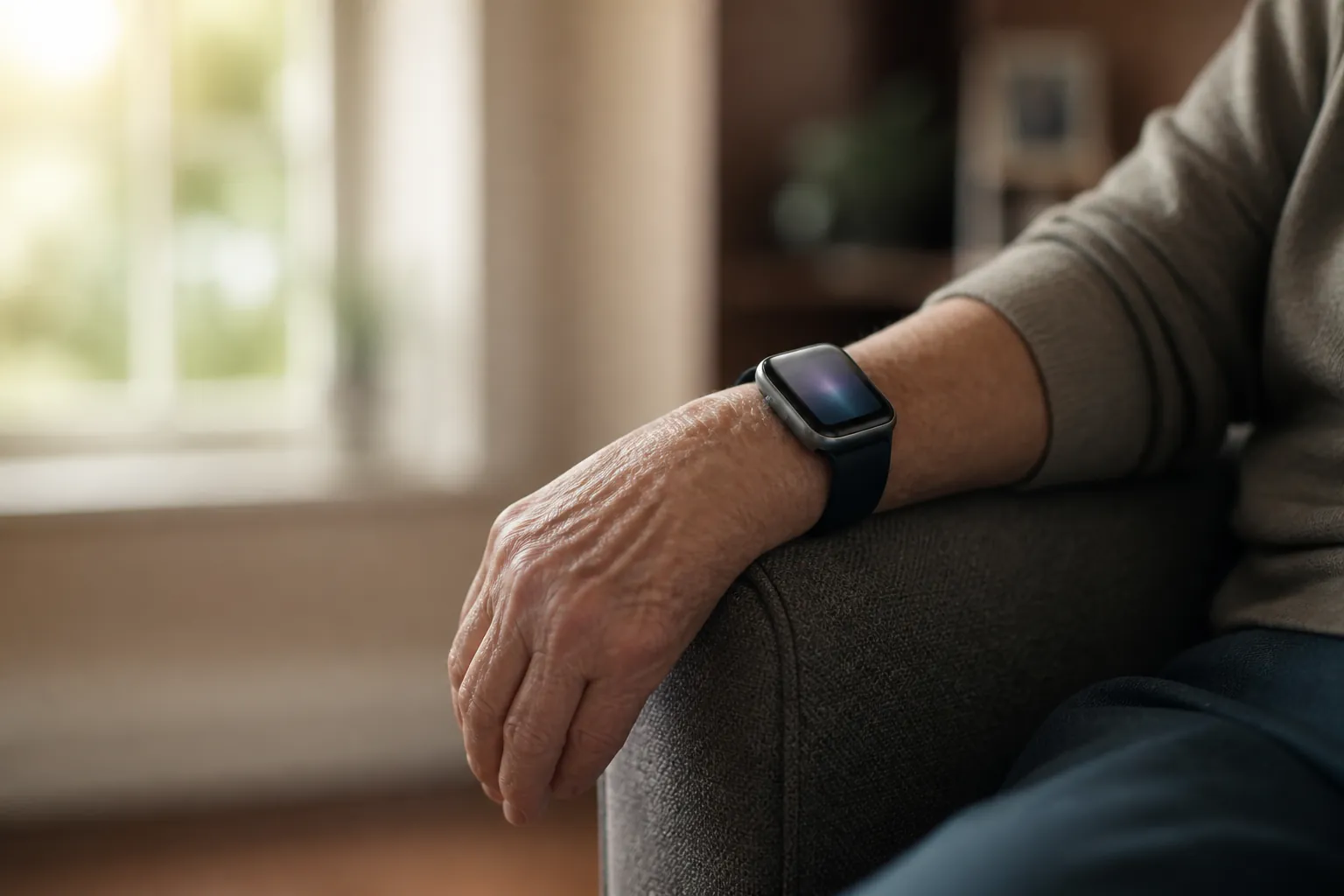
The long-battery paradox
Long battery life sounds like the obvious answer for a parent who lives alone. It is not that simple. The meaningful question is not “How many days can the battery last?” It is “Is fall detection active while the parent is doing the things most likely to lead to a fall?”
A watch with a daily charging routine can be safe if the charging habit is deliberate: same time every day, while seated, with another person nearby or a phone within reach. It becomes unsafe when the watch goes on the charger during bathroom trips, night wandering, or the late afternoon fatigue window when many families are least available.
Garmin is the cleanest example of why battery claims and fall coverage are not the same thing. Garmin’s support materials describe Incident Detection as a feature used during supported GPS activities, rather than 24/7 fall detection inside the home.[4] That can be useful for a parent who hikes, bikes, or walks outside with tracked activities. It is not the same promise as a medical-alert watch monitoring for a fall in the hallway at 2 a.m. We keep a separate Garmin fall-detection guide for seniors because this distinction is easy to miss.
Apple sits on the other side of the tradeoff. The Apple Watch is familiar, dignified, and broadly useful, but it is still a device that many people charge daily. If the family chooses Apple, the safety plan should include charging rules, cellular or phone-connection decisions, emergency-contact setup, and a realistic understanding of Apple’s hard-fall design. Our Apple Watch fall-detection setup guide covers those limits in more detail.
Who gets called is part of the device, not an afterthought
A fall alert is not useful until someone acts on it. This is the part many comparison charts flatten into a tiny “emergency alerts” row, even though it decides who wakes up, who triages, and who may be blamed if the response fails.
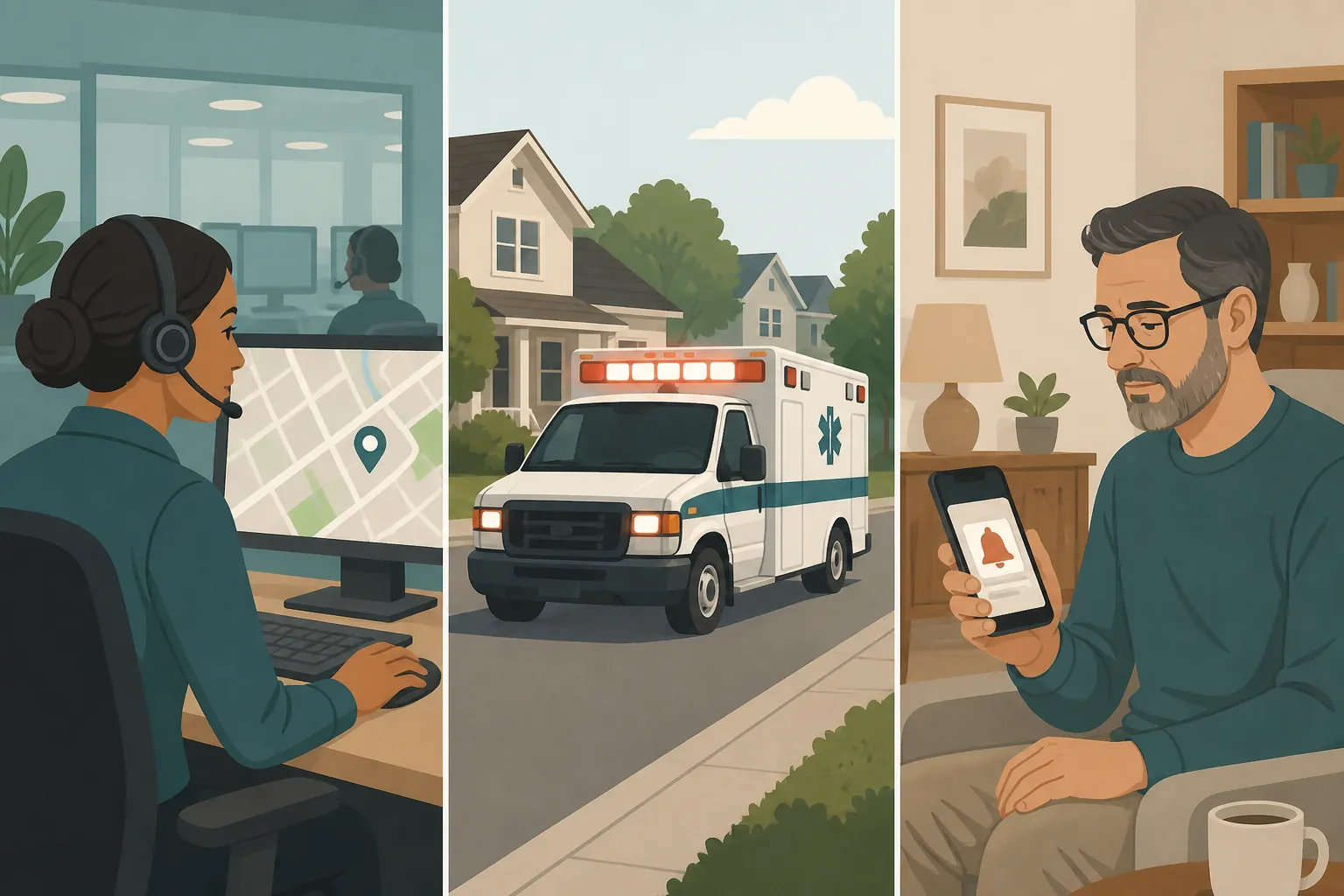
Medical-alert watches typically route an emergency through a monitoring center. In 2026 tested reviews, monitored watch response times were reported in roughly the 21–29 second range.[2][3] That does not guarantee a perfect outcome, but it gives the family a defined responder whose job is to assess and escalate.
Apple Watch works differently. If it detects a hard fall and the wearer appears immobile for about a minute, it begins an emergency-call sequence with a countdown; Apple also explains that the watch may notify emergency contacts after the call, depending on setup and availability.[5] That can be exactly what some families want: a direct emergency-services path without a monthly monitoring fee. It also means the setup has to be right, the watch has to be connected, and the wearer has to be wearing it.
Samsung’s default pathway is different again: tested reviews describe the Galaxy Watch emergency sharing flow as sending alerts to preset emergency contacts rather than automatically calling 911 by default.[2][3] For some families, that is fine. For others, it quietly transfers emergency triage to a daughter in a meeting, a son driving on the highway, or a neighbor who may not see the message.
Before buying, name the first responder in plain language: “If Dad falls and cannot speak, the watch should contact a monitoring center,” or “It should call 911,” or “It should alert my sister first because she lives five minutes away.” Then choose the device that actually follows that chain.
Costs and coverage change the answer
The cheapest device on day one is not always the cheapest safety plan. A medical-alert watch may involve equipment around $199, a monthly service fee around $40, and fall detection around $10 per month when it is sold as an add-on.[1][2][3] The Kanega Watch uses a higher monthly-service model, with figures reported around $299 for equipment and about $65–$85 per month with fall detection included in the service structure.[1]
An Apple Watch SE starts around $249 in the cited 2026 comparisons and does not require a monitoring-center fee, but the family still has to account for the required iPhone relationship and, if the watch needs to work away from the phone, a cellular plan that may add roughly $10–$15 per month.[1][2][3] A Samsung Galaxy Watch has a similar consumer-tech logic: hardware first, then phone compatibility, connectivity, and emergency-contact setup.
Original Medicare generally does not cover medical alert systems. NCOA notes that some Medicare Advantage plans, FSA or HSA funds, or long-term care insurance policies may help, depending on the plan.[7] That caveat is worth checking before a family rules out monitored service on price alone.
Set it up, then try to break the plan
The first week after setup is when the family should test the system, not admire the box. Use the device’s approved test procedure; do not stage dangerous falls. The point is to verify the response chain and the parent’s routine.
- Run a monitored test call if the service allows it, and confirm who answers, what they ask, and which address or location they see.
- Check emergency contacts on the watch and on the paired phone. Remove old numbers and add backups.
- Confirm whether the watch needs cellular service, a nearby phone, Wi-Fi, GPS activity tracking, or a paid monitoring subscription for the intended alert path.
- Choose a charging window and write it down. If the watch is off the wrist during the riskiest routine, change the routine or choose another device.
- Repeat a quick test monthly, after software updates, after a phone replacement, and after any fall or near-fall.
This is also where dignity belongs in the safety plan. If your parent hates the device, it will live in a drawer or on a charger. A less clinical-looking watch that stays on the wrist may be safer than a technically stronger device the parent refuses to wear. The compromise still has to be named honestly: comfort and appearance improve adherence; they do not erase detection limits.
What independent studies add to the picture
Academic fall-detection studies are useful because they make the problem messier than a product page does. Brew et al. reported 77% sensitivity, 99% specificity, and 89% accuracy in a blinded laboratory evaluation of a smartwatch-based fall-detection system.[8] That is encouraging in a lab context, but sensitivity is not the same as a guarantee for every slow fall at home.
Chaudhuri et al. followed a small real-world pilot: 18 participants enrolled, 8 completed the study, and over 4 months the device generated 84 alarms with 1 true positive. The study also documented a very ordinary failure mode: falls occurred while devices were sitting on chargers.[9] That is not proof that all fall-detection watches fail in real homes. It is proof that charging behavior and false alarms are not side issues.
Abou et al. tested Apple Watch fall detection in induced wheelchair falls and reported 4.7% sensitivity.[10] That number should stay inside its limits: it was a wheelchair-fall trial, not a general verdict on Apple Watch fall detection for every older adult. It is still a useful warning if the parent’s risk involves wheelchair transfers or seated falls rather than hard standing falls.
A choice process that can survive real life
If the parent has hard outdoor falls, wants a normal smartwatch, and will keep it charged and connected, an Apple Watch or Samsung Galaxy Watch may be a reasonable fit after careful setup. If the parent lives alone, has already had unexplained falls, needs a monitored responder, or may not be able to press a button, a medical-alert watch deserves heavier weight even if it looks less like something from a phone store. If the appeal is mainly “Garmin lasts forever,” check whether the emergency feature is active in the parent’s actual fall setting before treating it as fall protection.
The defensible answer is not a universal winner. Match the watch to the parent’s fall pattern, the hours it will truly be worn, and the person or service that must respond. Then test the setup. Repeat the test when software, prices, service plans, phone models, or your parent’s mobility changes.
Last verified: August 25, 2026. Device specifications, pricing, alert workflows, and plan coverage can change. This article is product-neutral educational guidance, not medical advice or an emergency-care plan. Clinical reviewer: not supplied.
References
- The Best Medical Alert Watches of 2026, NCOA
- Best Medical Alert Watches of 2026, Tested and Reviewed, SeniorLiving.org
- Best Medical Alert Watches in 2026: Expert Tested, SafeHome.org
- Setting Up Incident Detection on a Garmin Device, Garmin Support
- Use Fall Detection with Apple Watch, Apple Support
- The Best Medical Alert Systems with Fall Detection, NCOA
- Does Insurance Cover Medical Alert Systems?, NCOA
- Brew et al. 2022, JMIR Formative Research
- Chaudhuri et al. 2015, Journal of the American Geriatrics Society
- Abou et al. 2022, PubMed
Questions to bring to a clinician or OT
This is not medical, legal, or a family's final decision — only a framework. Bring these questions to a clinician, occupational therapist, or your local Area Agency on Aging.
Find Local HelpRelated reading
Noticed something outdated or inaccurate on this page? Flag a correction. We review every report against CDC, NIA, and AARP HomeFit guidance before updating a page.