Why Some Older Adults Resist Technology — and How to Adapt Your Approach
The NIH-funded CREATE study reveals two distinct profiles among older technology users — roughly half are open to technology, half are reluctant — and the reluctant group's barriers are driven by cognitive and self-perception factors, not age or income. This article explains how to identify your parent's profile and adapt your teaching strategy to build confidence and reduce frustration.
By Editorial Team
PERS
medical alert system
fall detection
GPS tracker
passive sensors
motion monitoring
wearable monitor
telehealth
smart home
privacy and consent
Medicare coverage
battery life
two-way communication
automatic fall detection
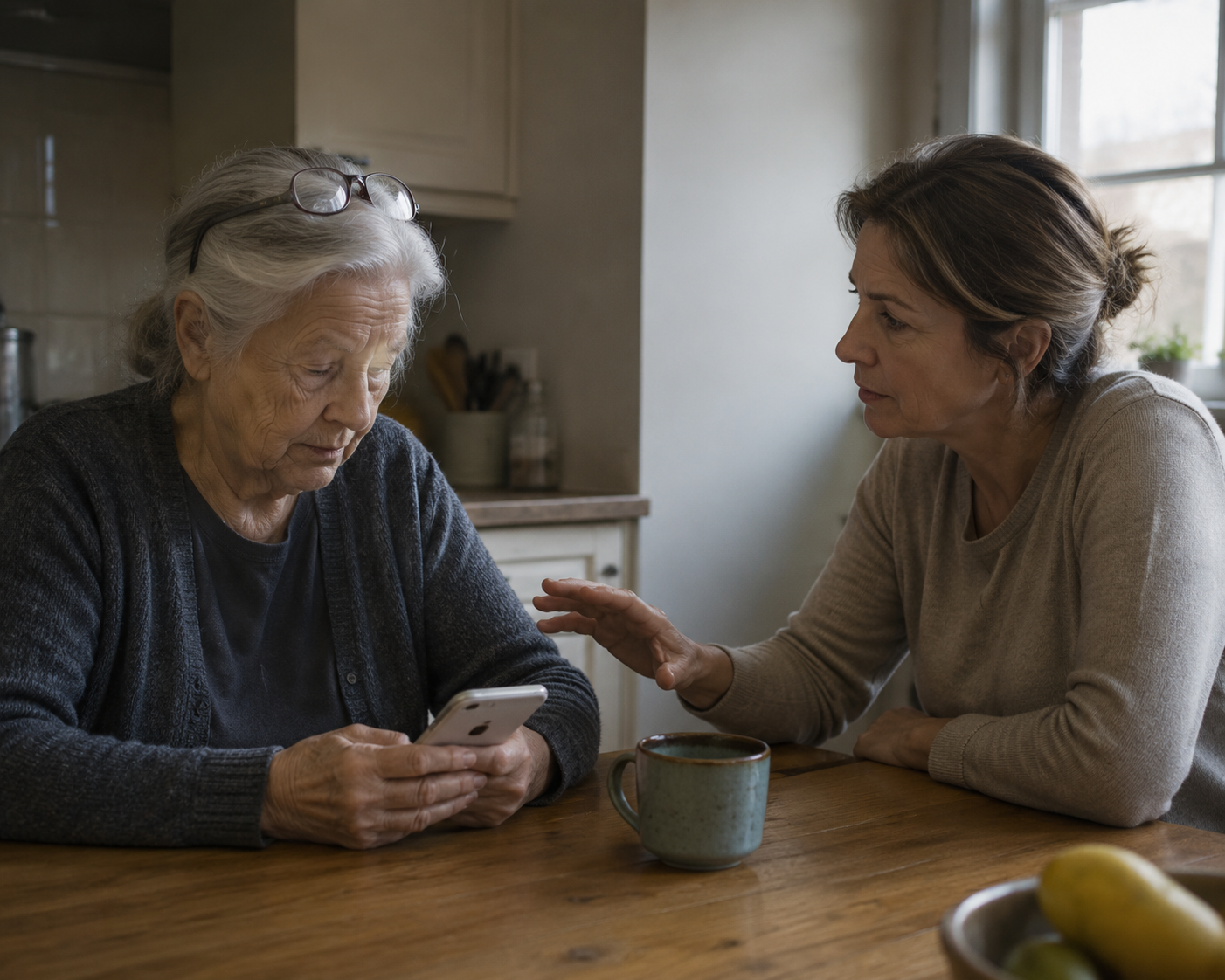
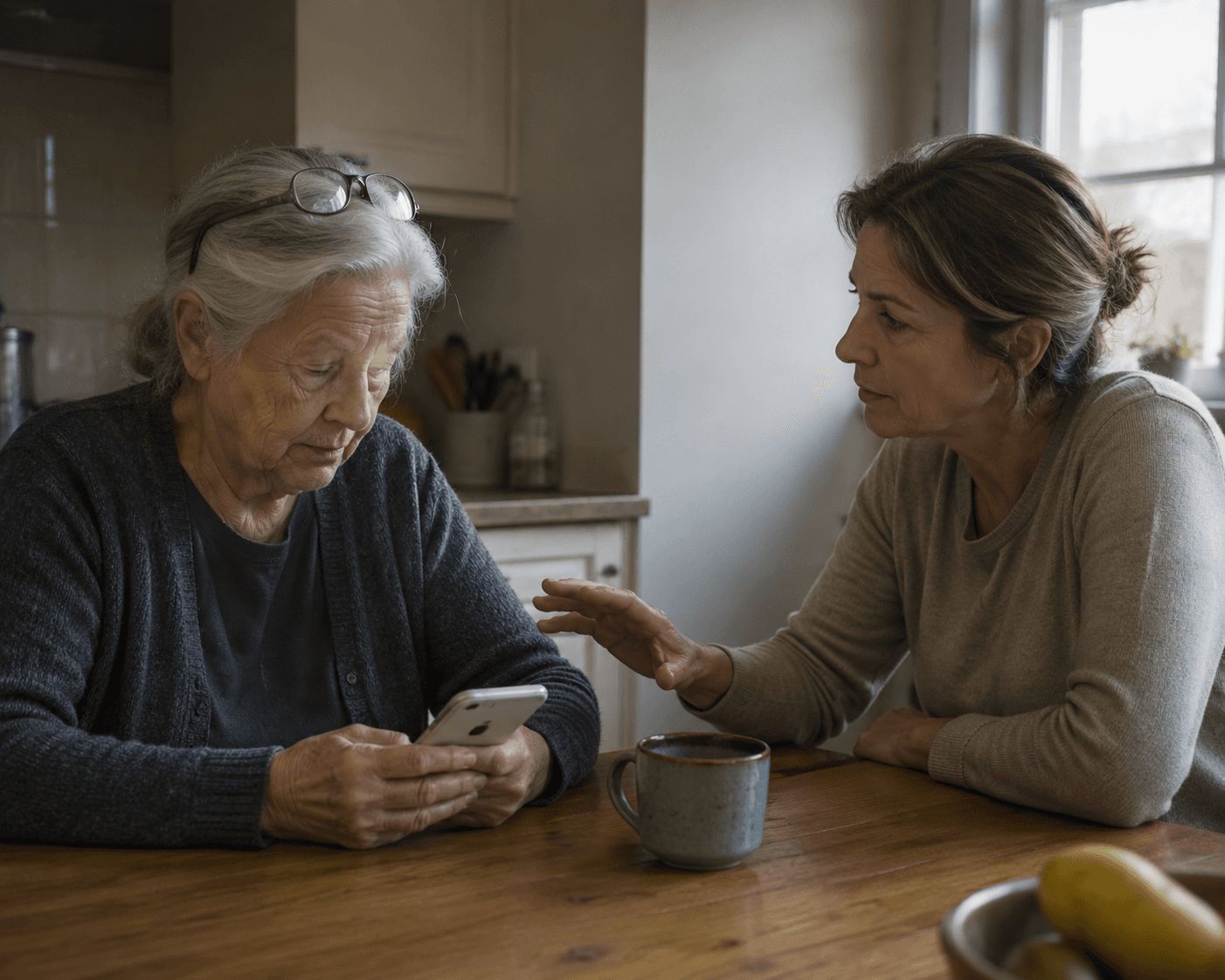
The scene usually starts small. Your parent cannot get into the patient portal. The telehealth link opens in the wrong browser. A monitoring app asks for a password neither of you remembers. You lean over the kitchen table and say, as gently as you can, “Just tap here.”
Then the temperature changes. Your parent pulls back, says the device is stupid, says they never needed this before, or says the line that lands hardest: “I’m too old for this.” You hear refusal. They may be telling you something more painful: “I feel incompetent in front of you.”
That distinction matters when you are helping elderly with technology, because the problem is often misread. A larger button can help. A cleaner screen can help. But if the older adult already believes the device is about to prove their decline, the technical fix is arriving late.
The Split Is Not Simply “Old People Versus Technology”
A useful way to name this comes from an NIH-funded CREATE study by Lin and colleagues, published in 2025 in the Journal of Applied Gerontology. The researchers studied 187 community-dwelling adults ages 65 to 92 and found two broad technology-user profiles: 49% were classified as “open to technology,” while 51% were classified as “reluctant to technology.”[1]
Those percentages are not a national law. The sample was self-selected, urban, East Coast, and community-dwelling, so the exact split may not hold in rural communities, lower-income populations, non-English-speaking groups, or older adults living with substantial cognitive impairment. Still, the split is helpful because it interrupts the lazy explanation. The reluctant group was not mainly defined by age, income, or education.[1]
That is the corrective many families need. If your parent resists a portal, a smart speaker, a wearable, or a remote monitoring device, it may not be because they are “from another generation” in some simple way. The study found that cluster membership was associated with crystallized intelligence, openness to experience, and perception of aging-related loss.[1]
Profile
What it may look like at home
What the caregiver should notice
Open to technology
Willing to try a new device, tolerate some errors, and explore after brief help
The person may need setup support, but the device does not immediately threaten confidence
Reluctant to technology
Needs more help, has less confidence, reports less technology experience, and may expect failure early
The teaching approach has to protect competence, not only explain steps
These are research-based profiles, not labels to put on a parent. People can sit between them. They can be open to one technology and reluctant toward another. A father who texts comfortably may freeze during a video visit. A mother who uses a tablet for photos may reject a blood pressure app because it feels medical, consequential, and easy to get wrong.
What “Reluctant” Actually Means
In the CREATE study, the reluctant group reported needing more help, having less confidence, perceiving greater losses associated with aging, and having less technology experience.[1] Read that list slowly, because it describes a different room than the one many adult children think they are in.
The adult child may think the task is “download this app.” The older adult may experience the task as a public test of memory, eyesight, speed, vocabulary, and independence. If they fail, the consequence is not just a missed button. It is another small piece of evidence in a story they may already fear: I am losing my place in the world.
That does not make the caregiver’s frustration imaginary. Most family technology support happens at bad times: between work calls, after a medication problem, before an appointment, or while a sibling is absent from the whole enterprise. But impatience can accidentally confirm the older adult’s fear. The faster you move, the more slowly they may be able to think.
Crystallized Intelligence Is Not General Intelligence
Crystallized intelligence means accumulated knowledge and familiar problem-solving routines. It is the knowledge built from a lifetime of work, household management, social judgment, practical repair, professional skill, and repeated decision-making. The study found lower crystallized intelligence was one predictor associated with the reluctant technology profile.[1]
For caregivers, the point is not to rank a parent’s intelligence. The point is to understand why an unfamiliar interface can be more destabilizing than it looks. A person who has solved hard problems all their life may be used to tools that reveal their logic through touch, sequence, or visible parts. A phone screen hides the mechanism. Buttons move. Menus update. A tiny icon can carry an entire instruction set that was never taught.
So instead of saying, “It’s easy,” borrow from what your parent already knows. If they kept paper appointment books, describe the calendar app as the same job with reminders attached. If they used a home blood pressure cuff for years, introduce remote patient monitoring as the same measurement with an added transmission step. The familiar routine becomes the bridge; the screen is not allowed to become the whole lesson.
Openness to Experience Tells You How Much Novelty to Introduce
The study also found that openness to experience was associated with technology-user profile.[1] This should not be turned into a character judgment. A parent who dislikes novelty is not morally failing. They may simply need a narrower first exposure.
This is where many well-meaning adult children overload the lesson. They explain the app, the settings, the password manager, the notification options, the Bluetooth connection, and the backup plan in one sitting because all of those details seem useful. To a reluctant user, the amount of novelty can become the threat.
A better first session may have only one job: open the app and find the appointment. Not message the doctor. Not upload a document. Not change the pharmacy. One successful action gives the next action somewhere to attach.
Perceived Aging-Related Loss Can Arrive Before the Device Fails
The most emotionally important predictor may be perception of aging-related loss. In the study, the reluctant group perceived greater losses associated with aging.[1] That means the parent’s resistance may begin before the technology has done anything wrong.
If someone already feels that aging is taking things away, a new device can look less like support and more like proof. A fall detector may say, “You are not safe alone.” A medication dispenser may say, “You cannot be trusted to remember.” A portal may say, “Your own health information now belongs to a system you cannot navigate without your child.”
That does not mean families should avoid useful safety technology. It means the introduction matters. “This will let me check on you” can sound like surveillance. “This helps you stay in your apartment with fewer interruptions from me” may better preserve the older adult’s sense of agency, if it is true.
How to Tell Which Profile You Are Working With
You do not need to administer a questionnaire at the kitchen table. Watch the first few minutes of contact with a new technology. The useful question is not “Can they do it?” It is “What happens to their confidence while they try?”
An open user may ask practical questions, tolerate a wrong tap, and recover after brief confusion.
A reluctant user may apologize quickly, hand the device back, joke about being hopeless, or become irritated before the task is actually difficult.
An open user may want a written reminder after doing the task once.
A reluctant user may need the same routine repeated without embarrassment several times before it feels safe.
The difference is not always stable. Stress, pain, poor sleep, hearing trouble, vision changes, and the stakes of the task can move a person toward reluctance. A parent who is calm with a grocery app may become guarded with telehealth because a doctor is waiting on the other side.
Change the Teaching Goal From Completion to Self-Efficacy
The immediate caregiving goal is usually completion. Get into the portal. Start the video visit. Pair the device. Send the reading. Completion matters, especially when health care is involved. But if you complete every task for your parent, the hidden lesson may be that they were right not to try.
For a reluctant user, the better teaching goal is technology self-efficacy: the belief that they can perform a specific technology task with enough support. The CREATE study’s authors point toward modifiable factors such as technology self-efficacy and self-ageism rather than treating demographics as destiny.[1]
That changes what counts as success. If your mother opens the telehealth link herself but you handle the audio problem, that is not failure. If your father learns to check whether the remote monitoring device is charged, even though you still review the readings, that is progress. The unit of learning is smaller than the caregiver wants it to be.
Instead of
Try
“Give it to me, I’ll do it.”
“You do the first tap. I’ll sit next to you for the rest.”
“I showed you this yesterday.”
“This is the same routine as yesterday. Let’s start at the same first step.”
“It’s simple.”
“The app hides the steps. We’ll make the steps visible.”
“You need to learn this.”
“This one part will help you do more without waiting for me.”
Notice that none of these lines requires saintly patience. They are small changes in control. The older adult touches the device first. The routine starts the same way each time. The confusing design is named as confusing, so the parent does not have to absorb all the blame.
Reduce Cognitive Load Before You Add Features
Cognitive load is the amount of mental work a task demands at once. For technology support, it is rarely just the screen. It is the password, the time pressure, the unfamiliar words, the fear of breaking something, the family tension, and the memory of last time’s embarrassment.
A reluctant user may need fewer simultaneous demands more than they need another device. Before replacing the tablet, remove unnecessary decisions. Use one charging location. Put the telehealth app in the same visible place. Decide which notifications matter and silence the rest. Keep one written routine for one task, not a binder full of every possible emergency.
Written instructions can help, but only when they match the real sequence. “Open MyChart” may not be a step if the tablet first asks for a passcode, then shows a software update, then displays a browser instead of the app. Sit through the actual task once and write down what your parent truly sees.
Teach one task per sitting when the technology is new or emotionally loaded.
Use the same words for the same action every time.
Let the older adult perform the first and last step when possible.
Avoid teaching in front of an audience unless the parent asks for it.
Treat repeated questions as part of the design plan, not as evidence of bad faith.
The last point is the hardest when you are tired. It is also where dignity is most easily lost. A parent may forget a step and still remember exactly how you made them feel while forgetting it.
Telehealth Is Often the Stress Test
Telehealth deserves special attention because the CREATE study found telehealth technologies were especially challenging for the reluctant group.[1] That makes sense. A video visit combines technology, health anxiety, time pressure, audio and camera permissions, login steps, and the possibility that a clinician is waiting while the family scrambles.
For an open user, a failed first video visit may be annoying. For a reluctant user, it can become proof that the whole category is impossible. The preparation has to happen before the appointment window, not during it.
Do a no-stakes practice run on the same device, in the same chair, with the same headphones or speaker.
Write the first three actions only: unlock device, open app or link, press join.
Decide in advance who calls the clinic if the connection fails.
Keep the caregiver’s rescue role quiet and practical, not theatrical.
If telehealth is becoming part of your parent’s care, it helps to separate the health decision from the technology lesson. You can review what to expect in a visit with telehealth for seniors and treat the login routine as its own skill. The parent should not have to learn the platform for the first time while also trying to remember symptoms, medication changes, and questions for the doctor.
Clinical technology can add another layer. Devices that send readings to a care team may be useful, but they can also make a reluctant user feel watched or graded. When considering remote patient monitoring for seniors, discuss who sees the data, what happens when a reading is missed, and which part the older adult actually controls.
Choose Technology by Burden, Not by Category Alone
Caregivers often compare products by features. The reluctant-profile lens suggests another comparison: how much confidence does this technology demand from the older adult every day?
Some systems are active: the person has to press, open, confirm, charge, answer, or report. Others are more passive: sensors or devices collect information with less daily interaction. That distinction does not make passive systems automatically better. It does mean the adoption problem is different. A parent who resists an app may tolerate a device that sits quietly in the background, while another parent may dislike passive monitoring because it feels intrusive.
When comparing passive and active elderly monitoring systems, ask who has to act when something goes wrong. Does your parent need to press a button? Keep a wearable charged? Respond to alerts? Reconnect Wi-Fi? Interpret numbers? Each required action is another place where confidence can either build or collapse.
A broader map of technology categories for aging in place can help after you understand your parent’s profile. The order matters. If you start with product categories, every device looks like a possible solution. If you start with your parent’s confidence, routines, and sense of control, some options quickly become poor fits.
Do Not Turn the Study Into a Family Diagnosis
The CREATE findings are useful because they give caregivers a better interpretation of resistance. They do not prove that lower crystallized intelligence, lower openness, or perceived aging-related loss causes technology reluctance in every older adult. The study identifies associations, not causation.[1]
That caveat is not academic fussiness. It prevents a new kind of condescension. “You are in the reluctant cluster” is not a sentence any parent needs to hear. The framework belongs in the caregiver’s head, where it can soften the teaching approach and sharpen the choice of tools.
It also leaves room for real limits. Some devices are badly designed. Some care systems push older adults into portals without adequate support. Some caregivers are too depleted to become patient technology coaches every week. Some older adults may need in-person help, occupational therapy input, clinic support, or a different device category entirely.
A better approach does not guarantee transformation. It gives the family a calmer first assumption: reluctance may be partly about self-perception, cognitive load, and damaged confidence, not defiance.
A More Useful Standard at the Kitchen Table
Before the next setup session, decide which profile you are seeing in that moment. If your parent is open, give them room to explore and stay nearby for repair. If they are reluctant, narrow the task, lower the stakes, connect the new action to something familiar, and let them leave with one thing they did themselves.
The goal is not to make every older adult enthusiastic about technology. The goal is to stop making shame do the work of instruction. When the teaching protects dignity, the device has a fairer chance to become what it was supposed to be: support, not another argument.
For individualized recommendations:An occupational therapist or your primary care provider can assess your specific situation and recommend the monitoring category and feature set that best fits the person's functional level, living environment, and caregiver availability. This explainer provides educational context, not a personalized recommendation.


Comments
Join the discussion with an anonymous comment.