
STEADI: Intervene
Set Up Earthquake Alerts an Older Adult Will Actually Get
Free earthquake early warnings already reach phones in California, Oregon, and Washington — but an alert that's merely enabled isn't one an older adult will necessarily hear, see, or act on. Set up the three official channels and run a 15-minute checklist confirming sound, location, and Do Not Disturb settings won't mute the next warning.
Start with the phone where it usually is: on the coffee table while the TV is on, charging in the kitchen, face-down beside the bed, or zipped into a walker pouch. That is the difference between an earthquake alert being available and an older adult actually receiving it. True ShakeAlert-powered earthquake early warning on smartphones is available for California, Oregon, and Washington; California cell-phone alert testing began in 2019, and Oregon and Washington followed in 2021.[1][2]
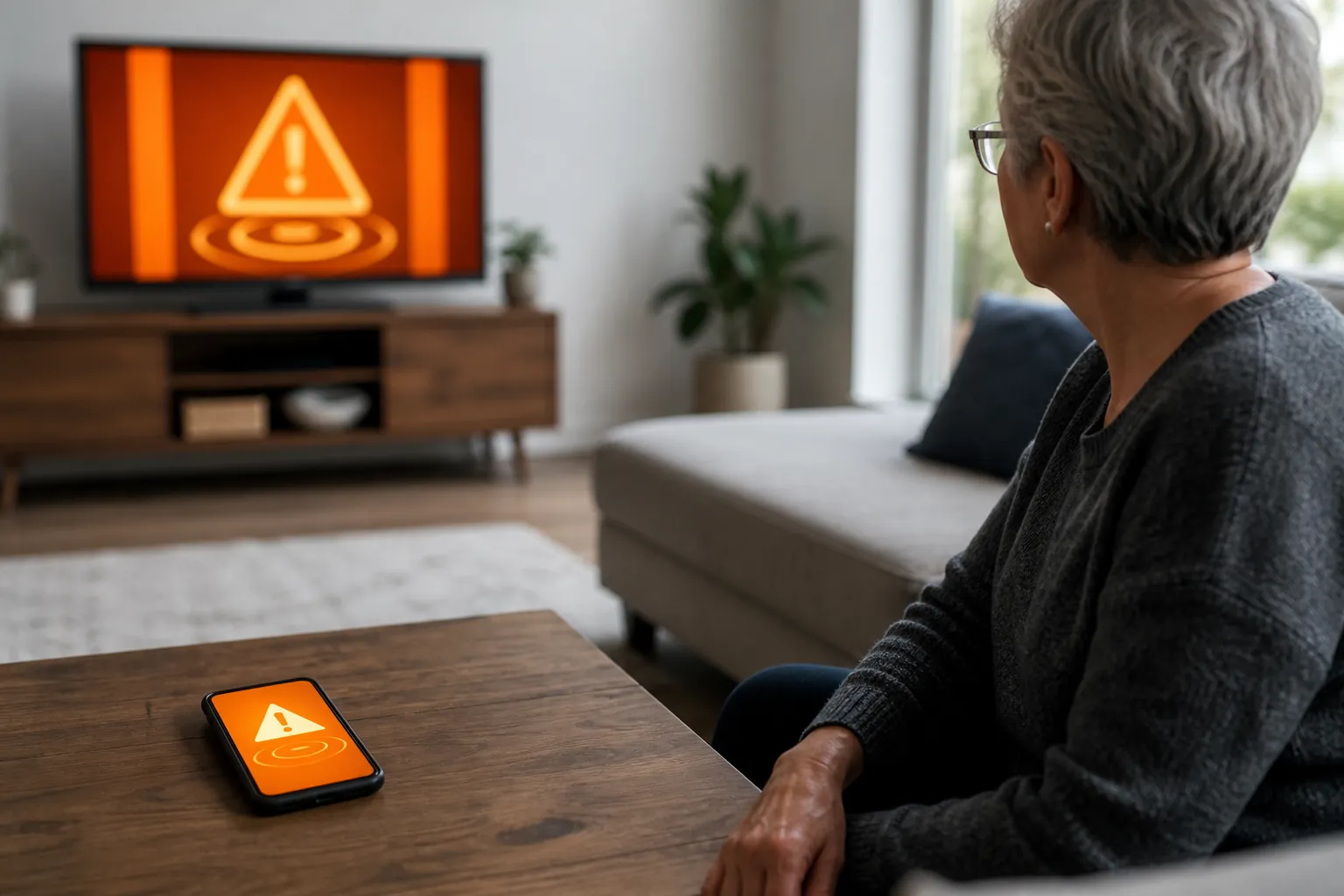
Outside those three states, be careful with the wording. A phone may still receive FEMA, local emergency, or USGS earthquake notifications, but those are not the same as ShakeAlert early warning. The USGS Earthquake Notification Service sends emails and texts after earthquakes, and USGS also warns that there is no downloadable app named “ShakeAlert.”[1][2] That matters, because the setup goal here is not “more alerts.” It is the three official, free warning paths that can give seconds of notice before shaking arrives.
The three free channels to check
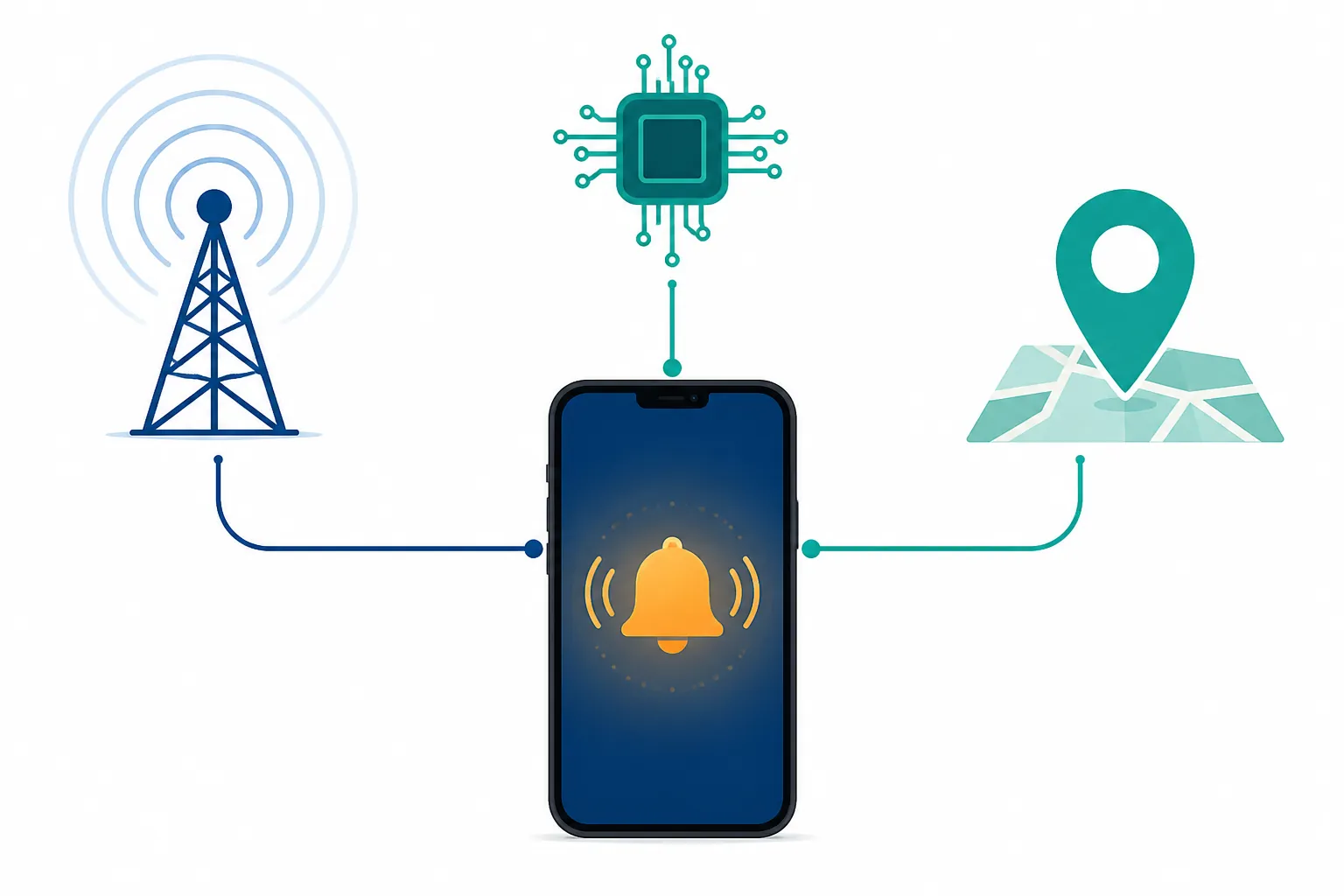
For an older adult in California, Oregon, or Washington, do not pick one channel and call it done. Set up all three. Redundancy is useful here because one path may be delayed by location settings, carrier behavior, phone model, app permissions, or the very ordinary fact that the phone is on silent.
| Channel | What it is | What to check |
|---|---|---|
| Wireless Emergency Alerts | Free, geo-targeted emergency messages sent through participating wireless carriers; no signup is required. WEA messages include a distinctive attention signal and vibration, which the FCC notes can help people with hearing or vision-related disabilities.[3] | Make sure emergency/government alerts have not been disabled. On the actual phone, confirm sound, vibration, and screen behavior instead of assuming the carrier alert will break through. |
| Built-in iPhone or Android earthquake alerts | Phone operating-system alerting. On iPhone, Government Alerts are on by default; Apple also documents Enhanced Safety Alerts with earthquake Awareness and Action levels on supported U.S. devices running iOS 26.2 or later.[4] On Android, Earthquake Alerts are built into the OS, and Google describes ShakeAlert-powered alerts in California, Oregon, and Washington.[5][6] | Use the phone’s Settings search if menus vary. Confirm the alert category is on and that location services are not blocked. |
| MyShake | A free UC Berkeley app supported by Cal OES. MyShake sends alerts for magnitude 4.5+ earthquakes expected to produce MMI III or stronger shaking, and it requires location set to “always on.”[7][8] | Install only the official MyShake app, allow location always, and use any available test or voice-alert features to see whether the older adult notices it. |
A 15-minute setup that does not stop at toggles
You can do the basic setup quickly. The extra minutes belong to verification: making sure the phone makes a noise, vibrates, lights up, shows words large enough to notice, and is understood by the person who has to act.
| Minute | Action | Done means |
|---|---|---|
| 0–2 | Confirm the person lives in or regularly travels in California, Oregon, or Washington. | You are setting up true ShakeAlert-powered early warning, not mistaking an after-the-fact notification for one. |
| 2–5 | Check Wireless Emergency Alerts and government/emergency alert settings. | Emergency alerts are not disabled, and the phone can produce a noticeable sound/vibration. |
| 5–8 | Check built-in iPhone or Android earthquake alerts. | The relevant earthquake or government alert setting is on, and location services are available. |
| 8–11 | Install and configure MyShake. | The official app is installed, location is set to always on, and the language/audio behavior is understood. |
| 11–15 | Run the phone-in-real-life test. | The older adult can hear, see, feel, or otherwise notice the alert and can say exactly what protective action they will take. |
First: Wireless Emergency Alerts
WEA is the channel most people already have, whether they remember choosing it or not. It is free, does not require a subscription, and is geo-targeted; the FCC says geo-targeting overshoot has been limited to about one-tenth of a mile since December 2019, when technically feasible.[3] The FCC also says WEA has been used nearly 96,000 times since 2012.[3] That number is not an earthquake-effectiveness claim; it simply tells you this is a real national alert pathway, not a boutique app.
On the phone, search Settings for “Emergency Alerts,” “Government Alerts,” or “Wireless Emergency Alerts.” If you find switches for emergency, public safety, or government alerts, leave them on. If the phone belongs to someone who dislikes loud interruptions, this is where the quiet disabling often happens. Do not debate it during a crisis; check it now.
Then: the built-in iPhone or Android alert
On iPhone, go to Settings > Notifications and scroll to Government Alerts. Apple says Government Alerts are on by default. For supported U.S. devices running iOS 26.2 or later, Apple also documents Enhanced Safety Alerts, including bi-level earthquake alerts: Awareness and Action. The “Improve Alert Delivery” option is off by default and shares approximate location to help speed delivery in California, Oregon, and Washington where available.[4] Because iPhone alert menus depend on software, carrier, and SIM support, check the actual phone rather than relying on what another iPhone shows.
On Android, the reliable route is Settings search. Type “Earthquake alerts.” On many phones, the path is Settings > Safety & emergency > Earthquake alerts, but manufacturers move menus around.[5] If the older adult has a Samsung, Pixel, or another Android model, do not waste time arguing with the printed path; use search, turn the setting on, and confirm location is allowed.
Then: MyShake, if you are in the ShakeAlert states
MyShake is the official extra app worth adding for this purpose. It is free, developed by UC Berkeley, and promoted by Cal OES as one of the public alert routes for earthquake warnings.[7][8] Install the official MyShake app from the phone’s app store. Do not install something simply because it uses the word ShakeAlert in the name.
When MyShake asks for location, choose the option that keeps location on all the time. Cal OES states that MyShake requires phone location to be set to “always on.”[7] This is a privacy tradeoff some families will want to discuss, but for early warning it is not a cosmetic permission. If the app cannot tell where the phone is, it cannot judge whether that phone is in the warning area.
MyShake also supports test and live voice alerts in six languages: English, Spanish, Chinese Traditional, Tagalog, Korean, and Vietnamese.[7] If the older adult reads English slowly but responds quickly to spoken Spanish, or if vision changes make banners hard to use, that voice behavior may matter more than another icon on the home screen.
The verification checklist: make the phone prove it
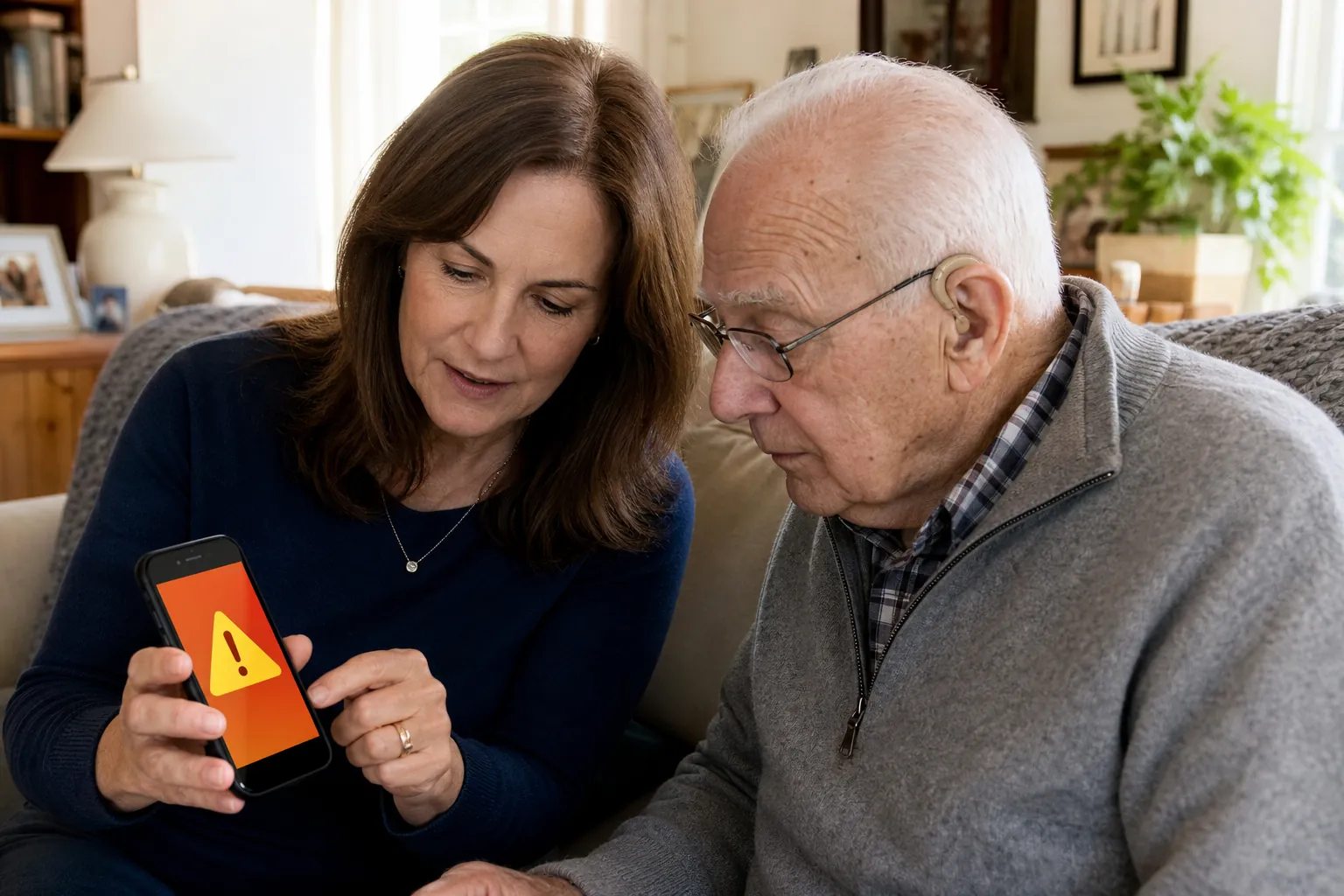
This is the part I would not skip. The phone does not get credit for having a setting turned on until it behaves in the room where the older adult actually uses it.
- Turn the TV or radio on at a normal volume. Put the phone where it usually rests. Send a MyShake test alert if available, and observe whether the person turns toward it without coaching.
- Test sound and vibration separately. If the person often keeps the phone in a purse, walker pouch, recliner side pocket, or on a soft bedspread, vibration may be swallowed. Move the phone to a hard bedside table or a visible charging stand if needed.
- Check silent mode and volume. On iPhone, look at the physical silent switch or Action Button behavior. On Android, check ring, notification, and emergency alert volumes if the phone separates them.
- Check Do Not Disturb, Sleep Focus, bedtime modes, and scheduled quiet hours. A setting that is perfect for spam calls at 10 p.m. may be the reason a warning is missed at 2 a.m.
- Confirm the screen lights up and the message is readable. Increase text size, alert volume, flash notifications, or vibration strength if the phone supports it and the person needs it.
- Confirm location permissions. For MyShake, location should be set to always on.[7] For built-in alerting, location services should not be globally disabled.
- Ask the person what the sound means. Not “Did you hear that?” but “What will you do when this happens?” If the answer is “I’ll run outside,” the setup is not finished.
- Repeat the test from the bed, recliner, bathroom doorway, or wherever the person is most likely to be when the phone is not in hand. The alert that works from a kitchen chair may fail from under a pillow.
For hearing aids, do not assume the phone alert is solved because the aids work beautifully in conversation. Many people charge hearing aids overnight. Some remove them to watch TV. Some hear vibration better than tone; others need the screen to flash. The official WEA sound and vibration are designed to be distinctive and can help people with hearing or vision-related disabilities, but the only useful answer is the one you see in that room.[3]
For vision changes, look at the lock screen from the person’s normal distance. A banner that looks obvious to you at arm’s length may be useless to someone across the room. Raise text size, reduce screen clutter, keep the phone face-up, and make the charging spot consistent. If the phone is usually face-down to avoid glare, the alert plan needs another cue: vibration on a hard surface, voice alert where supported, or a paired wearable if the person already uses one.
Turn the warning into one safe action
The alert may buy only a short window. The response should not require crossing the room, finding shoes, standing up too fast, or getting to a doorway. Earthquake Country Alliance and Great ShakeOut guidance centers on Drop, Cover, and Hold On when possible: drop to hands and knees, cover head and neck under a sturdy table or desk if available, and hold on until shaking stops.[9][10]
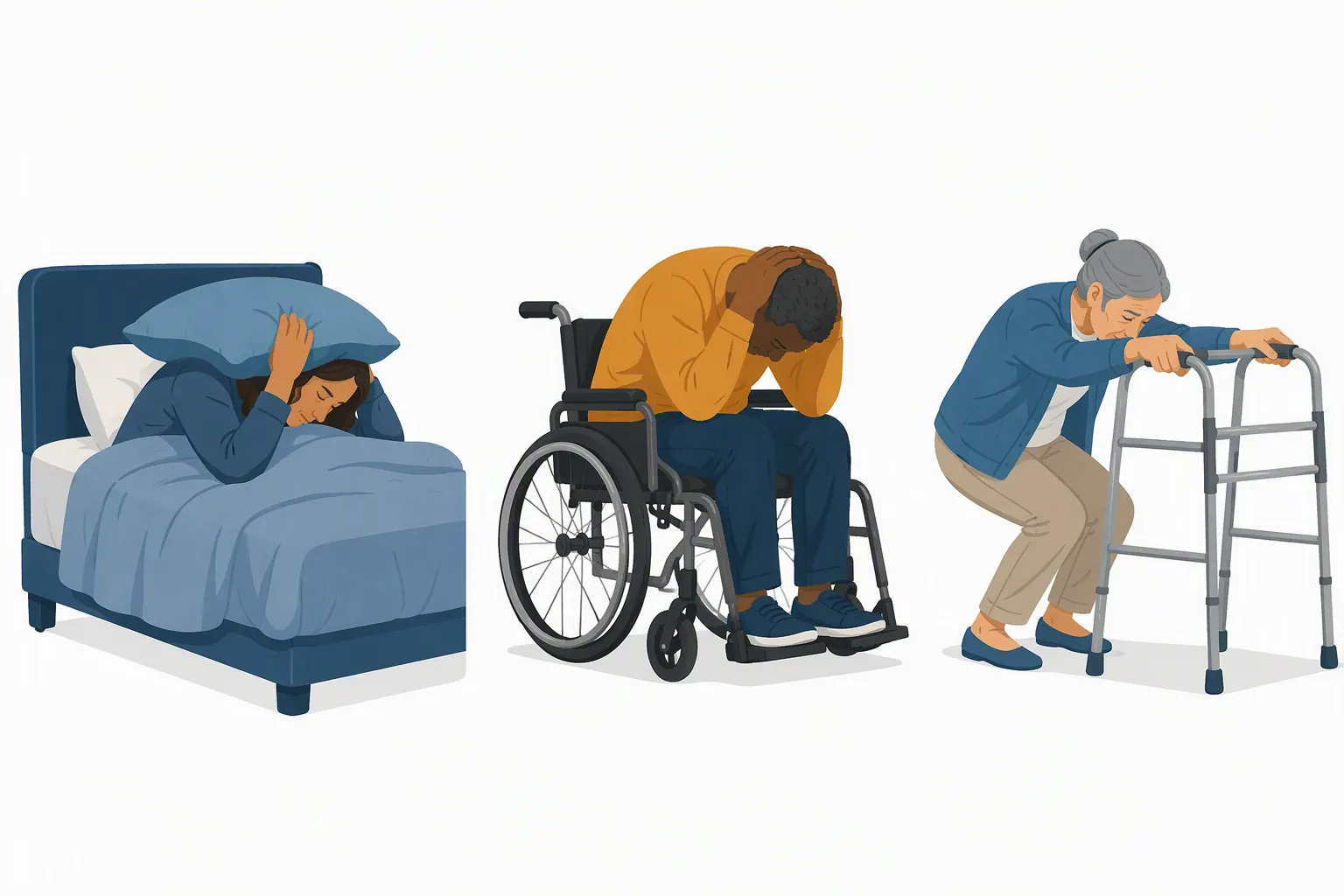
For many older adults, the safer version needs to be chosen ahead of time. The point is protection without adding fall risk.
| If the older adult is... | Practice this response |
|---|---|
| Standing with no mobility aid | Drop, Cover, and Hold On if they can do so safely. If dropping to the floor would likely cause injury, move as little as possible, protect head and neck, and stay away from windows or objects that may fall. |
| Using a cane | Keep the cane close, get low only if safe, and cover head and neck. Do not cross the room to reach a “better” spot once shaking is imminent. |
| Using a walker | Lock or steady the walker if possible, get as low as safely possible, hold on, and protect head and neck. Aging and disability preparedness guidance specifically notes locking walker or wheelchair brakes when relevant.[11] |
| Using a wheelchair | Lock the wheels, bend forward if able, cover head and neck with arms or a pillow, and hold on. Do not try to transfer out of the chair during shaking. |
| In bed | Stay in bed and cover head and neck with a pillow rather than trying to stand up in the dark during shaking.[11] |
| Unable to get to the floor | Cover in place, preferably near an interior wall with nothing overhead, and protect head and neck.[11] |
It helps to turn this into a single sentence the person can remember: “If the alert sounds while I’m in bed, I stay in bed and put the pillow over my head and neck.” Or: “If I’m in the wheelchair, I lock the brakes, lean forward, cover my head, and hold on.” Write the chosen action on a card near the charger if memory, stress, or medication timing makes recall unreliable.
This is also where earthquake planning meets fall prevention. The most dangerous instruction for a frail person may be the one that sounds brave: hurry outside, rush to a doorway, run to the kitchen table. A warning that prevents injury is one that fits the body that has to respond.
One phone setup is not an emergency plan
AARP, citing a NORC survey of 1,012 adults age 50 and older, reported that fewer than a third had created an emergency plan.[12] That is not a reason to turn this phone session into a whole weekend project. It is a reason to keep the phone task clean and finish it, then connect it to the rest of the household plan.
After the alert setup is done, the next practical questions are less about technology and more about the floor, lighting, water, power, and heat. If you are building the wider plan, the same fall-prevention thinking applies to wildfire and heat-dome preparation, water-crisis planning, and power-outage fall prevention. For the mobility side of the earthquake response, keep a household copy of a fall-prevention FAQ or caregiver action handout nearby for the after-shaking cleanup: broken glass, shifted furniture, dark hallways, and spilled water are fall hazards, not just mess.
The done standard
Call the setup finished only when all four things are true: the older adult is in California, Oregon, or Washington for true early warning; Wireless Emergency Alerts, built-in phone alerting, and MyShake have been checked; no impostor app or after-the-fact USGS ENS notification has been mistaken for ShakeAlert early warning; and the person has noticed a test alert under normal home conditions and can say the safest action they will take.
References
- How do I sign up for the ShakeAlert Earthquake Early Warning System? — USGS
- Be ShakeAlert Safe — USGS
- Wireless Emergency Alerts (WEA) — FCC
- Government, Emergency, and Enhanced Safety Alerts on iPhone — Apple Support, December 2025
- Learn more about Google Play services for safety & emergency — Google Android Help
- Android Earthquake Alerts: A global system for early warning — Google Research Blog
- Get Alerts — Cal OES
- MyShake — UC Berkeley
- Step 5: Drop, Cover, and Hold On — Earthquake Country Alliance
- Drop, Cover, and Hold On — Great ShakeOut
- How to Drop, Cover, and Hold On Even When You Can’t — Aging & Disability Services for Seattle & King County, October 14, 2020
- FEMA Disaster Preparedness Tips — AARP
Related reading
Noticed something outdated or inaccurate on this page? Flag a correction. We review every report against CDC, NIA, and AARP HomeFit guidance before updating a page.
Part of the Fall Prevention section.