
Caregiver decision guide
Why Wearable Help Buttons Fail and What Actually Works: A Caregiver's Guide to Passive Monitoring
Traditional medical alert pendants require 100% compliance, but cognitive decline and forgetfulness make them unreliable for the older adults who need them most. This guide explains why passive, camera-free monitoring systems offer a more effective and dignity-preserving alternative for families worried about a parent living alone.
The Hard Truth About Falls at Home
Every year, more than one in four adults aged 65 and older experiences a fall, making it the leading cause of injury for that age group, according to the CDC Foundation. For adult children living hours or states away from an aging parent, that statistic carries a specific kind of dread. You know the phone call could come at any moment — from a neighbor, from the emergency room, from a parent who managed to reach the phone after lying on the floor for hours.
The instinctive response is to buy a medical alert pendant — the classic "I've fallen and I can't get up" button. It seems like a straightforward solution. But the data and real-world experience tell a more complicated story, one that many families discover only after the device has been sitting in a drawer for months.
Why the 'I've Fallen and I Can't Get Up' Button Is an Illusion
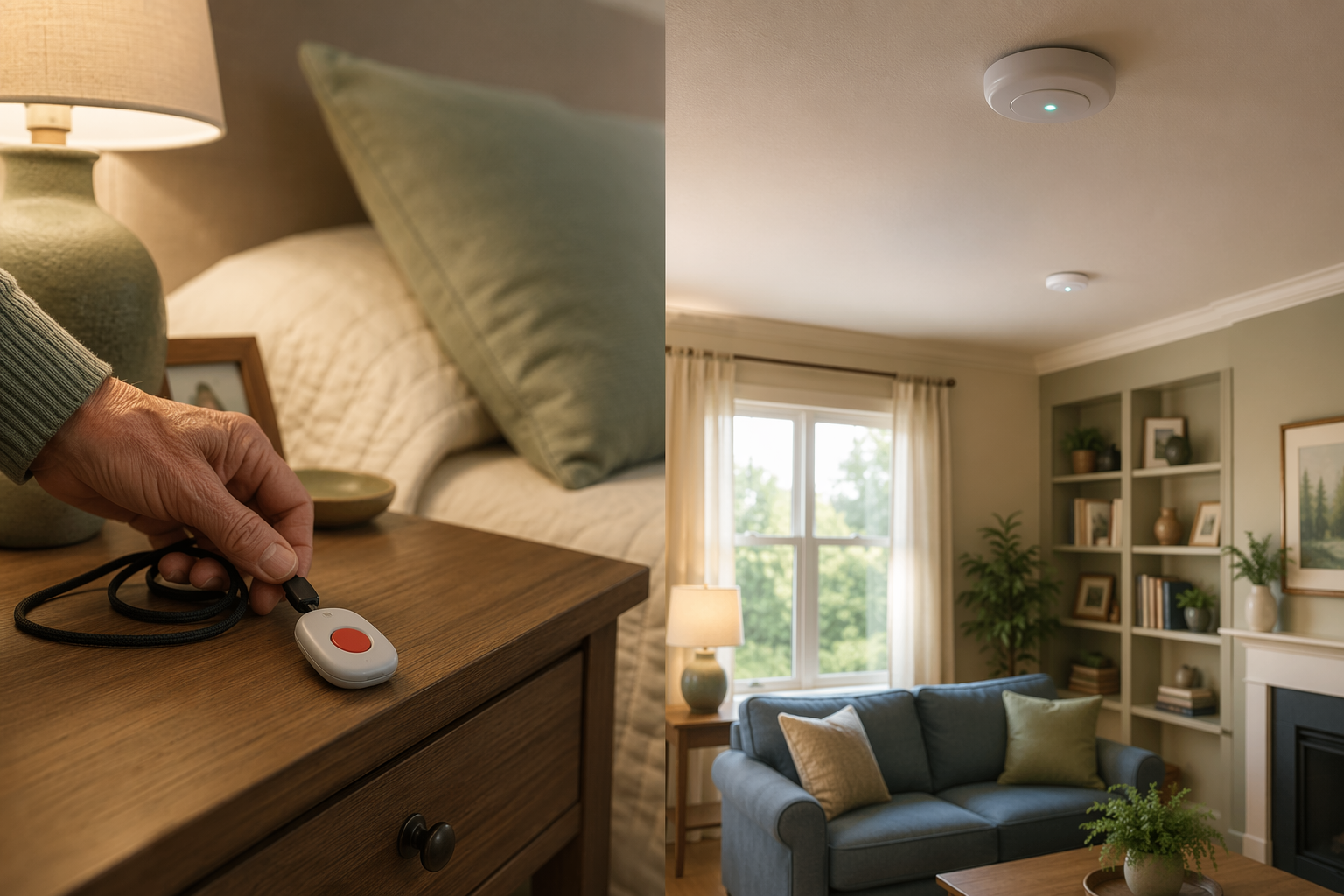
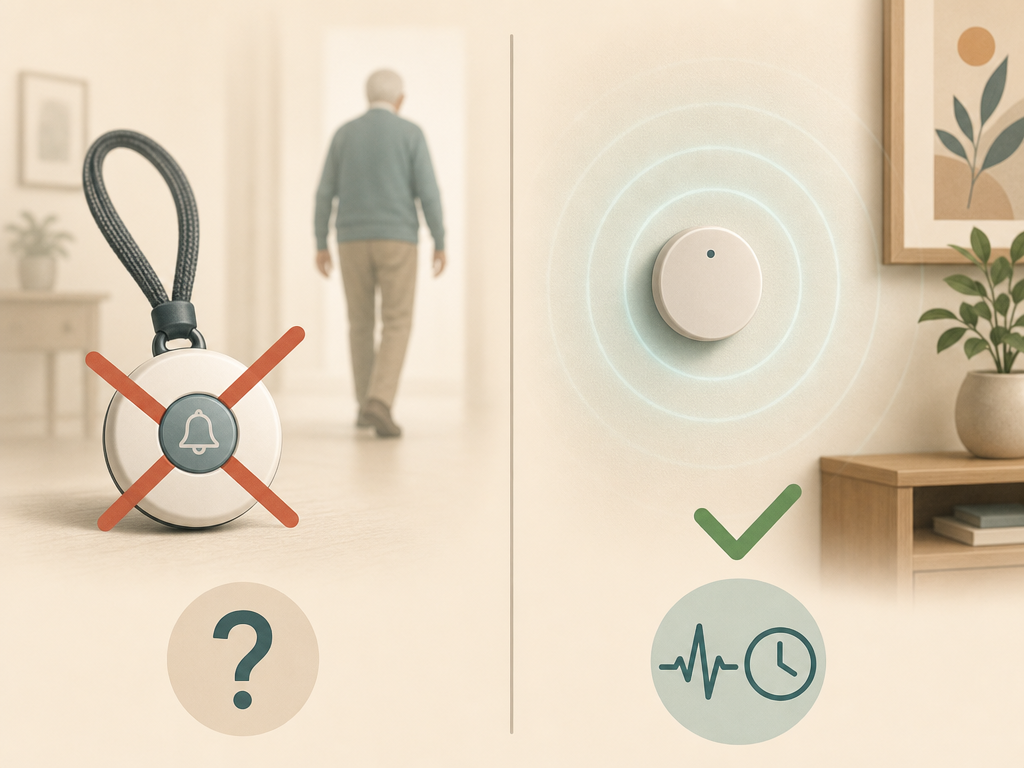
The fundamental problem with wearable help buttons is not the technology — it is the human behavior required to make them work. These devices demand 100 percent compliance: you must wear the pendant or wristband at all times, keep it charged, and remember to press the button when you need help. For an older adult with early cognitive decline, arthritis, or simply the lifelong habit of not wearing jewelry, that level of compliance is unrealistic.
As one remote monitoring guide from envoyatHome notes, emergency rooms regularly see patients who fell while thinking they would be "fine for a quick trip to the bathroom." The pendant was on the nightstand. The pull cord was out of reach. The person assumed they did not need it for a short walk. These are not failures of the device — they are failures of the model that places the entire burden of safety on the older adult's memory and judgment.
This pattern is especially pronounced in the population that needs monitoring most: older adults with memory concerns. A person who cannot remember to take medication or turn off the stove is unlikely to remember to wear a pendant 24 hours a day. The device becomes an expensive talisman — comforting to the family, but functionally inert when a real emergency occurs.
What Passive Monitoring Is (and Isn't)
Passive monitoring represents a fundamentally different approach to safety. Instead of requiring the older adult to actively signal for help, it uses small sensors placed around the home to observe behavior patterns automatically. These sensors detect motion, door openings, temperature changes, and appliance use — all without cameras, microphones, or wearable devices.
The key distinction from active systems is worth emphasizing:
- Active systems (pendants, pull cords, voice-activated assistants) require the person to initiate contact. If they cannot press, pull, or speak, the system does not activate.
- Passive systems (motion sensors, door sensors, bed occupancy monitors) work silently in the background. They detect deviations from normal patterns — like no motion in the kitchen during breakfast time — and alert a family member or monitoring service.
- Video-based monitoring (cameras, nanny cams) is a separate category. While it provides visual confirmation, it raises significant privacy concerns and often feels like surveillance to the older adult. Passive sensor systems avoid this entirely by collecting no images or audio.
The envoyatHome guide describes passive monitoring as using "no cameras, no wearables" and working "silently and practically invisibly in the background." This invisibility is not a bug — it is the feature that makes the system effective for people who would otherwise reject or forget to use a wearable device.
What Passive Sensors Can Detect
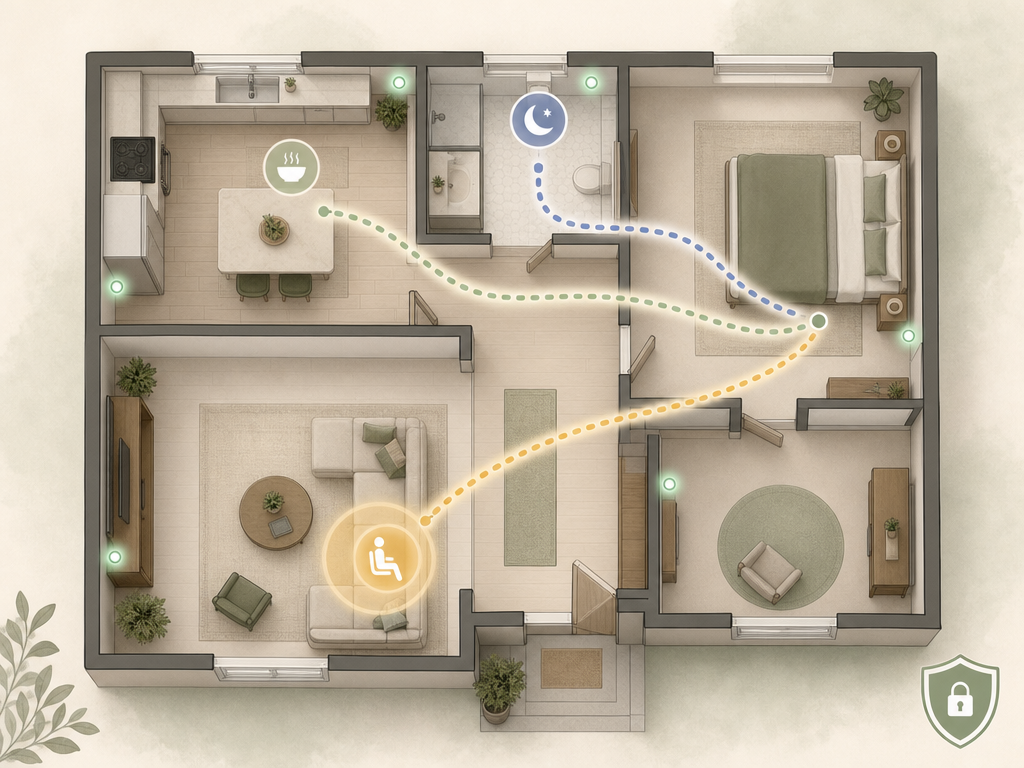
The real value of passive monitoring lies not in detecting a single fall event, but in identifying patterns that signal increasing risk before a crisis occurs. These are the behaviors that caregivers would notice if they lived in the same house, but that become invisible from a distance.
- Nocturia and nighttime activity: Two or more bathroom trips per night are associated with higher fall risk, sleep disturbance, and cognitive decline. A sensor in the hallway or bathroom can detect increased nighttime movement and alert the family to a pattern worth discussing with a doctor.
- Prolonged inactivity: If the bedroom sensor shows no movement by mid-morning, or the kitchen sensor shows no activity during typical meal times, the system can flag a potential problem — a fall, an illness, or a change in functional status.
- Missed daily routines: The system learns what "normal" looks like for a specific person — when they typically get up, when they prepare meals, when they go to bed. Deviations from these routines trigger alerts, allowing early intervention before a small problem becomes a hospitalization.
- Wandering or disorientation: Door sensors can detect when an exterior door opens at unusual hours, which is particularly relevant for older adults with memory concerns who may become disoriented at night.
For a deeper look at how passive monitoring compares to active systems in real-world adoption, see our guide on passive vs. active elderly monitoring systems.
Key Evaluation Dimensions for Choosing a System
Not all passive monitoring systems are created equal, and the right choice depends on the older adult's living situation, cognitive status, and your family's preferences. The table below organizes the most important dimensions to evaluate when comparing systems.
| Dimension | What to Look For | Why It Matters |
|---|---|---|
| Sensor type | Motion-only vs. multi-sensor (door, bed, stove, temperature) | More sensors provide richer behavioral data but increase complexity and cost |
| Camera or no camera | Sensor-only systems use infrared or passive infrared (PIR); camera systems capture images | Camera systems raise privacy concerns and may feel like surveillance; sensor-only preserves dignity |
| Privacy model | Data stored locally vs. cloud; encryption standards; data sharing policies | A 2026 AARP Tech Trends report found data privacy is the No. 1 barrier to technology adoption among adults 50+ |
| Alert type | Family notification (text, app) vs. professional monitoring center | Family alerts are lower cost but require someone to respond; professional monitoring adds monthly fees |
| Installation | Plug-and-play (stick-on sensors) vs. hardwired vs. hub-based | Rental homes or older adults resistant to change may need non-invasive, no-drill installation |
| Subscription cost | Monthly fee range ($20–$60+); contract length; cancellation policy | Cost is a top barrier to technology adoption for older adults, per Statista/McKinsey survey data |
| Response time | How quickly alerts reach you or the monitoring center; fall detection latency | For fall-related alerts, every minute matters; some systems have built-in delay to reduce false alarms |
| Battery life | Sensor battery life (6 months to 2 years); hub backup power | Frequent battery changes create maintenance burden; look for systems with low-battery alerts |
For a more comprehensive decision framework that walks through each of these dimensions in detail, see our monitoring technology decision framework for aging parents.
How to Talk to Your Parent About Monitoring
The most technically perfect monitoring system is useless if the older adult refuses to have it in their home. And many will refuse — not because they are stubborn, but because the conversation is often framed around loss of independence rather than its preservation.
The framing matters enormously. Here is what experienced caregivers and geriatric care managers recommend:
- Lead with independence, not surveillance. Say: "This system helps you stay in your own home longer because we can see if you need help without you having to call us." Not: "We need to watch you to make sure you're safe."
- Emphasize what it does not do. Be explicit: no cameras, no microphones, no one watching them. The system only detects motion patterns — it cannot see them in the bathroom or bedroom.
- Involve them in the choice. Show them the sensor — it is small, white, and blends into the ceiling or wall. Let them decide where it goes. Shared decision-making reduces resistance.
- Acknowledge the trade-off. It is honest to say: "I know this feels like a loss of privacy. But the alternative is me calling you three times a day to check in, or you moving to assisted living. This is the middle ground."
- Start with a trial period. Many systems offer 30-day trials. Frame it as an experiment: "Let's try it for a month. If you hate it, we take it out." Most people stop noticing the sensors within a week.
For more guidance on navigating these conversations, especially when cognitive decline is a factor, see our article on elderly monitoring systems for dementia and wandering, which addresses acceptance challenges specific to memory impairment.
When to Consider Passive Monitoring
Passive monitoring is not the right solution for every family, but there are specific situations where it becomes the most practical and effective option. Consider it when:
- After a fall. If your parent has already fallen — even if they were not injured — the risk of a second fall is significantly higher. A passive system can detect the next fall and alert you immediately, without relying on them to press a button.
- After a memory concern diagnosis. Mild cognitive impairment or early-stage dementia makes wearable compliance unreliable. Passive monitoring works regardless of whether the person remembers it exists.
- When the parent stops wearing their help button. If you find the pendant in a drawer or on the nightstand, that is not a failure of effort — it is a signal that the wearable model does not fit their life. Switch to a system that does not depend on compliance.
- When functional decline becomes noticeable. Slower movement, skipped meals, weight loss, or increased confusion are all signs that daily life is becoming harder. Passive monitoring can quantify these changes and help you decide when more support is needed.
- When you live far away. Long-distance caregivers cannot rely on weekly phone calls or occasional visits to assess safety. Passive monitoring provides daily, objective data about whether your parent is moving, eating, and sleeping normally.
Passive monitoring works best as part of a broader care plan that includes regular medical check-ins, home safety assessments, and social connection. It is not a replacement for human care — it is a tool that helps you provide that care more effectively, from any distance.
For a broader view of how monitoring fits into a comprehensive home care strategy, see our guide on the layered home intervention path to senior care.
Questions to bring to a clinician or OT
This is not medical, legal, or a family's final decision — only a framework. Bring these questions to a clinician, occupational therapist, or your local Area Agency on Aging.
Find Local HelpRelated reading
Noticed something outdated or inaccurate on this page? Flag a correction. We review every report against CDC, NIA, and AARP HomeFit guidance before updating a page.