
Caregiver decision guide
Why Your Older Parent Resists Technology — and What Actually Works
Older adults' technology resistance is not stubbornness — research shows it is driven by identifiable psychosocial and cognitive barriers. This article explains the real drivers behind the resistance and offers evidence-based strategies family caregivers can use to help their aging parents adopt helpful technology.
The most common sentence I hear from adult children trying to help an older parent with technology is some version of this: “I showed her. She understood it. Then she never used it again.”
That loop is maddening. You set up the portal, write down the password, enlarge the font, place the tablet on the kitchen table, and explain the same three taps again. Your parent nods. Then, when the appointment reminder comes or the grandchild sends a photo, the device sits untouched. If you are helping an older parent with technology while also managing work, your own household, and a quiet fear that something unsafe will happen when you are not there, it is easy to read the refusal as stubbornness.
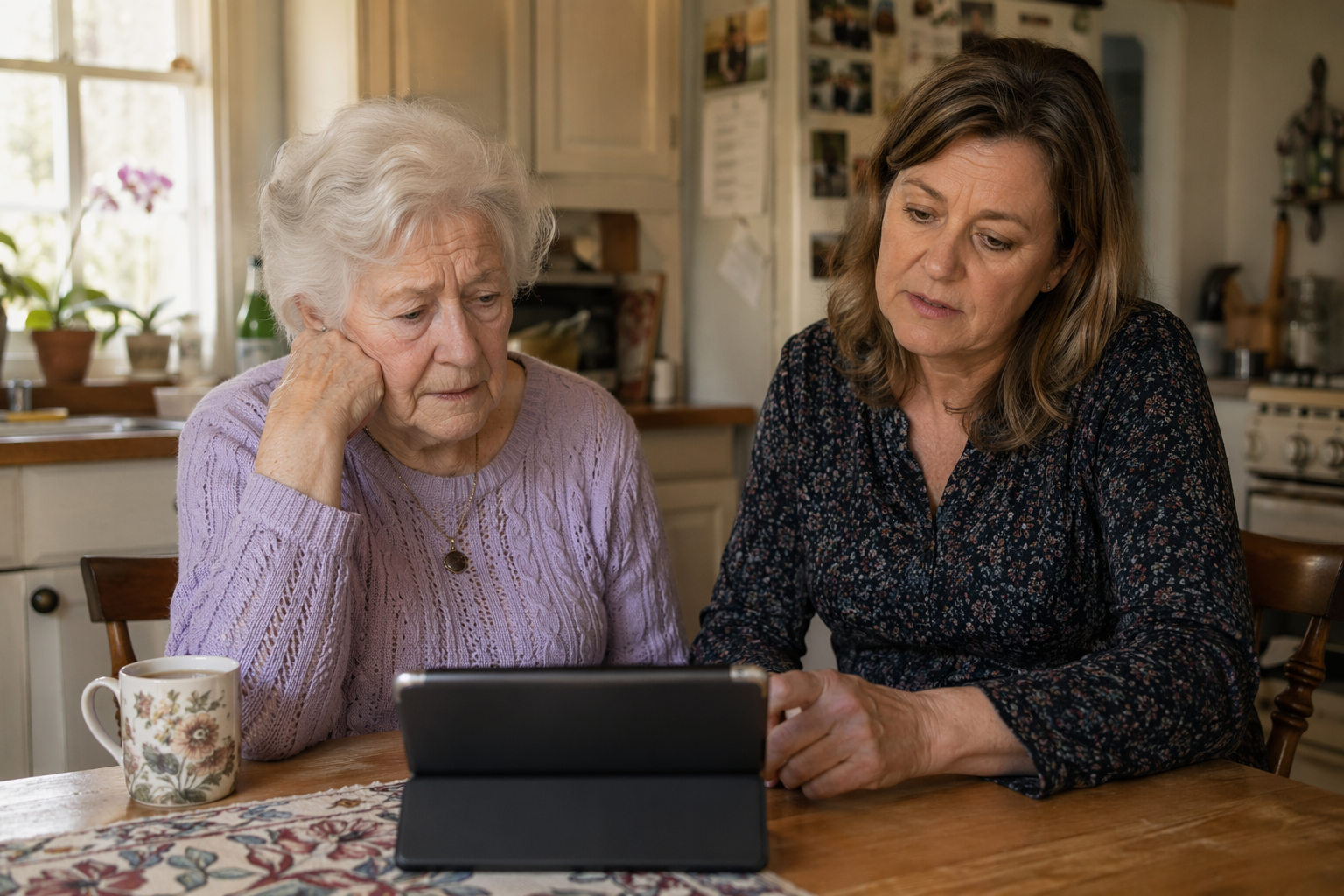
Sometimes it is refusal. More often, it is threat. The device has become a place where your parent feels slow, exposed, watched, tricked, or dependent. Once that happens, another explanation may only deepen the problem. The issue is no longer just where to tap; it is whether your parent still feels competent while learning.
A 2024 systematic review of 29 studies involving 6,213 adults age 60 and older grouped barriers to digital technology use into five domains: demographic-socioeconomic, health-related, dispositional, technology-related, and social. The review identified dispositional barriers—such as a conservative mindset, low motivation, fear of fraud, and fear of failure—as especially important because they are significant and also more changeable than many other barriers [1].
That distinction matters. A parent’s age, arthritis, income, education, vision, Wi-Fi access, and device design may all affect use. But the moment that often breaks the lesson is dispositional: “I’m no good at this,” “I’ll press the wrong thing,” “They’re trying to scam me,” “People my age don’t do this,” or “If I need this, I must be getting worse.”
Resistance is real, but it is not all the same thing
One useful study from Weill Cornell looked at 187 adults ages 65 to 92 and found that 51% fell into a “reluctant to technology” cluster. People in that cluster needed more help, reported less confidence, and had more privacy concerns. The predictors were not simply age or income; they included lower openness to experience, higher perception of aging-related loss, and crystallized intelligence [2].
That 51% figure should not be stretched too far. The sample was 78% female and 84% had at least some college education, so it does not speak equally for every rural, low-income, male, less-educated, or culturally different group of older adults [2]. Still, the pattern is useful because it gives families a better question than “Why won’t Dad just try?”
The better question is: what kind of barrier is showing up?
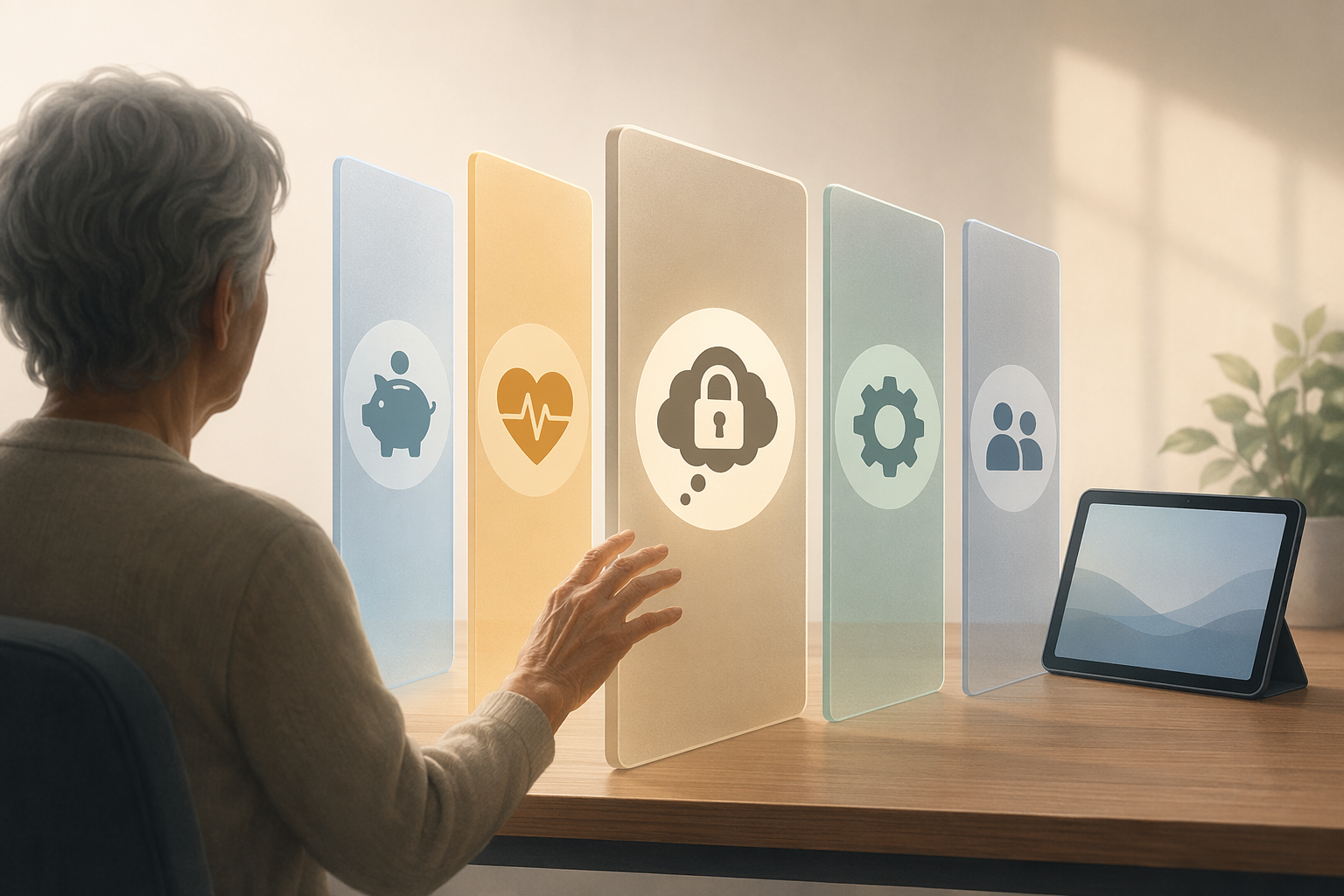
| Barrier domain | What it may look like at home | What a caregiver can easily misread |
|---|---|---|
| Demographic-socioeconomic | Limited internet access, cost concerns, less prior exposure to computers or smartphones | “They just don’t care enough to learn.” |
| Health-related | Low vision, hearing loss, tremor, fatigue, pain, cognitive changes | “They understood yesterday, so they should remember today.” |
| Dispositional | Low confidence, fear of scams, fear of failure, shame, low motivation, internalized beliefs about being too old | “They’re being negative.” |
| Technology-related | Small buttons, confusing menus, frequent updates, password resets, alerts that sound alarming | “It’s simple if they would slow down.” |
| Social | Family members take over, no patient practice partner, lack of peer support, pressure during lessons | “We helped them, so the support is there.” |
This is where many families lose time. They respond to every barrier as if it were a knowledge gap. They explain again. They make a new password sheet. They point more slowly. But if the real barrier is fear of fraud or humiliation, another explanation can feel like another test.
Low confidence can look like refusal
Technology self-efficacy is a plain phrase for a powerful thing: the belief that “I can handle this.” When an older adult has low technology self-efficacy, even a simple action can feel risky. Opening a text message may raise the question, “What if I click the wrong thing?” Logging into a medical portal may raise another: “What if I see something I don’t understand and cannot get back out?”
Families often underestimate how quickly confidence can be damaged. If a parent asks for help and the adult child takes the phone, fixes the problem silently, and hands it back, the task is completed. The message underneath may be: “This is too hard for you.” No one meant to send that message. Everyone may be tired. Dinner may be getting cold. But the parent has now had one more experience of being rescued from the device instead of being guided through it.
In a 2017 focus group study, older adults described this exact pattern: family members often “do it for them” rather than helping them learn. The same study found that participants valued hands-on training and printed step-by-step guides because those supports helped them retain what they learned [3].
That finding stings because the takeover usually comes from love, not disrespect. Adult children are often trying to save time, prevent a mistake, or spare their parent embarrassment. But if the goal is future use, doing the task for the parent is different from helping the parent do the task. One produces a completed setup. The other produces practice, memory, and a small deposit of confidence.
Self-ageism makes the lesson harder before it starts
Some parents arrive at the lesson already convinced that people their age cannot learn new technology. They may say it directly: “I’m too old for this.” Other times it comes out sideways: “You young people grew up with this,” or “My brain doesn’t work that way anymore.”
Those comments are not harmless small talk. They can become instructions the person gives to themselves. If your parent believes the mistake proves decline, every wrong tap becomes evidence. If they believe needing help means losing independence, the device becomes a symbol of what they are trying not to admit.
This is also why cheerful pushing can backfire. “Come on, it’s easy” may be meant as encouragement. To the person struggling, it can sound like, “This is easy for everyone except you.” A better tone is matter-of-fact: “This screen is badly designed,” “Lots of people miss that button,” or “Let’s practice the same path three times so your hand remembers it.”
The goal is not to flatter. It is to remove the false conclusion that a technology mistake is proof of personal failure.
Fear of fraud is not irrational
Many older adults who resist smartphones, portals, payment apps, or monitoring devices are not afraid of the device itself. They are afraid of what may come through it: scam calls, strange links, fake alerts, password theft, hidden charges, or someone watching them. The Weill Cornell reluctant group reported more privacy concerns, and the 2024 review includes fear of fraud and failure among important dispositional barriers [1][2].
A caregiver may hear suspicion and think, “There she goes again.” But some suspicion is protective. The problem is not that the parent worries about fraud; the problem is that the worry may be so broad that it blocks even safe, useful actions.
This is one place where vague reassurance is weak. “Don’t worry, it’s safe” asks the parent to borrow your confidence. A stronger approach is to make the safety rule visible and repeatable: which messages to ignore, which numbers to call, which links never to touch, and what to do before entering a password. The parent should not have to decide under pressure while an alert is blinking.
Motivation depends on whose problem the technology solves
A device can solve the caregiver’s problem and still feel useless to the parent. A portal may help you track appointments. A medication app may reassure you. A monitoring device may reduce your fear when your parent is home alone. None of that automatically gives the parent a reason to use it.
Lack of motivation appears in the 2024 review as part of the dispositional barrier picture [1]. At the kitchen table, it often sounds like, “I’ve managed this long without it,” or “If I need something, I’ll call.” Those sentences can be frustrating, especially when you can see the risk more clearly than your parent can. But motivation rarely improves when the adult child keeps explaining the benefit from the caregiver’s side.
The practical question is: what does the parent get to keep, regain, or enjoy? A video call may mean seeing a grandchild’s face instead of hearing about the child later. A ride app may mean going somewhere without asking for a favor. A medication dispenser may mean fewer reminder calls. A medical alert system may mean staying home with less argument about safety. The same tool lands differently when it is connected to the parent’s own independence rather than the family’s anxiety.
What actually helps, without turning every visit into a lesson
Helping an older parent use technology does not require you to become a professional trainer. It does require a different habit: stop treating the device as the only thing being taught. Confidence, control, and safety rules are being taught too.
Let your parent keep the device in their own hands
If you take over, narrate the reason and return control quickly: “I’m going to fix the Wi-Fi setting because this part is not the skill we’re practicing. Then you’ll do the portal login.” For the skill you want them to keep, their finger should do the tapping. Your job is to slow the room down enough for that to happen.
Practice one useful path, not the whole device
A smartphone is too large a subject. “Open the message from your daughter and send a heart back” is a learnable path. “Check tomorrow’s appointment in the portal” is a learnable path. “Press the alert button and cancel the test call” is a learnable path. The parent does not need a tour of every icon before using one function that matters.
Use printed guides for repeatable tasks
Printed steps can look old-fashioned, but they reduce the need to remember under stress. They also let your parent try again when you are not sitting there. The 2017 focus group study supports the value older adults placed on hands-on training paired with printed step-by-step guides [3].
- Write the steps in the same words your parent uses, not the words the device uses.
- Include what the screen should look like after each step.
- Add a “Stop and call me if you see…” line for unfamiliar alerts.
- Keep one guide per task. A crowded packet becomes another barrier.
Build in safe failure
A parent who fears mistakes needs practice making small, harmless ones and recovering. Let them close the app and find it again. Let them type the password wrong once and see what happens. Let them press the back arrow. The lesson is not “never make an error.” The lesson is “an error does not mean I am trapped.”
Separate teaching time from crisis time
The worst time to teach a portal is ten minutes before a telehealth appointment. The worst time to teach a medical alert device is after a fall scare. Crisis teaching turns every delay into danger and every mistake into proof that this will never work. If the tool matters, practice before it is needed.
This is where caregiver guilt can creep in. You may know the calmer approach is better and still find yourself grabbing the phone because you have a meeting in twenty minutes. That does not make you careless; it means the teaching plan has to fit real family life. If the emotional load of caregiving is becoming its own problem, it may help to name it directly rather than bury it inside another technology argument. See The Hidden Emotional Toll of Caring for Aging Parents.
When the barrier is not mainly psychological
The dispositional barriers deserve attention because they are often missed and often changeable. But they are not the whole story. A parent with macular degeneration may not need more confidence; they may need a different interface. A parent with painful hand tremors may not need encouragement; they may need voice control, larger switches, or a less demanding device. A parent with progressing cognitive impairment may learn a routine today and lose it tomorrow.
Foundational CREATE research on older adults and technology use has long treated adoption as the product of multiple factors, including individual abilities, attitudes, experience, and system demands [4]. That broader view protects families from over-personalizing the problem. Sometimes the parent is not resisting the right tool. Sometimes the family has chosen the wrong tool for the parent’s actual abilities, setting, or risk level.
Before trying another round of persuasion, look at the fit:
- Can your parent see and hear the prompts comfortably?
- Does the tool require passwords, charging, updates, or app navigation that exceed what they can reasonably manage?
- Does the tool ask them to initiate action during stress, pain, or confusion?
- Does it preserve privacy and consent, or does it feel like surveillance?
- Is the benefit clear to your parent, not just to you?
That last question is especially important for monitoring. Active systems ask the older adult to press, wear, charge, answer, or remember something. Passive systems may reduce the need for daily action, but they raise their own consent and privacy questions. If your parent repeatedly rejects an active tool, a comparison of passive vs. active elderly monitoring systems may be more useful than another lecture about remembering to press the button.
A different technology may be the respectful answer
There is a point where persistence becomes pressure. If a parent consistently experiences a tool as humiliating, frightening, or invasive, the answer may not be better teaching. It may be a simpler device, a lower-tech backup, an environmental change, or a different care arrangement.
Technology is only one part of aging in place. A medication app will not fix unsafe stairs. A video doorbell will not solve wandering. A smartwatch will not make living alone safe if the person cannot interpret alerts, charge the device, or respond appropriately. For broader planning, it can help to compare technology with home changes using a risk-based priority guide to aging-in-place home modifications.
If the concern is escalating beyond inconvenience—missed medications, repeated falls, stove incidents, wandering, exploitation, or inability to call for help—the question is no longer only how to improve adoption. It is whether the current living situation is safe. In that case, review warning signs that aging in place may no longer be safe before relying on a device to carry more responsibility than it can.
If your parent still says no
A no is information. It may mean “I don’t understand.” It may mean “I’m scared.” It may mean “I don’t trust this company.” It may mean “I don’t want you monitoring me.” It may also mean “I understand the tradeoff and I do not consent.” Those are different answers, and they deserve different responses.
Families sometimes talk about technology as if adoption is automatically the moral victory. It is not. A device that preserves safety while stripping away dignity will not feel like help to the person wearing it, carrying it, or being watched by it. Consent is not a decorative step at the end of setup; it is part of whether the tool fits.
If your parent is open to exploring options after the resistance is better understood, then it may be time to look at broader categories of aging-in-place technology. Start with Beyond the Panic Button: A Caregiver’s Guide to Technology Categories or a more specific overview of elderly monitoring system categories. If you want a companion piece on why some older adults adopt technology more readily than others, see Why Some Older Adults Embrace Technology and Others Don’t.
But do that after you have named the barrier. Otherwise, the family simply carries the same conflict from one device to the next.
The goal is not to win an argument about technology. It is to reduce threat, rebuild confidence, preserve consent, and choose tools that fit the person in front of you.
References
- Barriers and facilitators to the use of digital technologies by older adults: a systematic review, BMC Public Health, 2024.
- Personality, cognition, and technology use in older adults: identifying reluctant technology users, PMC, 2025.
- Older Adults Perceptions of Technology and Barriers to Interacting with Tablet Computers: A Focus Group Study, Frontiers in Psychology, 2017.
- Factors Predicting the Use of Technology: Findings From the Center for Research and Education on Aging and Technology Enhancement (CREATE), Psychology and Aging, 2006.
Questions to bring to a clinician or OT
This is not medical, legal, or a family's final decision — only a framework. Bring these questions to a clinician, occupational therapist, or your local Area Agency on Aging.
Find Local HelpRelated reading
Noticed something outdated or inaccurate on this page? Flag a correction. We review every report against CDC, NIA, and AARP HomeFit guidance before updating a page.